DEQX User Manual
Once the microphone is in place, follow the measurement procedure given for speakers
(starting on page 47), but with the following specific differences.
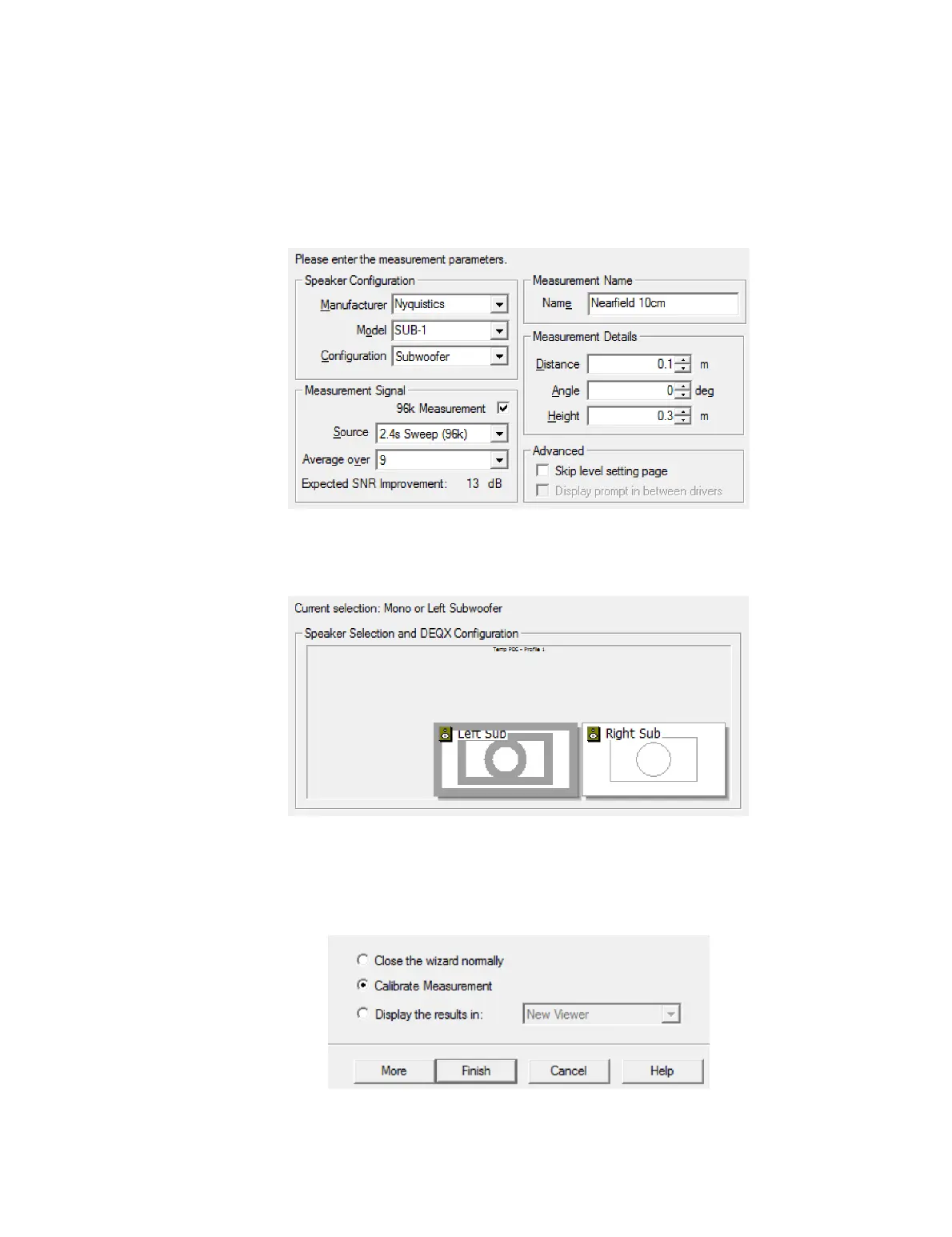
Screen 3. Select “Subwoofer” for the Configuration parameter. For Source, select the
longest sweep available.
Screen 5. Select the subwoofer being measured. If using stereo subwoofers and both
subwoofers are identical, there is no need to measure both of them. If they are not
identical, then you will need to measure both.
Screen 6. For a nearfield subwoofer measurement, measurement levels can peak in the
100 to 110 dB range.
Screen 9. Select “Calibrate Measurement” and click Finish to jump directly to the
calibration wizard, or click More to measure a second subwoofer.



 To Next Page