DEQX User Manual
4.5 USER MODE
The User Mode button accesses diagnostic and testing functions built into the DEQX.
These must be used only on the advice of DEQX Support.
It is important that you do not attempt to use these functions except on specific advice
from DEQX Support. Attempting to do so can potentially cause damage to your
speakers or amplifiers.
4.6 BATTERY REPLACEMENT
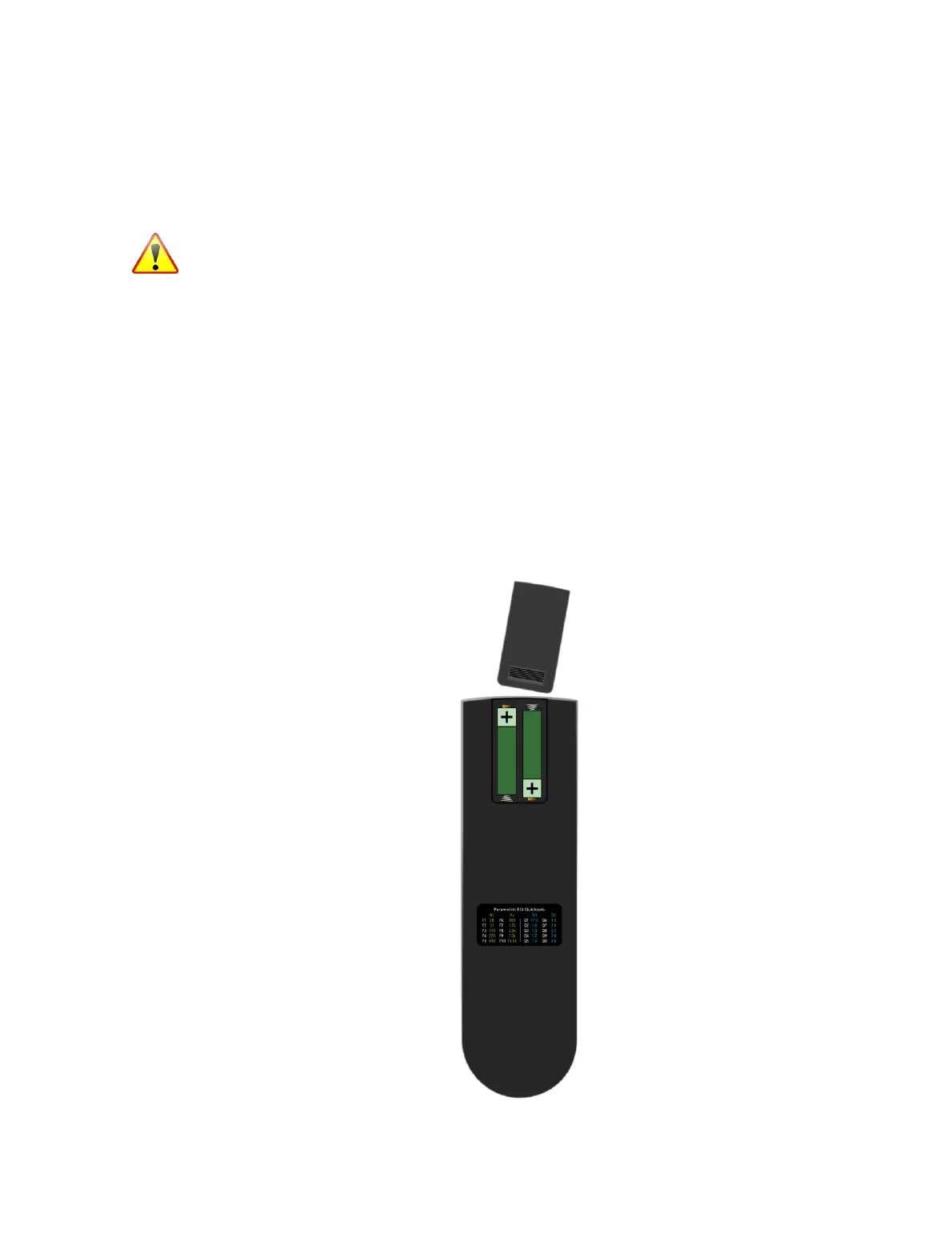
The remote control takes two AAA size batteries. The battery compartment is at the
top rear of the remote control. To install the batteries, open the battery cover at the
back of the remote control by sliding it upward. Install the batteries with + and – signs
matching the + and – signs in the compartment.
Replace the cover by sliding it back into place. If the remote control does not work,
check that the batteries have been installed correctly.
The batteries will run down over time and with use. Replace both batteries when this
occurs.



 To Next Page