Chapter 4. The DEQX Remote
4.3 VOLUME, MUTE AND STANDBY
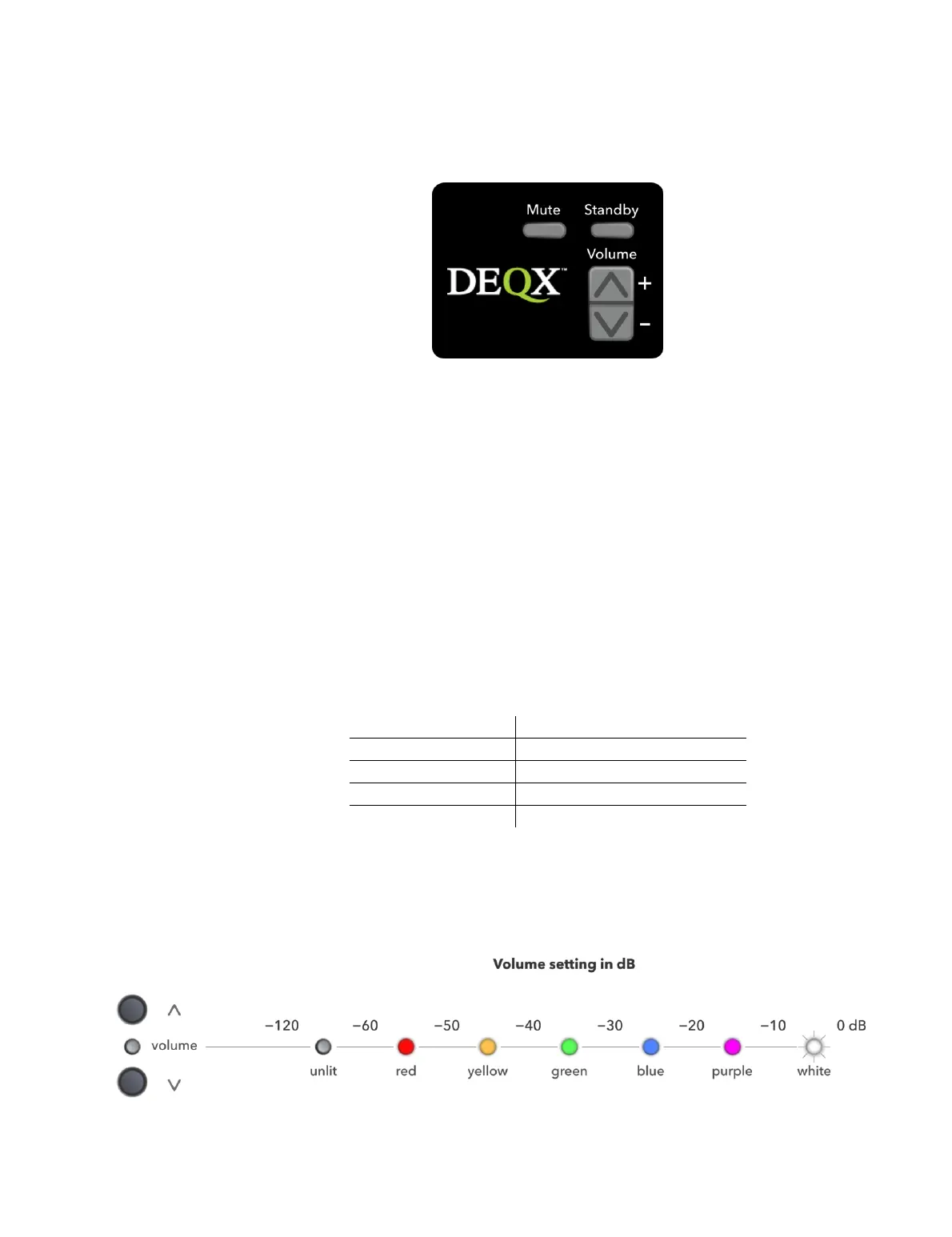
Mute
Mutes all outputs. The Volume LED on the front panel will flash while the DEQX is
muted (unless the level is below 60 dB, in which case the Volume LED is not lit at
all).
Standby
Takes the DEQX out of standby mode, or puts it into standby mode. In standby
mode, the I/O LED is red. When out of standby mode, the I/O LED is yellow,
green, or white (see page 26). In the case of the HDP-5 and PreMATE+, the
touchscreen becomes active when the DEQX is taken out of standby mode.
Volume + and –
Increase or decrease the master volume level. The change in volume on each
button press depends on the current volume setting:
Volume step size (approx.)
Below −120 dB, the DEQX is effectively muted. The Volume LED provides an
indication by color of the volume setting in 10 dB ranges, as illustrated in the
diagram below.



 To Next Page