Chapter 4. The DEQX Remote
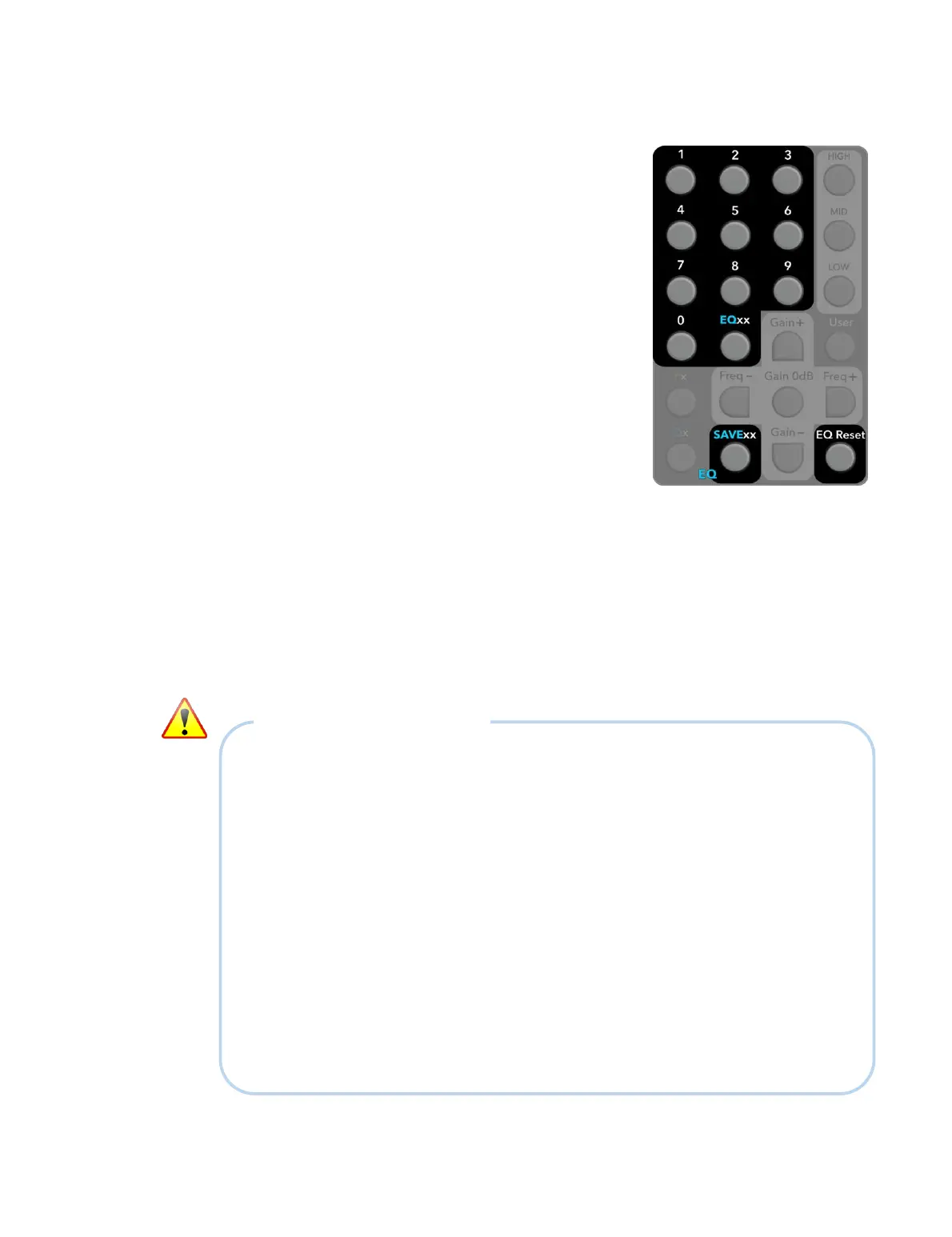
To save the current EQ settings to a preset:
Press SAVExx and then two digits. All three
Profile LEDs will briefly light green. The current
EQ settings will be stored in the preset given by
the two digits. (For example, to save to preset 57,
press SAVExx, then 5, then 7.)
To recall EQ settings from a preset:
Press EQxx and then two digits. Provided that EQ
settings have previously been saved to the given
preset, those settings will be loaded into the
current profile. (For example, to recall preset 57,
press EQxx, then 5, then 7.)
All three Profile LEDs will briefly light green if the
recall operation was successful. If there were no
settings stored in that preset, the LEDs will not
change.
To reset the current EQ settings:
Press EQ Reset. All three Profile LEDs will briefly light green. The three EQ bands
of the currently selected profile will be reset to their default values. That is: gains
set to zero, and frequencies and Q set to the values given in Table 2 (page 35).
NOTES ON PREFERENCE EQ
x Be careful when using boost with EQ, as strong boost can potentially demand a lot
of additional amplifier power. (3 dB boost requires twice the amplifier power at that
frequency; 6 dB boost requires four times the amplifier power at that frequency.) At
low frequencies, boost can potentially cause your speakers to run into excursion
limits, limiting dynamic range and in extreme cases even causing damage. Always
listen to the effects of any EQ and “back off” if any distortion is heard.
x When running a room measurement (Chapter 10), the effects of Preference EQ will
be included in the room measurement if the “Include parametric filters” option is
checked. If that is not desired, press EQ Reset first.
x The Preference EQ will be disabled if any of the profiles currently loaded into the
DEQX use more than seven EQ bands for Room EQ (Chapter 12).
x Preference EQ commands are not transmitted over the RS-232 link from master to
slave units (Chapter 14).



 To Next Page