DEQX User Manual
15.3 CONFIGURATION TAB
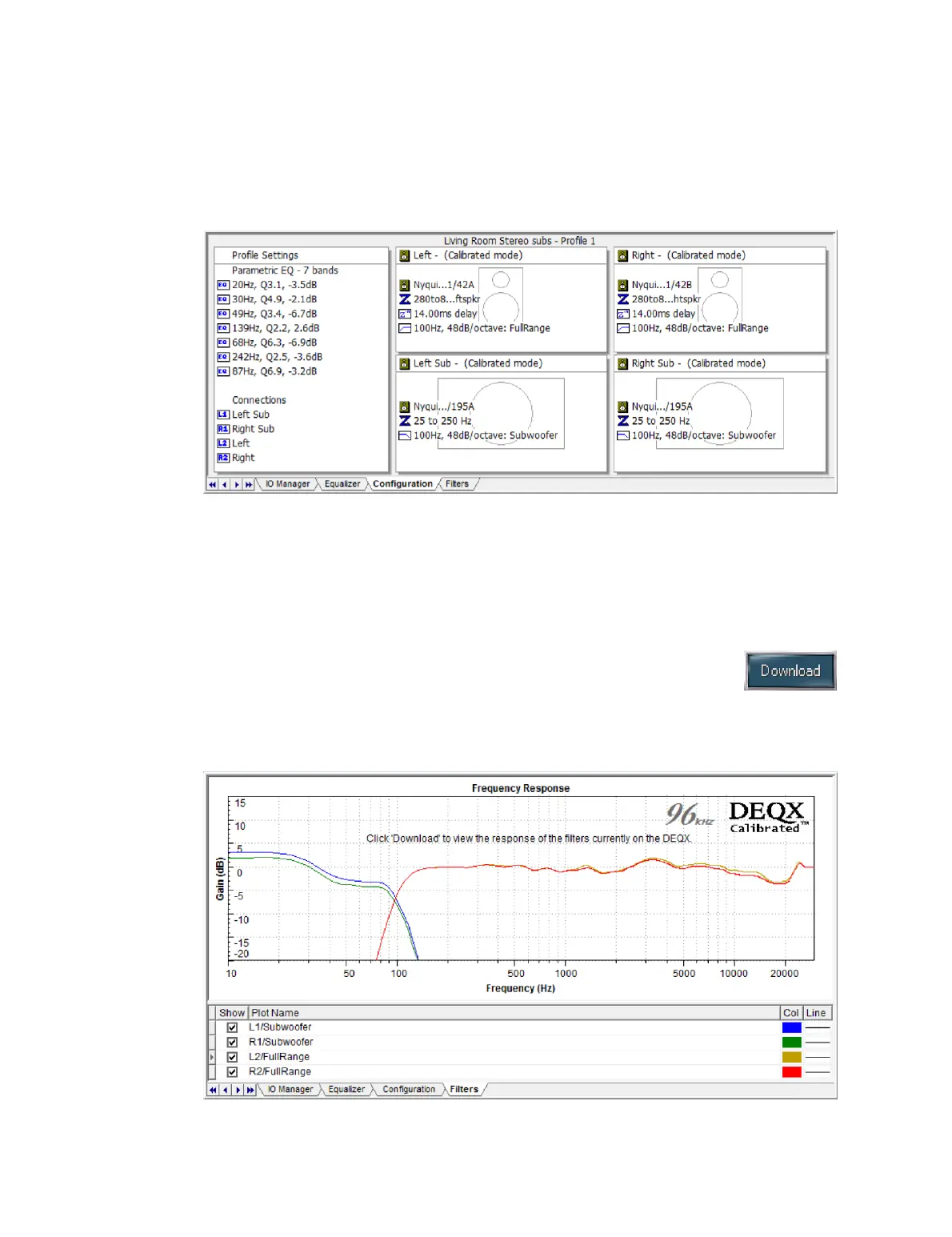
The Configuration tab displays the configuration data that is currently loaded into the
connected DEQX. Click the Profile buttons to view the configuration of each profile.
This tab cannot be used to modify the configuration. (To modify the configuration,
open the configuration window and update it as described on pages 73 to 79. Then click
the Save All to DEQX button to upload the updated configuration to the DEQX.)
15.4 FILTERS TAB
The Filters tab displays the filters that are currently loaded into the
connected DEQX. Click the Download button to fetch the current set of
filters, then click the Profile buttons to view the filters loaded into each
profile. This tab cannot be used to change the filters. (To change the filters, use the
configuration window as described above.)



 To Next Page