18 OPTIONS AND CUSTOMIZATION
DEQX-Cal has many configuration options that control its behavior and appearance.
This chapter provides a reference for them.
18.1 OPTIONS DIALOG
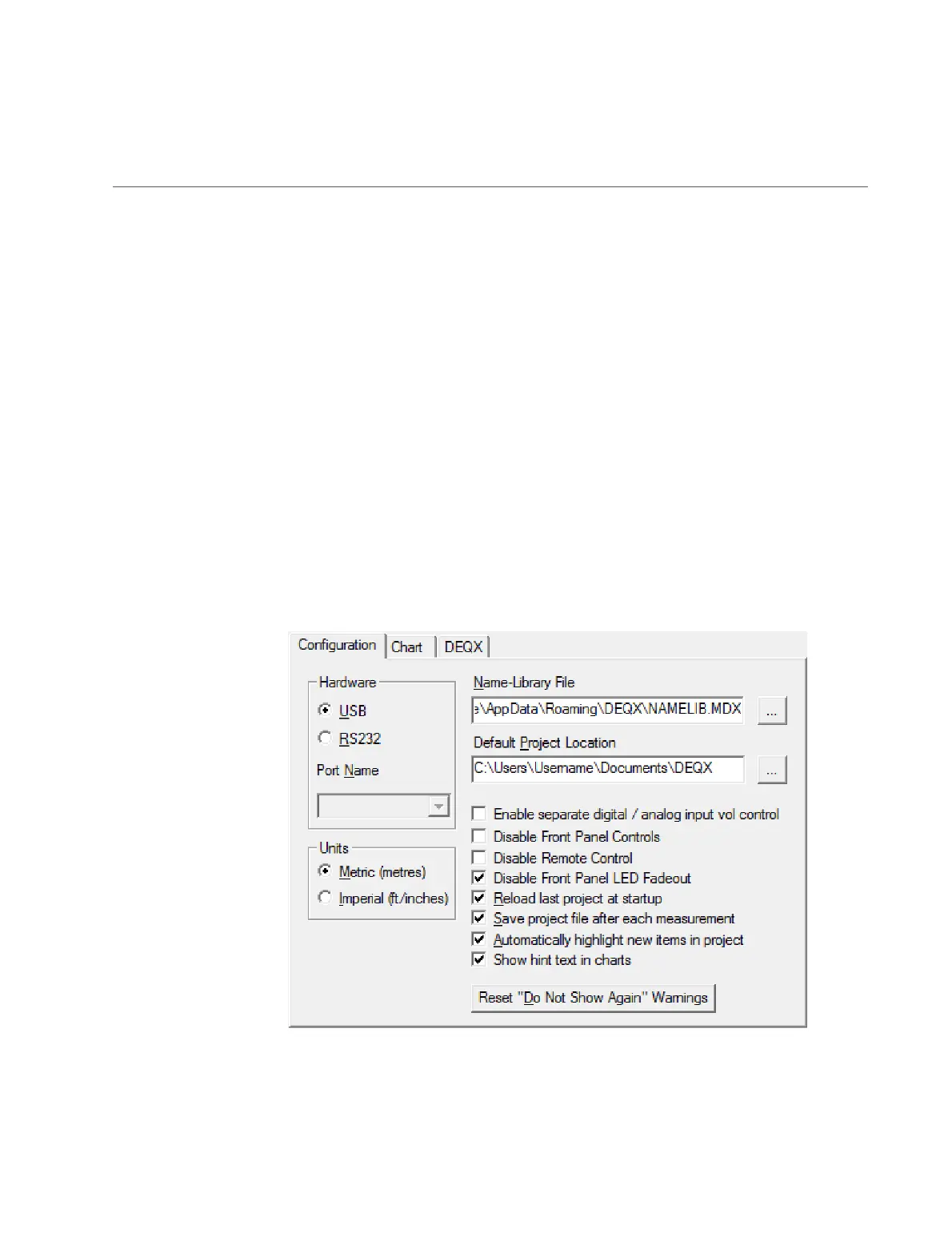
The Options dialog is opened from the Tools menu. After changing any options, click
Apply to make them take effect without closing the dialog, or OK to make them take
effect and close the dialog.
18.1.1 Configuration tab
This tab holds most of the key options. (See the next two pages for descriptions.)



 To Next Page