DEQX User Manual
There are two ways to copy data between projects:
Room measurements. Drag and drop a “room” (the top level item) from the ROOM
MEASUREMENTS folder of one project onto the ROOM MEASUREMENTS folder of
another project. All of the measurement positions and the individual measurements
underneath them will be copied over.
Configurations. Drag and drop a configuration from the PDC CONFIGURATIONS
folder of one project onto the PDC CONFIGURATIONS folder of another project. All
of the data associated with that configuration will be copied over, including EQ
settings, correction filters, and the speaker measurements used to create the
correction filters.
While the intent of multiple projects is to create a project for distribution and not as a
way to continue development work, it is still possible to create calibration templates
from the data contained in a copied configuration. This feature is provided so that
refinements or adjustments to correction filters can be made on-site i.e. after
distribution of the project. (It is not intended to be a way to recreate the full original
calibration template in a different project.)
1. Open the configuration and select the profile containing the relevant correction
filters.
2. Click on one of the speaker or subwoofer icons.
3. Click the “Open Template” button. (Or right-click anywhere in the
Configuration tab and select “Open Template” from the popup menu.)
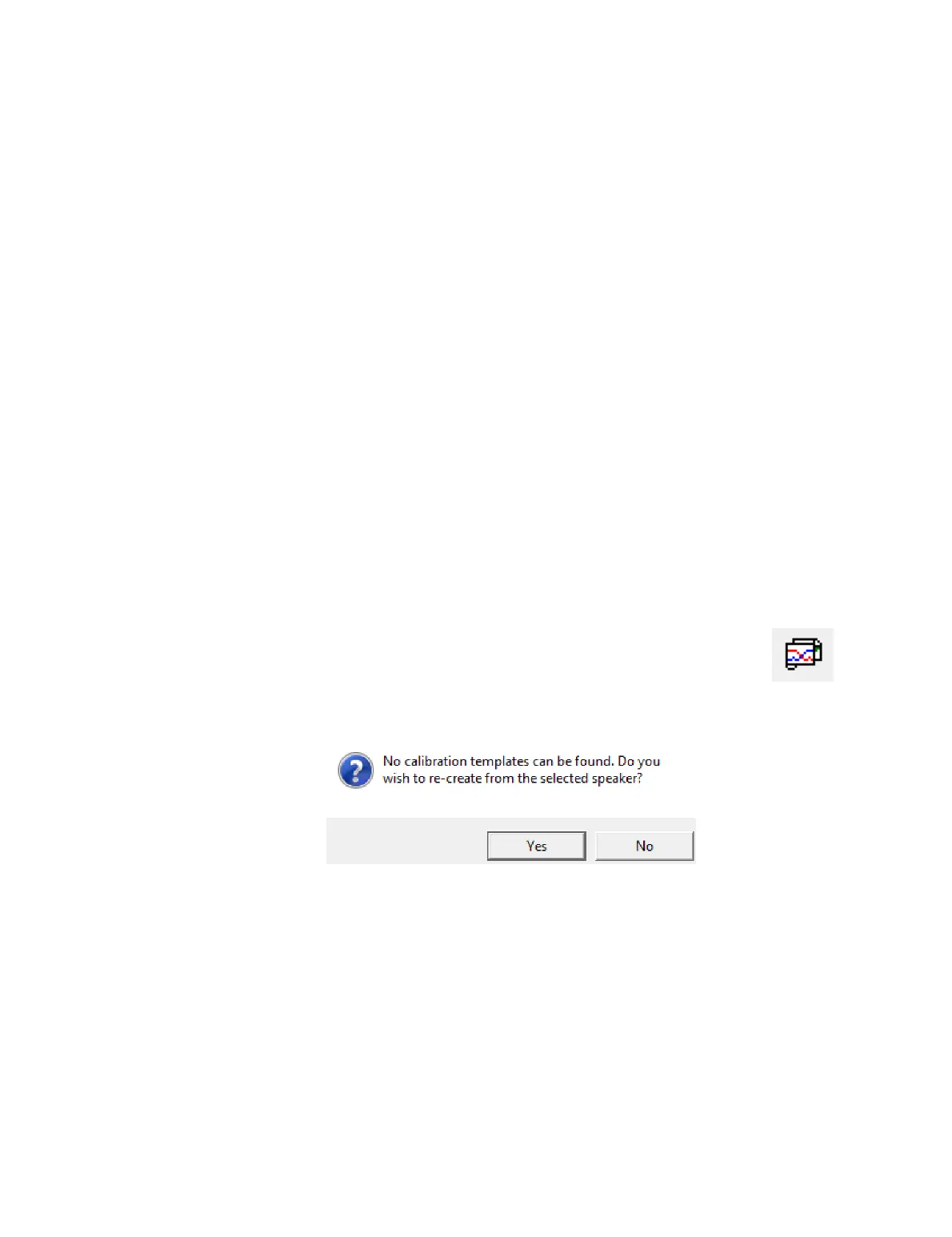
4. You will be asked if you wish to recreate a calibration template from the selected
speaker. Click “Yes.”
5. A new calibration template will be created.



 To Next Page