DEQX User Manual
9.6 CREATE A CORRECTION PROFILE
This example profile will be set up to play audio to a pair of main speakers, with
correction filters applied.
1. Select Profile 1 from the toolbar:
2. Open the Filter Properties dialog of the left speaker.
3. On the Main Filter tab, select “Use a correction filter for this loudspeaker.” In the
pane that opens underneath, select the desired correction filter (page 73).
4. Repeat steps 2 and 3 for the right speaker. Alternatively, if you are using the same
correction filter for both speakers, copy the filter settings from the left speaker to
the right speaker as described in the tip box on page 75.
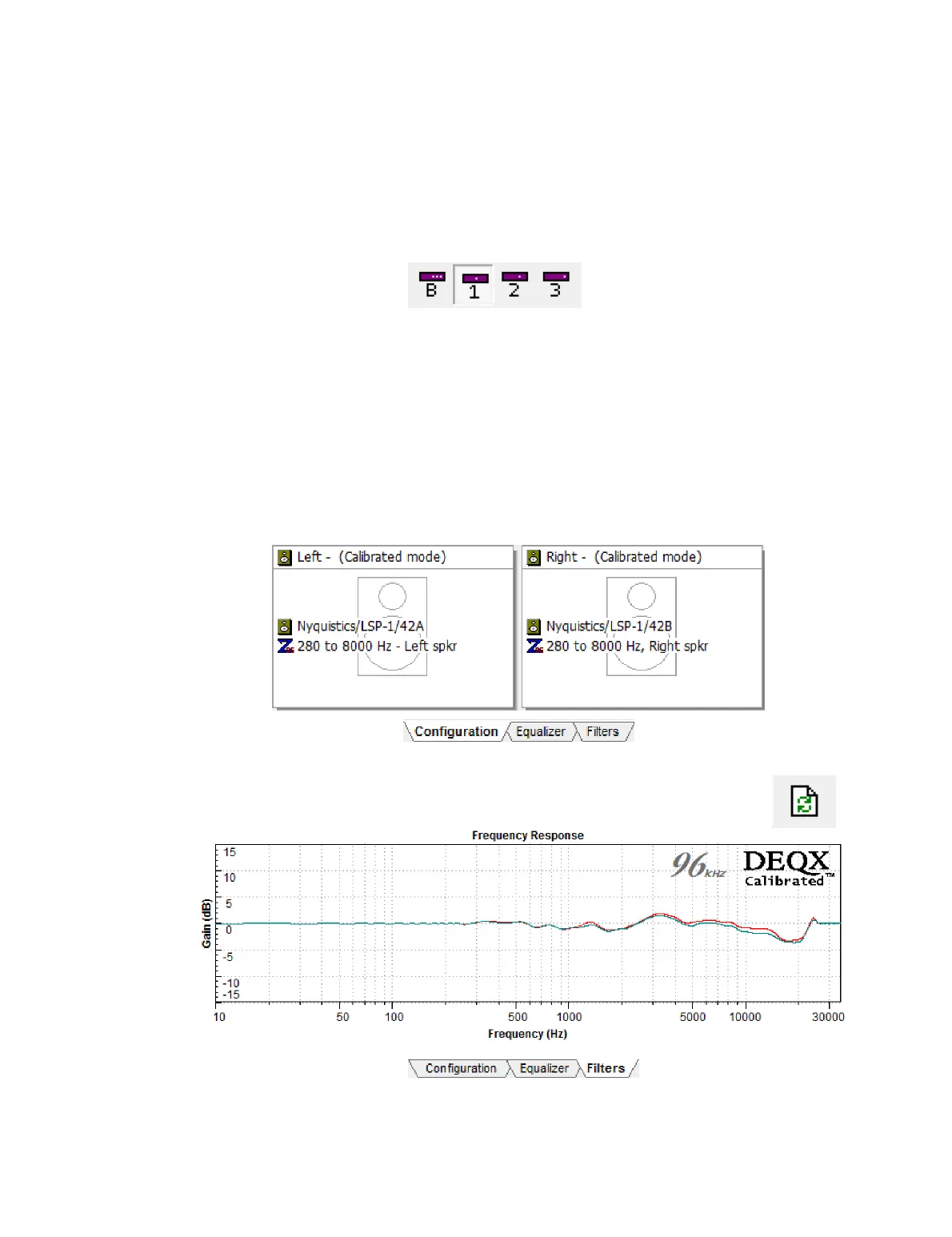
After closing the dialog, the configuration tab will overlay the speaker icons with
information about the filters that have been set up. For example:
The filters can also be viewed graphically on the Filters tab (use the Refresh
Filters button to ensure that you are seeing the current filters):



 To Next Page