DEQX User Manual
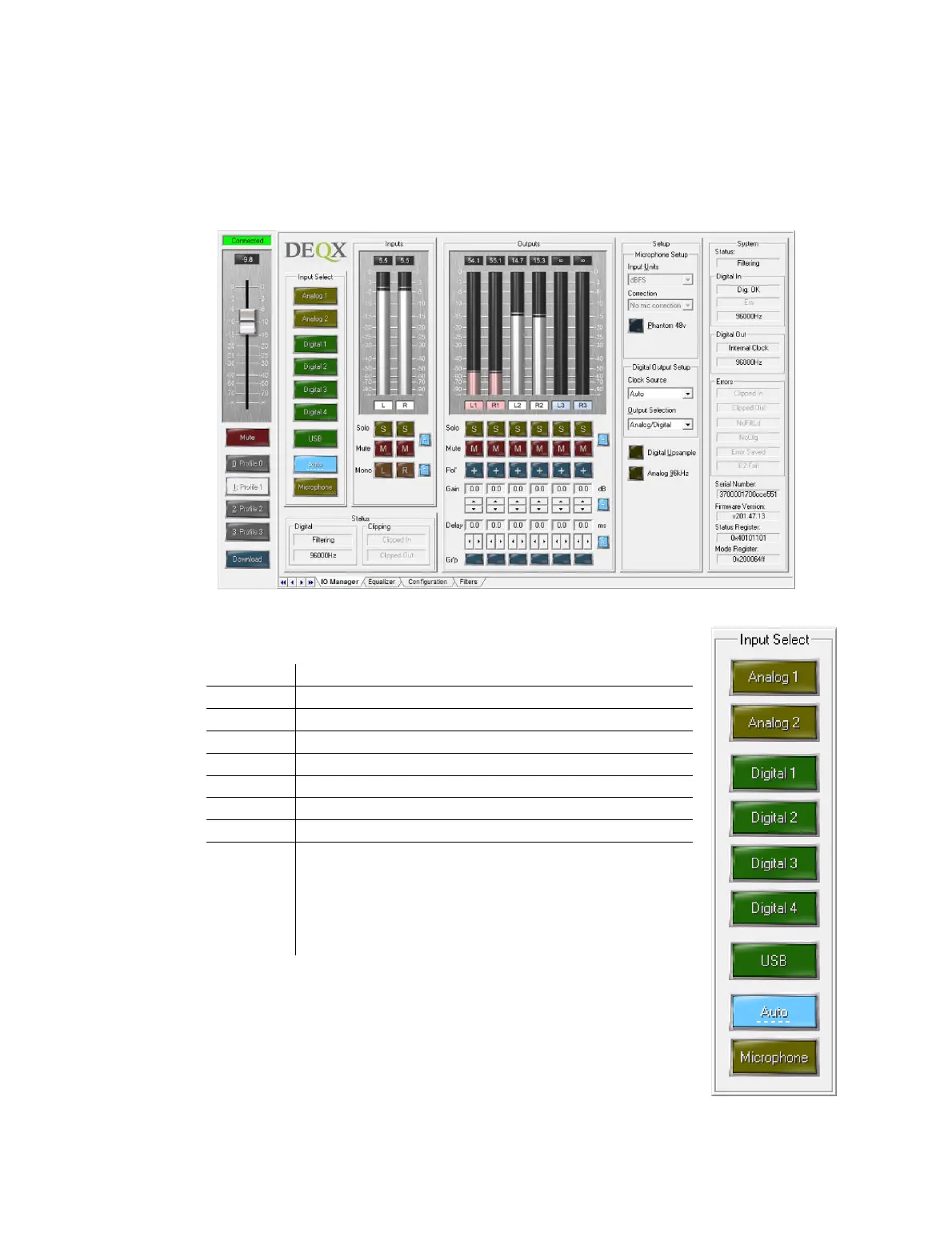
15.1 IO MANAGER
The IO Manager is the real-time control interface to the connected DEQX unit. It is
selected by the IO Manager tab at the bottom of the DEQX Control Panel.
15.1.1 Input Select
The main input source buttons are the same as the DEQX Remote.
USB Audio (see Appendix B)
HDP-5 and PreMATE+: The DEQX is put into
networked streaming audio mode (see Appendix C).
HDP-4, PreMATE, and HDP-Express II: The DEQX
plays the last-selected digital or analog source,
according to which has signal.
If Microphone is selected, the microphone is the active input source.
Normally, it is not necessary to select the microphone as input, as
the DEQX will automatically switch to the microphone when
necessary. However, by manually selecting the microphone as input,
the Microphone Setup area becomes active (see pages 44 and 134).



 To Next Page