Chapter 9. Configuring the DEQX
9.8 UPLOAD THE CONFIGURATION TO THE DEQX
Click on each profile button in turn and confirm that all speakers in each profile display
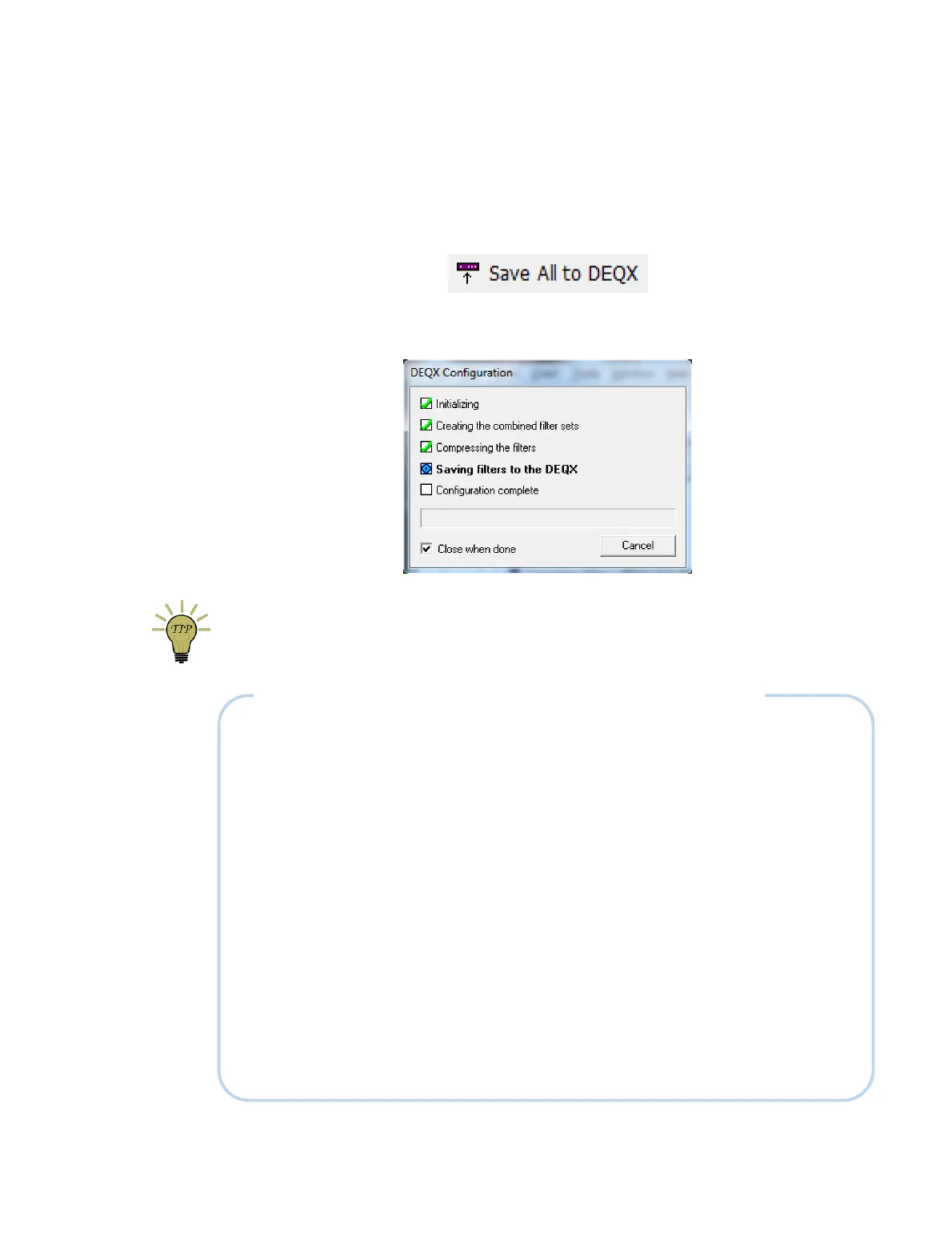
the expected data. Once you have checked the configuration over, click the Save All to
DEQX button.
DEQX-Cal will package up the filters and other data for all four profiles and upload them
to the DEQX. A progress dialog keeps you informed:
Now save the project.
Don't forget to use “Save All to DEQX” every time you edit or update your
configuration. Remember also that all four profiles will be uploaded to the DEQX.
A NOTE ON LIMIT FILTERS AND DELAYS FOR ADVANCED USERS
By default, the Max Delay parameter used to generate a correction filter in single amp
mode is set to 3 ms, out of a possible maximum 24 ms.
When limit filters are set, the delay of the correction filter is subtracted from the
maximum of 24 ms. The examples on page 77 therefore show a maximum delay
available of 21 ms (24 – 3). If 10 ms delay were used for the correction filter, then the
Limit Filters tab would show 14 ms maximum.
Limit filters can be linear phase, as well as the Linkwitz-Riley examples given in this
chapter. If using stereo subwoofers located next to the left and right loudspeaker, for
example, the frequency of the crossover to the subwoofer can often be set significantly
higher than the examples given earlier in this chapter. Linear phase filters may then be
feasible, but will be limited in frequency/slope by the available delay. A higher delay in
the correction filter may reduce the delay available in the limit filters.
DEQX-Cal manages the delays of all filters specified in a profile and provides warnings if
the maximum allowable delay is exceeded. The advanced user, however, should be
aware of the interaction between the delays and make the appropriate trade-offs.



 To Next Page