DEQX User Manual
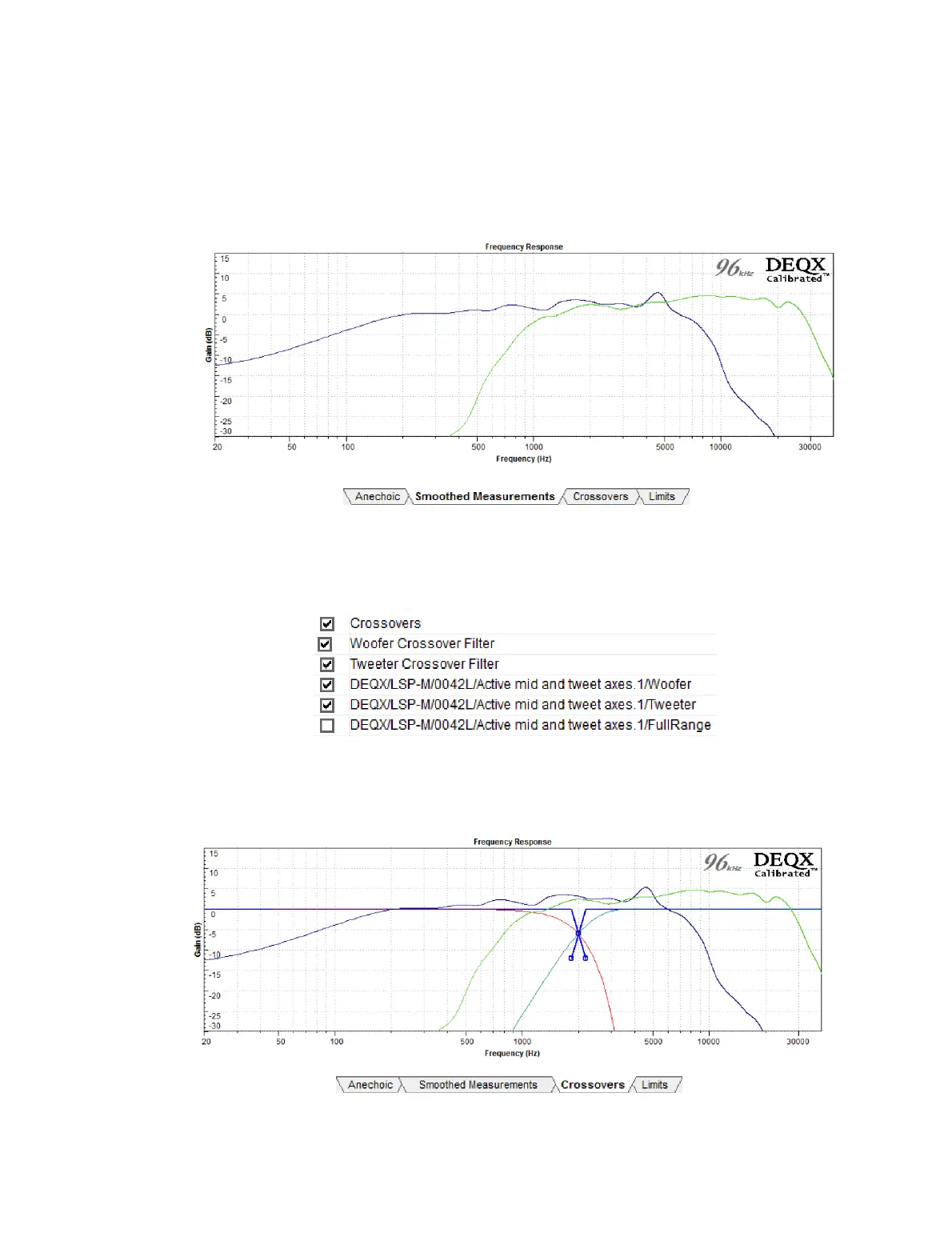
13.4.2 Smoothed Measurements tab
Two or three plots will be visible, being the anechoic frequency response of each driver.
Set the smoothing as described on page 57.
13.4.3 Crossovers tab
There are quite a number of plots on this tab, so you may find it easier to work with if
you selectively turn them off and on (in the plot selector underneath).
The example below shows the woofer and tweeter responses for a bi-amp
configuration. The crossover filters are shown in light blue and red, and the crossover
setting control in heavy blue:



 To Next Page