DEQX User Manual
3.5 TOUCHSCREEN DISPLAY
The HDP-5 and PreMATE+ incorporate a touchscreen display on the front panel. It
provides volume control, input and profile selection, real time metering, and other
functions.
When turning on the DEQX with the rear panel switch, the touchscreen will remain
blank for a short period of time while its microprocessor initializes. When taking the
DEQX out of standby, the touchscreen will come to life almost instantly.
The touchscreen display turns itself off approximately ten minutes after the last user
input (use of the display, any front panel buttons or the DEQX Remote), unless the
metering screen is displayed, in which case it stays illuminated. It turns on again as soon
as any user input is received.
Note that the touchscreen display becomes inactive when DEQX-Cal connects to the
DEQX. When this happens, the volume slider decreases to −∞ (all the way down) and all
user input on the panel will be ignored. The display will turn itself off after
approximately ten minutes.
The master volume slider is present at the left of every screen. Touch the silver bar with
a finger and slide it up or down to change the master volume. All the way up is 𝟢 dB, or
maximum volume; all the way down is −∞, or effectively muted.
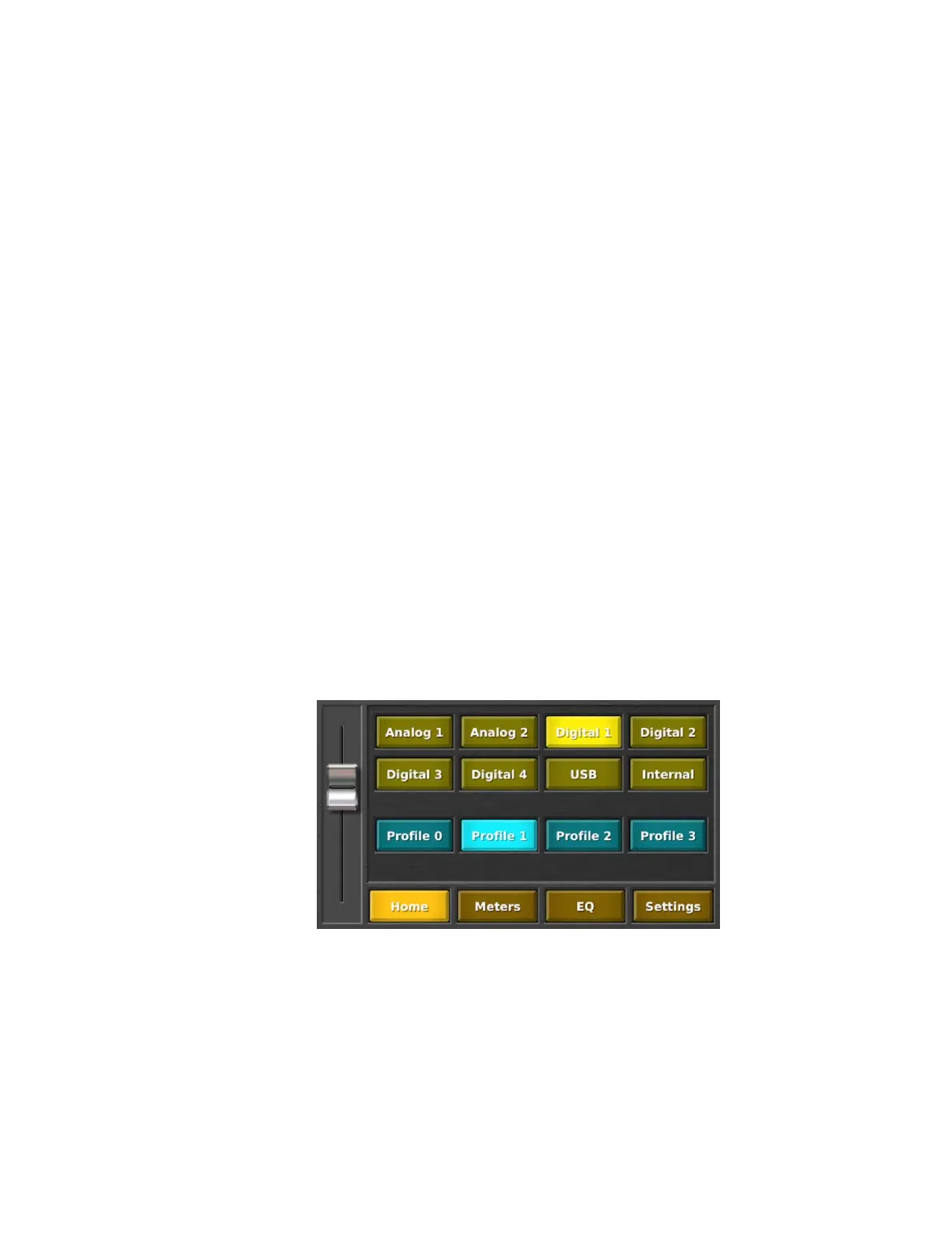
Home screen
The Home screen displays the currently selected input source and profile. Press gently
on a button to select that input or profile.
The “Internal” button puts the DEQX (HDP-5 or PreMATE+) into networked streaming
audio mode, whereby a networked audio source can be streamed to the DEQX for
playback. See Appendix C for full information on this feature. (This is the same as the
“Auto” button on the DEQX Remote.)



 To Next Page