Chapter 3. The Front Panel
Meters screen
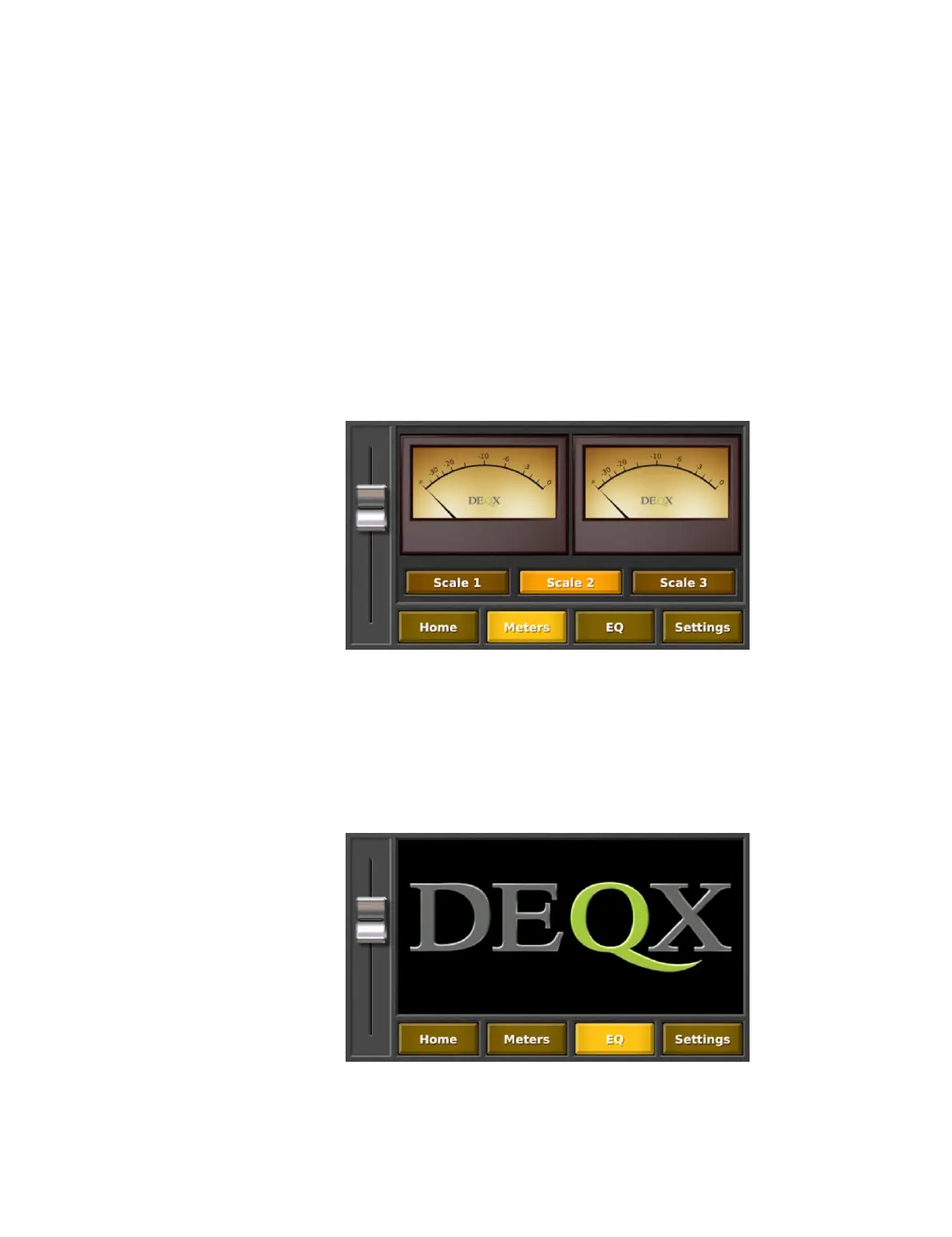
The Meters screen displays the input signal level on both channels, with three metering
ranges selectable by the Scale 1, Scale 2, and Scale 3 buttons. The marked values on the
meter are:
x −20 to 0 dB for Scale 1
x −30 to 0 dB for Scale 2
x −60 to 0 dB for Scale 3
The meter mimics the “ballistics” of a traditional VU meter, which displays neither peak
nor average signal but a perceived loudness level. When set to Scale 2, it also mimics
the amplitude range of a traditional meter.
Note that the touchscreen display does not go to sleep when the Meters screen is
displayed.
EQ screen
The EQ screen is, as of the writing of this version of the DEQX User Manual, still in
development.



 To Next Page