Chapter 6. Speaker Measurement
6.6 RUN THE SPEAKER MEASUREMENT
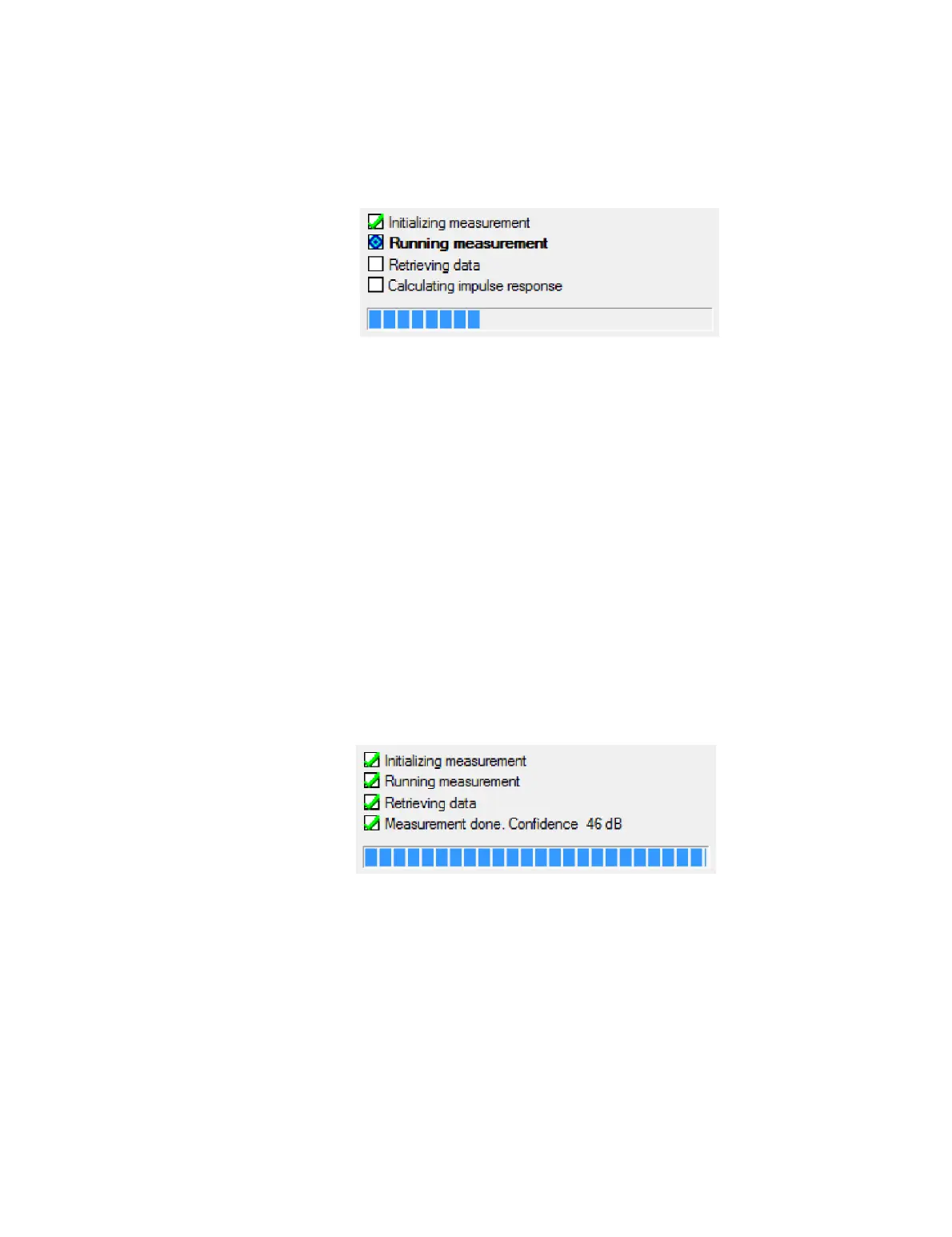
Screen 7. DEQX-Cal runs through a series of steps to measure the speaker.
1. “Initializing measurement” uploads the measurement signal to the DEQX.
2. “Running measurement” executes the measurement sweeps at the level set on
Screen 6. The number of sweeps will be as set in the “Average over” parameter on
Screen 3, plus one. (The first sweep is used by the DEQX to calibrate itself internally.
The remaining sweeps are the ones used to determine the speaker response.)
3. “Retrieving data” transfers the captured measurement data from the DEQX to
DEQX-Cal running on the computer.
4. “Calculating impulse response” displays while DEQX-Cal calculates the impulse
response based on the measurement data. All subsequent measurement plots are
derived from the calculated impulse response.
When the impulse response has been calculated, the wizard displays the confidence
level of the measurement. The confidence level indicates the quality of the
measurement – the higher, the better. It is related to signal-to-noise ratio but takes
additional factors into account, such as distortion anywhere in the signal chain and
whether room reverberation has died off before the next measurement cycle begins.
For a speaker measurement, the confidence level should always be greater than 20 dB.
If it is not, you will need to retry the measurement (see next page). Increasing the
number of sweeps, increasing the sweep length, reducing background noise, and
increasing the signal level (but not so far as to introduce distortion) are all ways to
improve the confidence level of the measurement.



 To Next Page