DEQX User Manual
6.7 COMPLETE THE MEASUREMENT
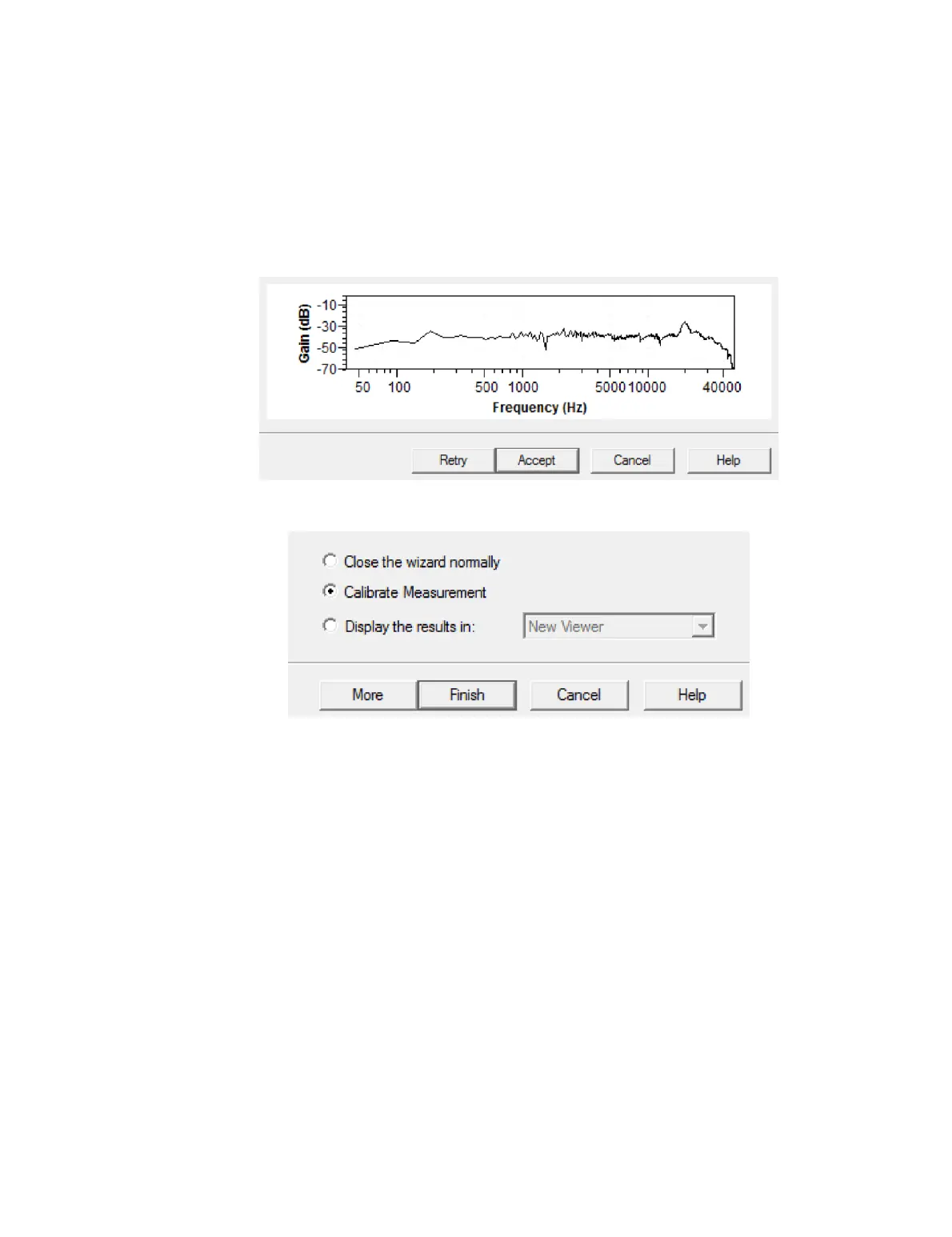
Screen 8. When the measurement is completed, a thumbnail of the measured
frequency response is displayed. Most of the time, you will simply click Accept. If you
think there is an error in the measurement (for example, there was unexpected external
noise or the confidence level is low), click Retry to run the measurement again.
Screen 9. This is the exit screen.
To proceed directly to speaker calibration, leave the option “Calibrate Measurement”
selected and click Finish. This is a convenience feature that will take you directly to the
calibration wizard (next chapter) with the measurement just taken already pre-selected
for calibration.
Or, if you want to measure the other speaker, move the microphone to the correct
position for measuring it, then click More. You will be taken back to Screen 4. (The level
setting screen will be bypassed when taking the second measurement.)
Otherwise, choose one of the remaining options and click Finish:
Close the wizard normally
The wizard will close without opening the measurement just taken.
Display the results in:
Choose “New Viewer” to open a new data viewer. Or, select an open data viewer
from the drop-down menu to display the measurement in that viewer. (The
viewer will appear as shown on page 141.)



 To Next Page