5 GETTING STARTED WITH DEQX-CAL
DEQX-Cal™ is a comprehensive measurement, analysis and configuration program that
interfaces with the DEQX hardware unit.
5.1 INSTALL THE SOFTWARE
The main software installer installs both DEQX-Cal™ and the USB driver needed by
DEQX-Cal to communicate with the DEQX over USB. The software can be installed on
32-bit and 64-bit versions of Windows from Window XP through to Windows 10. (An
Apple Mac computer can be used if Boot Camp is used to install and run Windows, or a
virtual machine emulator such as Parallels or VMWare Fusion is used.)
To install the software from the provided installation CD, insert the CD into the
computer’s CD drive. The installer should automatically start. If not, double-click on the
setup.exe program. Proceed through the steps of the installation and click Finish when
done. Windows will then complete installation of the USB driver.
If your computer does not have a CD drive, you can download the latest version of the
software installer from the DEQX website, at:
http://deqx.com/upgrades.php
To install the driver for streaming USB Audio, see Appendix B. This can be done later,
after you have completed your initial configuration of the DEQX.
5.2 A TOUR OF DEQX-CAL
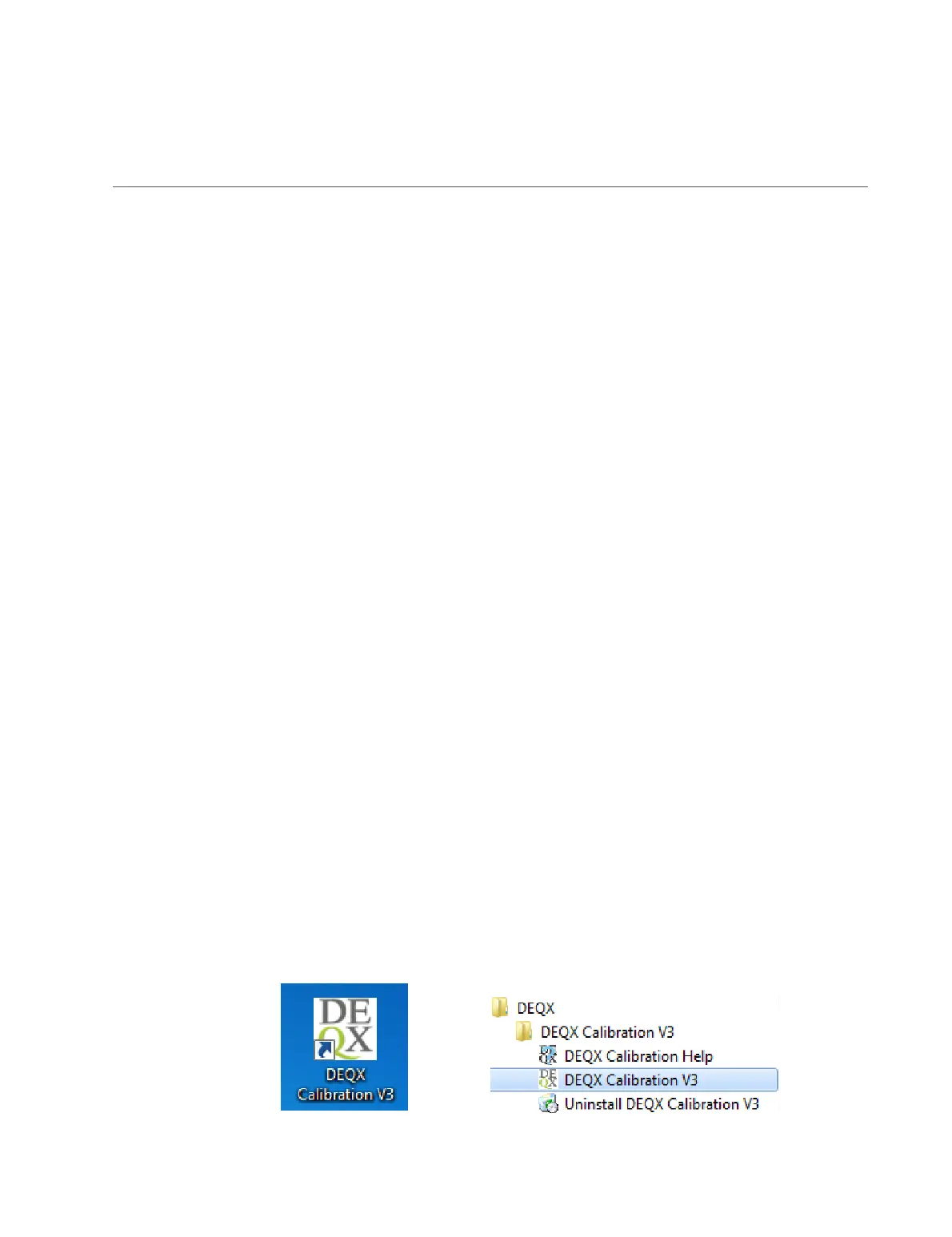
After installation is complete, start DEQX-Cal to familiarize yourself with its layout and
main features. It can be started by double-clicking the desktop icon, or by selecting it
from the Windows Start menu.



 To Next Page