Chapter 1o. Room Measurement
10.4 SET LOCATION AND SPEAKERS TO BE MEASURED
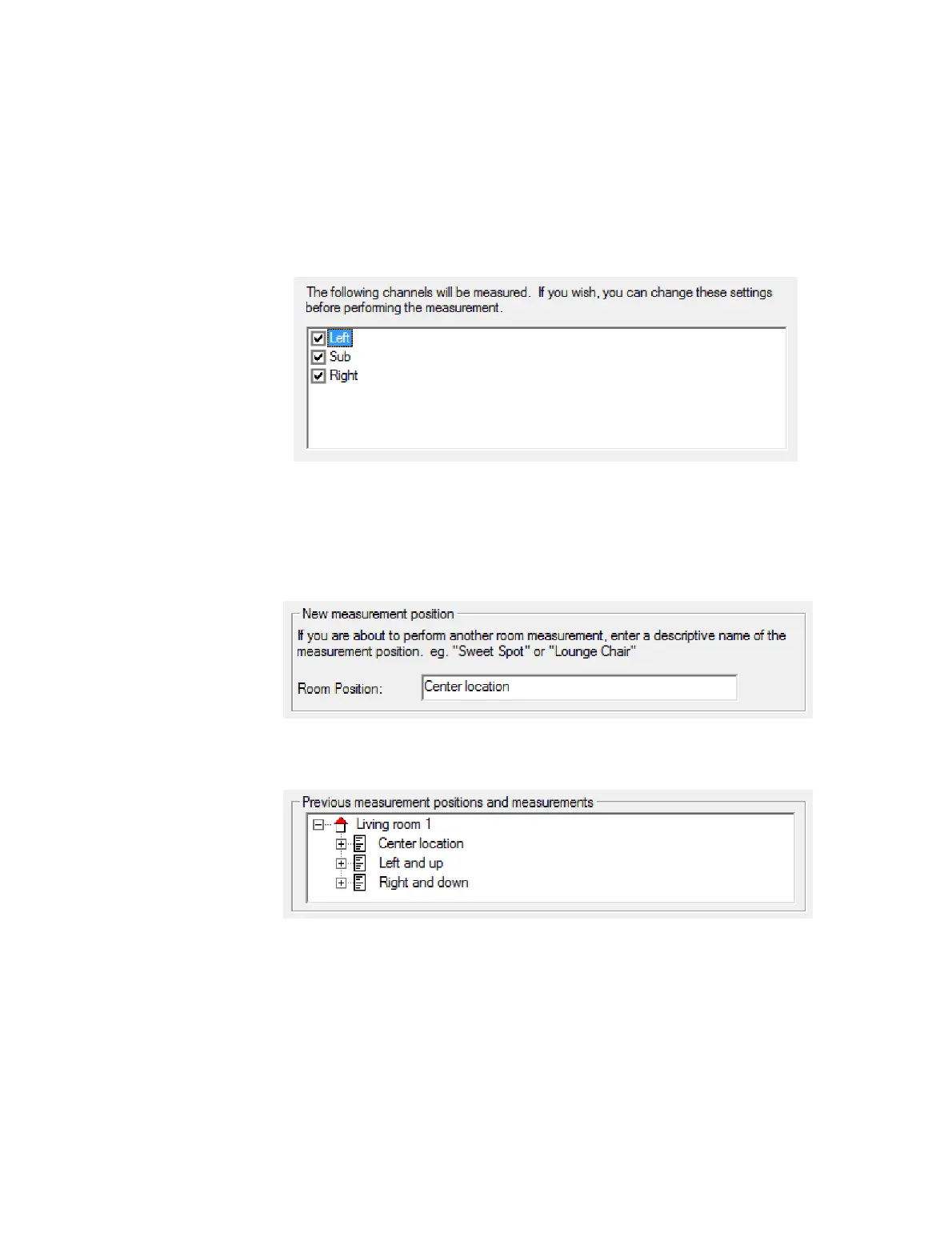
Screen 4. Select the speakers and subwoofers to be measured. Shown below is the
screen for the “single amp with optional mono subwoofer” speaker configuration mode.
(If you have not enabled the subwoofer, it will display as “Sub (Disabled)” and be
deselected by default.)
Usually, you will run the room measurement on all enabled outputs. You can select and
deselect specific channels with the checkboxes if you wish.
Screen 5. Provide a name for the measurement position. To start with, you could name
it “Center location.”
When you take further room measurements, existing measurements done in the same
room will appear in the list above the entry box. For example:
Click Run to continue.



 To Next Page