DEQX User Manual
96k Measurement
If this box is checked, the DEQX runs the measurement at a 96 kHz sample rate.
DEQX recommends leaving this box checked for all measurements.
Include parametric filters
If this box is checked, the DEQX includes the effect of all parametric EQ filters
(room EQ and the three-band Preference EQ set by the DEQX Remote). To
measure the effects of the room only (without parametric EQ), leave it unchecked.
If you check this option and intend to measure the effects of room EQ but without
including Preference EQ, reset Preference EQ with the DEQX Remote (page 37).
Source
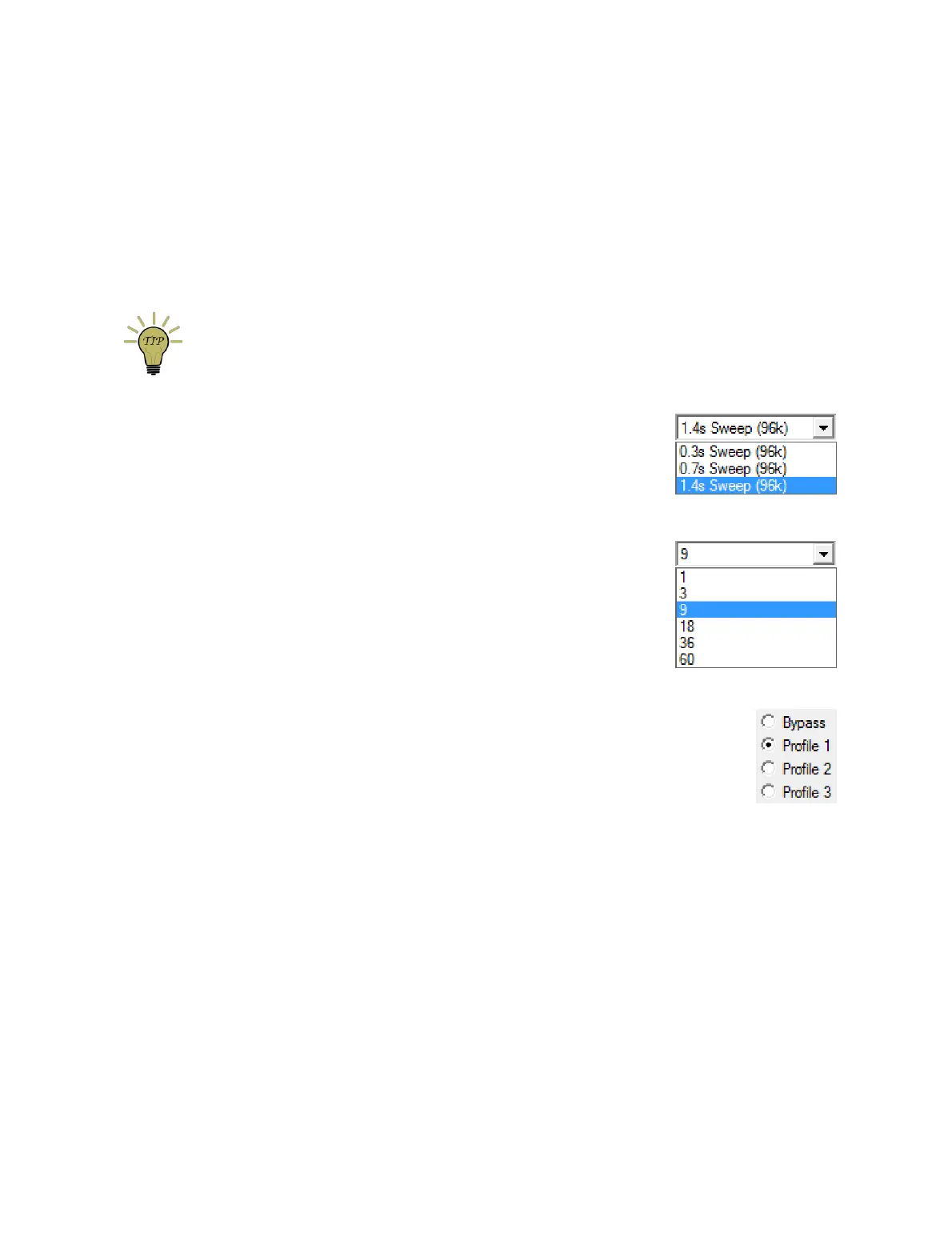
This option selects from one of several sweep lengths. At
right are the choices for a 96 kHz measurement, ranging
from 0.3 to 1.4 seconds. Longer sweeps give higher
resolution measurements.
Average over
The DEQX can make multiple measurement sweeps in
order to improve the signal-to-noise ratio of the
measurement. DEQX generally recommends a minimum
of 9 sweeps to guard against noise corrupting the
measurement. For quick confirmation and verification
measurements, however, 3 sweeps may be adequate.
Profile selection
Selects which profile will be active while the measurement is being
taken. (If you have set up your initial correction profile as suggested
on page 76, select Profile 𝟣.)
Skip level setting page
If this box is checked, DEQX-Cal skips Screen 6, in which you set the playback
level of the test signal. Check this box only if you previously taken a room
measurement and set the master volume to a suitable level, as a timesaving
feature and to ensure consistent levels.
Measure drivers concurrently
With the bi-amp and tri-amp speaker configuration modes, this checkbox makes
both (bi-amp) or all three (tri-amp) drivers be measured together, and is the usual
choice. Even with the single amp speaker configuration modes, leave this box
checked – this means that the level setting screen uses the main speaker to set
the measurement level.



 To Next Page