Chapter 15. DEQX Control Panel Reference
Digital Upsample
This option is to support DEQX legacy products. For current generation products,
this setting is effectively always on.
Analog 96 kHz
This option is to support DEQX legacy products. For current generation products,
this setting is effectively always on.
15.1.5 Status
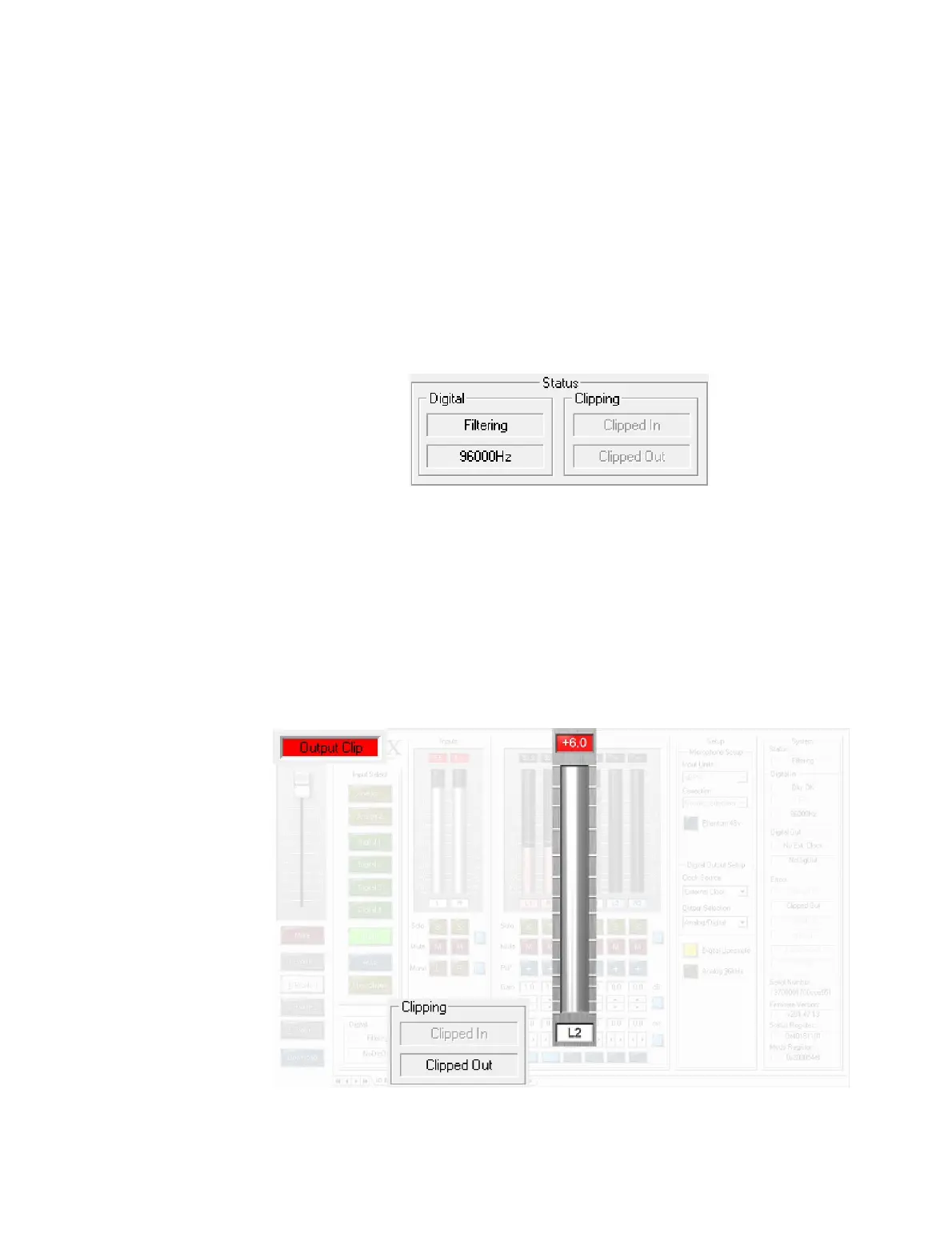
Digital
Indicates the status of the internal digital processing. In normal operation, the
two fields will say “Filtering” and “96000Hz.”
Clipping
If clipping is detected on the analog inputs, the status indicator “Clipped In”
lights; if clipping is detected on any output channel, the status indicator “Clipped
Out” lights. In addition, the connection status above the master volume slider and
the level indicator above the relevant input or output channel will turn red. The
I/O LED on the front panel will also light white.



 To Next Page