USB AUDIO
All current DEQX models incorporate the XS-1 USB Audio interface board, which
accepts USB Audio at all standard sample rates from 44.1 up to 192 kHz.
OS X
Driver installation is not required for OS X. Connect the DEQX USB Audio port to your
Mac using the supplied cable.
To set the DEQX as the default system audio output device, open System Preferences,
click on Sound, select the Output tab, and then select xCORE USB Audio 2.0 in the list
of output devices. In addition, audiophile-quality music players will allow you to select
the DEQX as the output device independently of the system default.
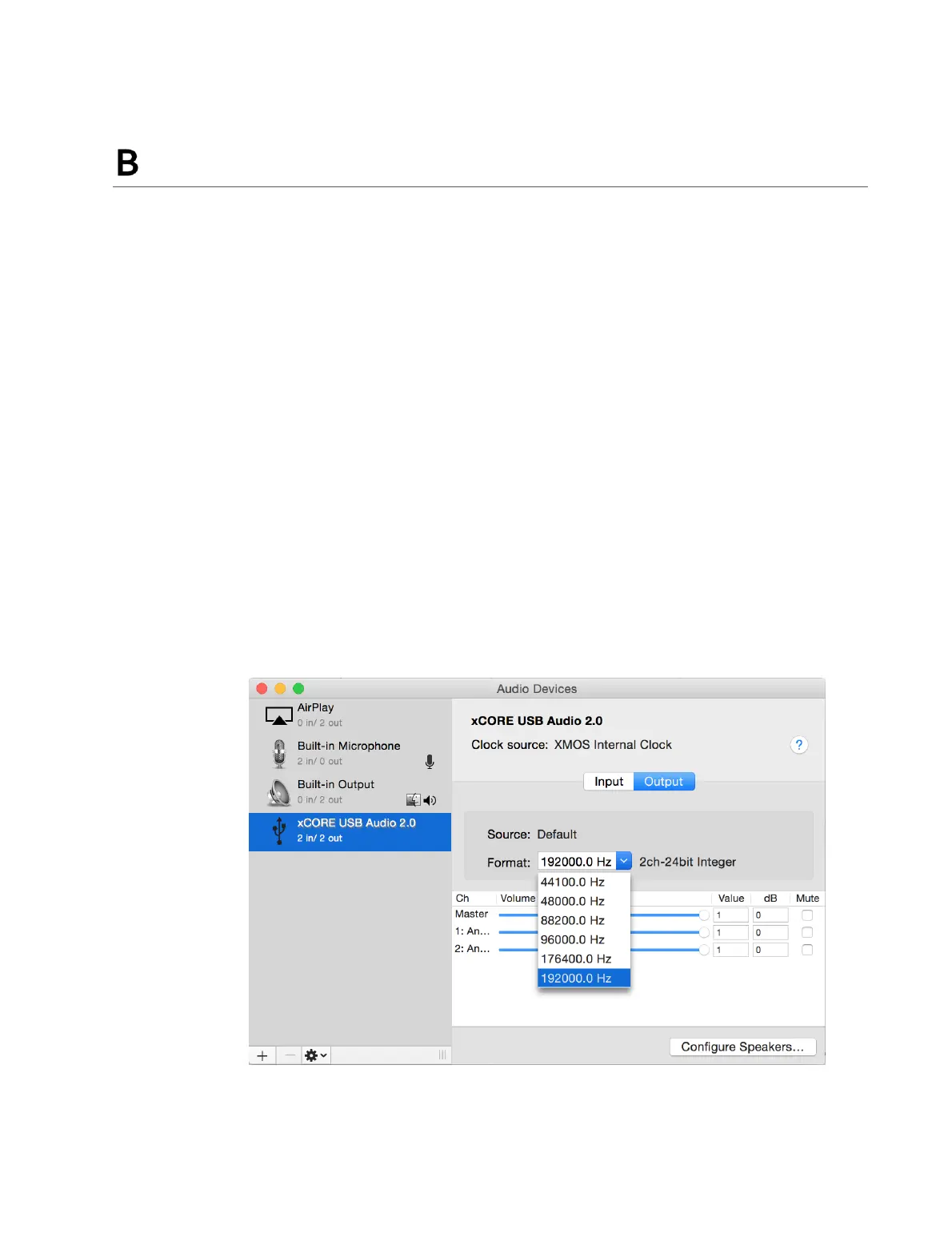
More detailed properties of the DEQX USB Audio port can be verified in the Audio MIDI
Setup program by clicking on the device xCORE USB Audio 2.0, as shown here:



 To Next Page