Chapter 16. Data Viewer Reference
16.3 THE DATA VIEWER WINDOW
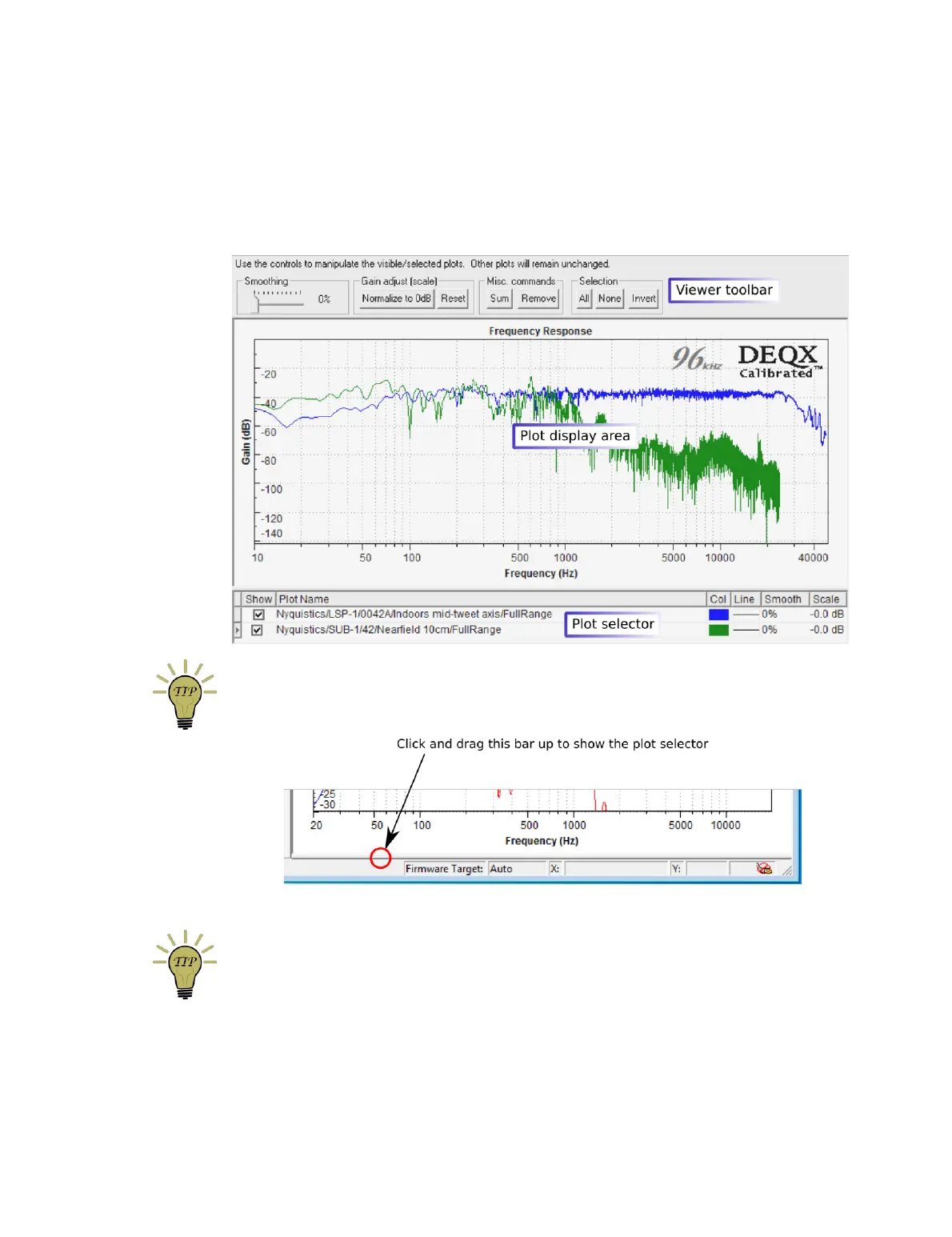
The data viewer window displays any number of measurement plots. The screenshot
below is annotated with the main areas of this window: the viewer toolbar, the plot
display area, and the plot selector.
If the plot selector is not visible, click on the bar at the bottom of the window and drag it
upward to expose the plot selector:
To add more measurements to an open data viewer, drag and drop them from the
project explorer onto the open viewer.



 To Next Page