Chapter 6. Speaker Measurement
Measurement Details
Enter the dimensional information about the measurement: the distance of the
microphone from the speaker, the angle of the microphone relative to the
speaker axis in the horizontal direction (this should be zero for this
measurement), and the height of the microphone.
The information entered here is used by DEQX-Cal to calculate the initial length
of the speaker calibration time window (page 56).
Skip level setting page
If this box is checked, the level-setting screen (Screen 6, page 50) will not be
displayed. Check this box only if you have previously set the measurement levels.
If in any doubt, leave this box unchecked.
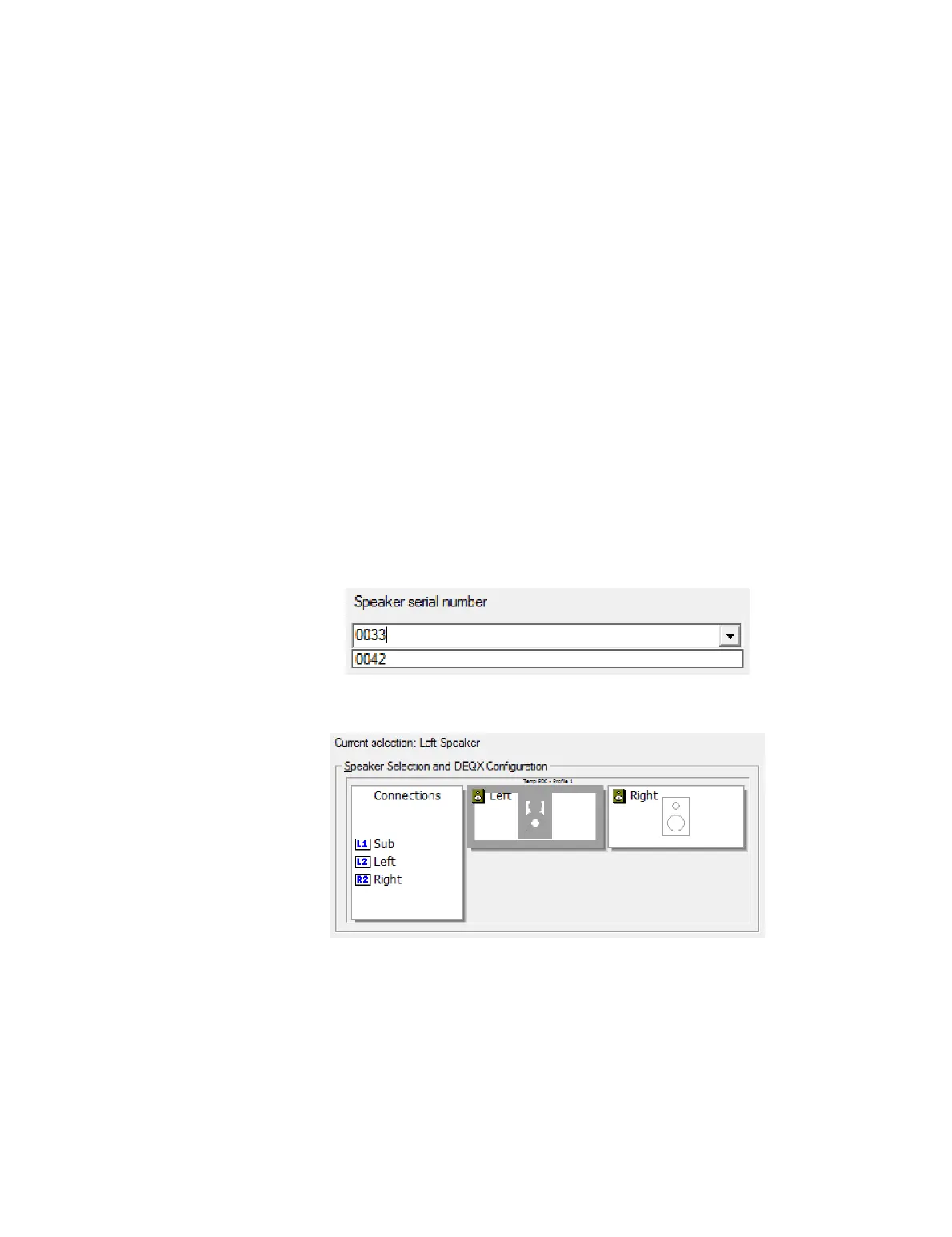
6.4 SELECT THE SPEAKER TO BE MEASURED
Screen 4. Enter the serial number of the speaker being measured. (While this field
doesn't have to be the speaker's serial number, we recommend that it be set correctly in
order to assist in identifying measurements later.) The drop-down selector can be used
to select from serial numbers that were previously entered.
Screen 5. Select either the left or right main speaker by clicking on its icon.
If this is the first measurement, this is a good time to confirm that you have made your
output connections to the rear panel correctly, as indicated in the “Connections” list on
the left.
Click Next to continue.



 To Next Page