DEQX User Manual
Manufacturer
Enter the manufacturer of the speaker. This is used to help organize
measurements within the project. The drop-down selector can be used to select
from manufacturers that were previously entered.
Model
Enter the model of the speaker. This is used to help organize measurements
within the project. The drop-down selector can be used to select from models
that were previously entered.
Configuration
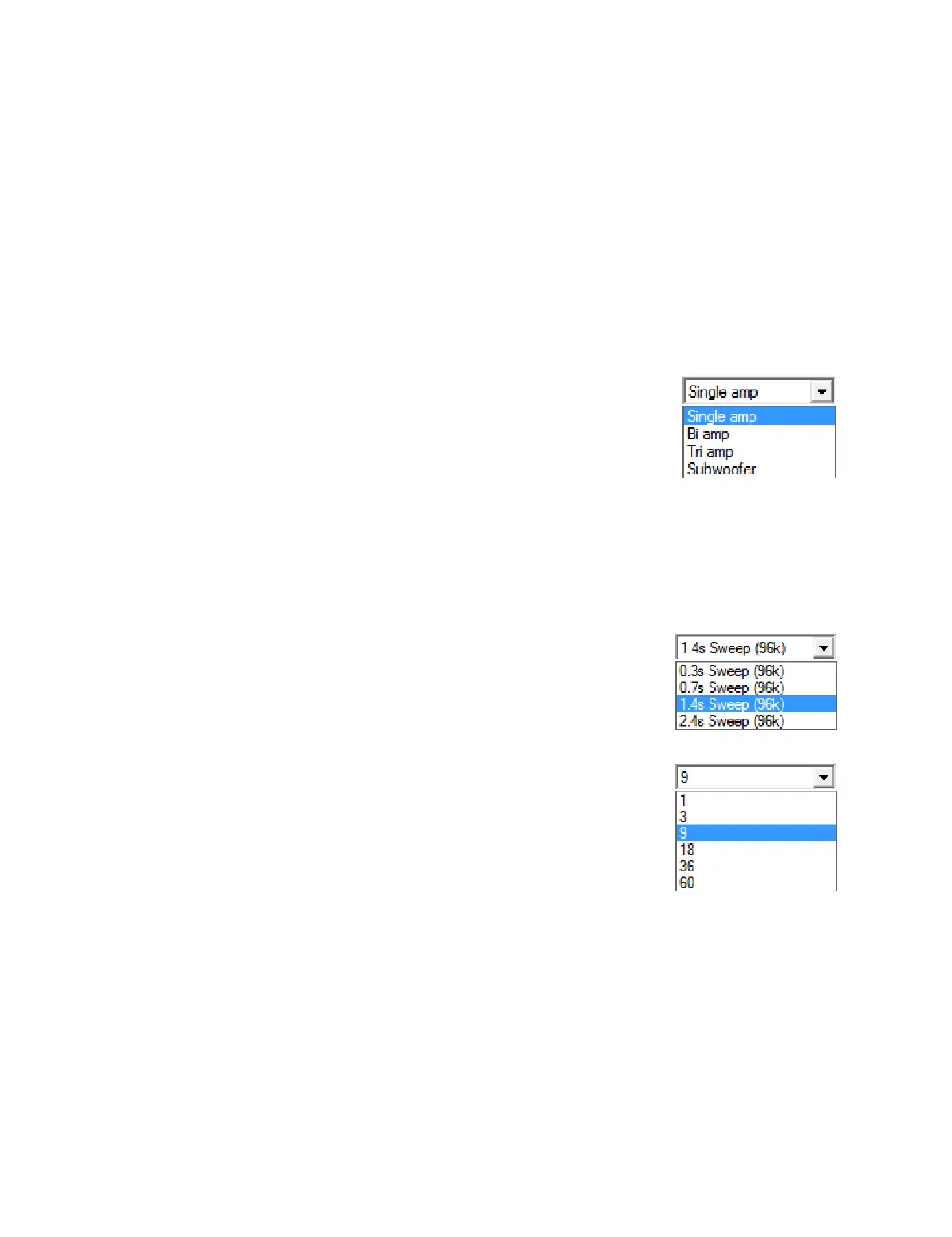
To measure a single speaker (or a pair of speakers), select
“Single amp” from the drop-down menu. (The following
steps assume that you have selected “Single amp” here.
See Chapter 8 for the “Subwoofer” option and Chapter 13
for the “Bi amp” and “Tri amp” options.)
96k Measurement
If this box is checked, the DEQX runs the measurement at a 96 kHz sample rate.
This is recommended for all current DEQX products. If the box is unchecked, the
DEQX runs the measurement at a 48 kHz sample rate.
Source
This option selects from one of several sweep lengths. At
right are the choices for a 96 kHz measurement, showing
sweep lengths from 0.3 to 2.4 seconds. Longer sweeps
give higher resolution measurements.
Average over
Averaging multiple measurement sweeps will improve
the signal-to-noise ratio of the measurement. DEQX
recommends a minimum of 9 sweeps to guard against
noise corrupting the measurement. If you have trouble
obtaining a high confidence level (page 51) in the
measurement, redo the measurement with a higher
number of sweeps.
Measurement Name
Enter a name that characterizes this measurement. This name is used for
informational purposes and will help you to navigate the project later on.



 To Next Page