TROUBLESHOOTING
If you experience difficulties with your DEQX, consult the information below. If the
problem persists, contact DEQX Support (see page 14), providing as much information
as you can about the error and the results of following the steps given here.
DEQX-CAL DOES NOT DETECT A CONNECTED DEQX UNIT
1. Check that the DEQX is not in standby mode.
2. Check that the USB cable is securely connected to the USB Control port of the
DEQX. (DEQX-Cal cannot communicate with a DEQX that is connected via the USB
Audio port. The PC must be connected via the USB Control port.)
3. Remove any USB hubs or extenders.
4. Connect the PC to the DEQX with the supplied USB cable.
5. Quit and restart DEQX-Cal.
6. Power cycle the DEQX (turn power off with the rear panel switch, wait a few
seconds, then turn it on again).
7. Restart the Windows PC.
If none of the above yields a successful connection, you will need to contact DEQX
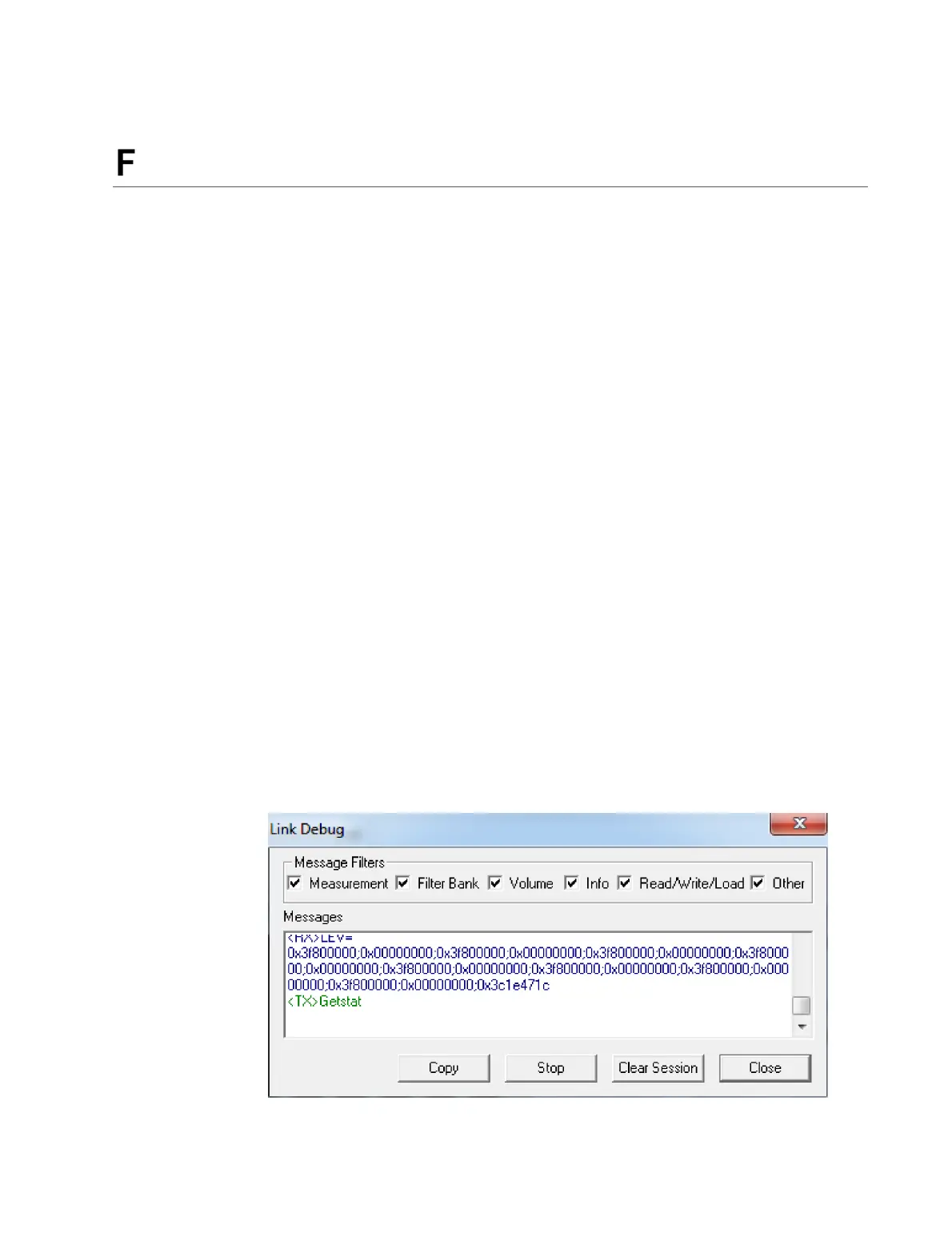
Support. Before doing so, open the Link Debug dialog (shown below) by double-clicking
on the link status icon at the bottom right of the DEQX-Cal window. Unplug the USB
cable from the DEQX and then reconnect it. Click Copy, and paste the captured data
into your support request (page 14).



 To Next Page