DEQX User Manual
18.2.2 Toolbars tab
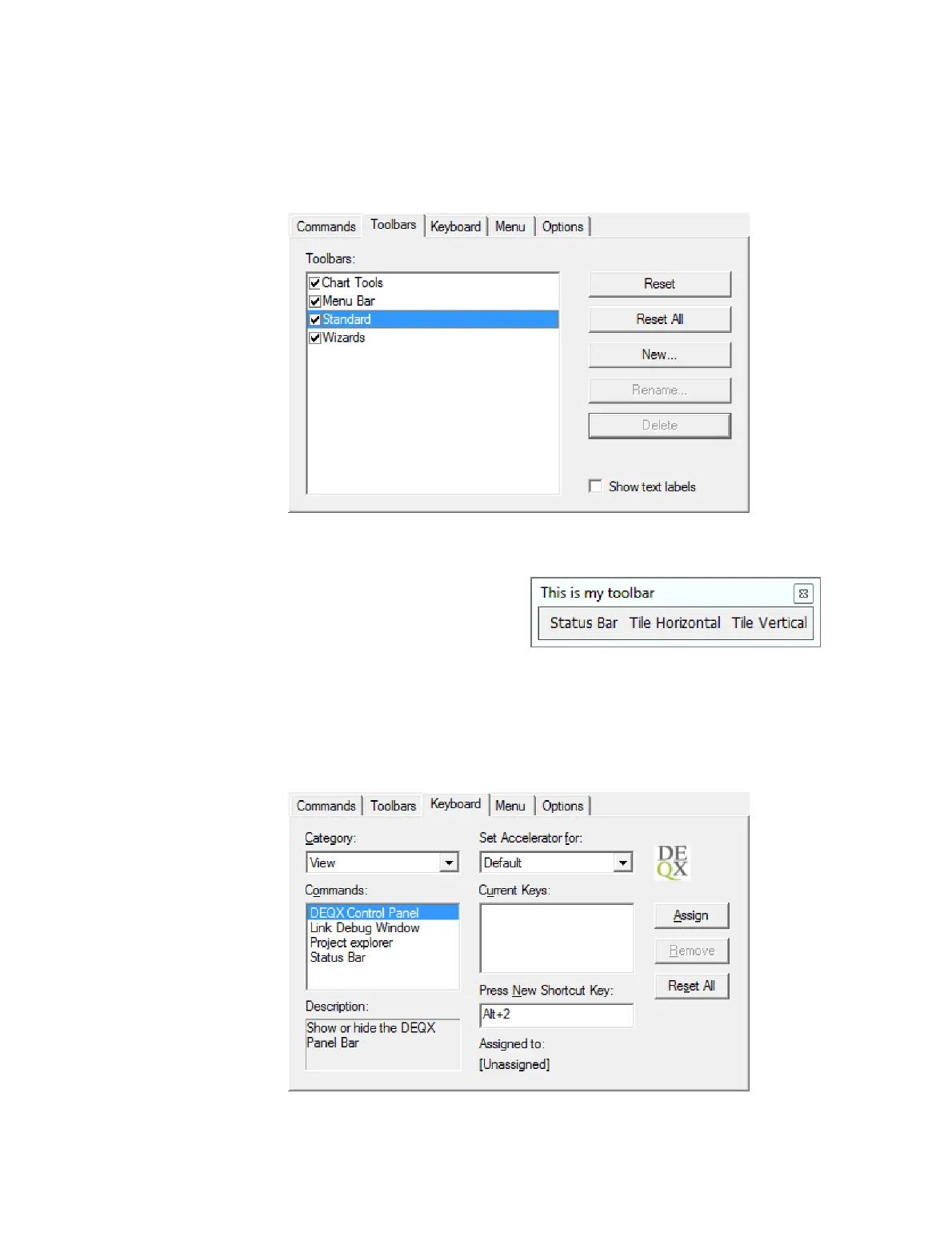
Use this tab to create and delete toolbars.
To create a new user-defined toolbar, click New and enter the toolbar name. It will
appear as a separate toolbar window (below right). Then:
1. Go back to the Commands tab and
drag and drop commands from it onto
the new toolbar window.
2. Drag the new toolbar window onto a toolbar location (such as next to an existing
toolbar) to dock it to the main window.
18.2.3 Keyboard tab
Use this tab to set up keyboard shortcuts for commands.



 To Next Page