DEQX User Manual
Time align individual drivers
This option causes the DEQX to adjust the filters so that the sound wave from the
two drivers arrives at the listener at the same time. It should always be turned on.
Never turn off the crossover for a fully active speaker. Distortion and possible damage
to one or more drivers is the likely result if the speaker is misconfigured.
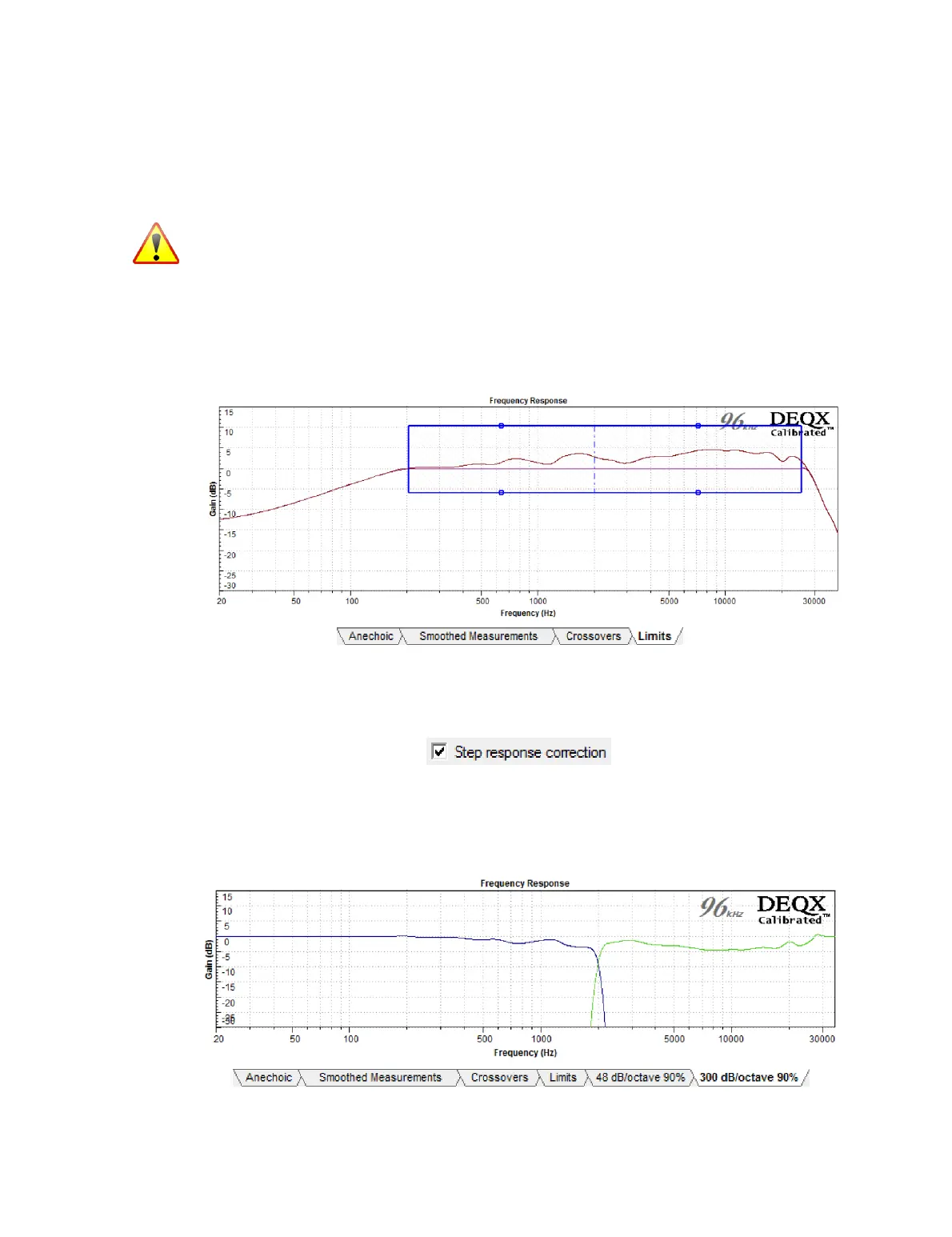
13.4.4 Limits tab
This tab is used to set the correction frequency limits as described on pages 58 and 59.
By default, there are two or three (for bi-amp and tri-amp respectively) sets of
correction limits for cut and boost. (More can be added if needed – see page 59.)
When done, click on Finish and follow the rest of the calibration procedure (pages 60
and 61). Turn step response correction on (but if the calibration algorithm fails to
complete, turn it off and try again).
A new tab will be created showing the correction filter set. Additional correction sets
can then be created with different parameters (such as crossover frequency, slope, and
percent smoothing). Each new correction set creates a new tab, as shown at the lower
right of this example:



 To Next Page