FIRMWARE AND EEPROM
TO CHECK THE FIRMWARE VERSION
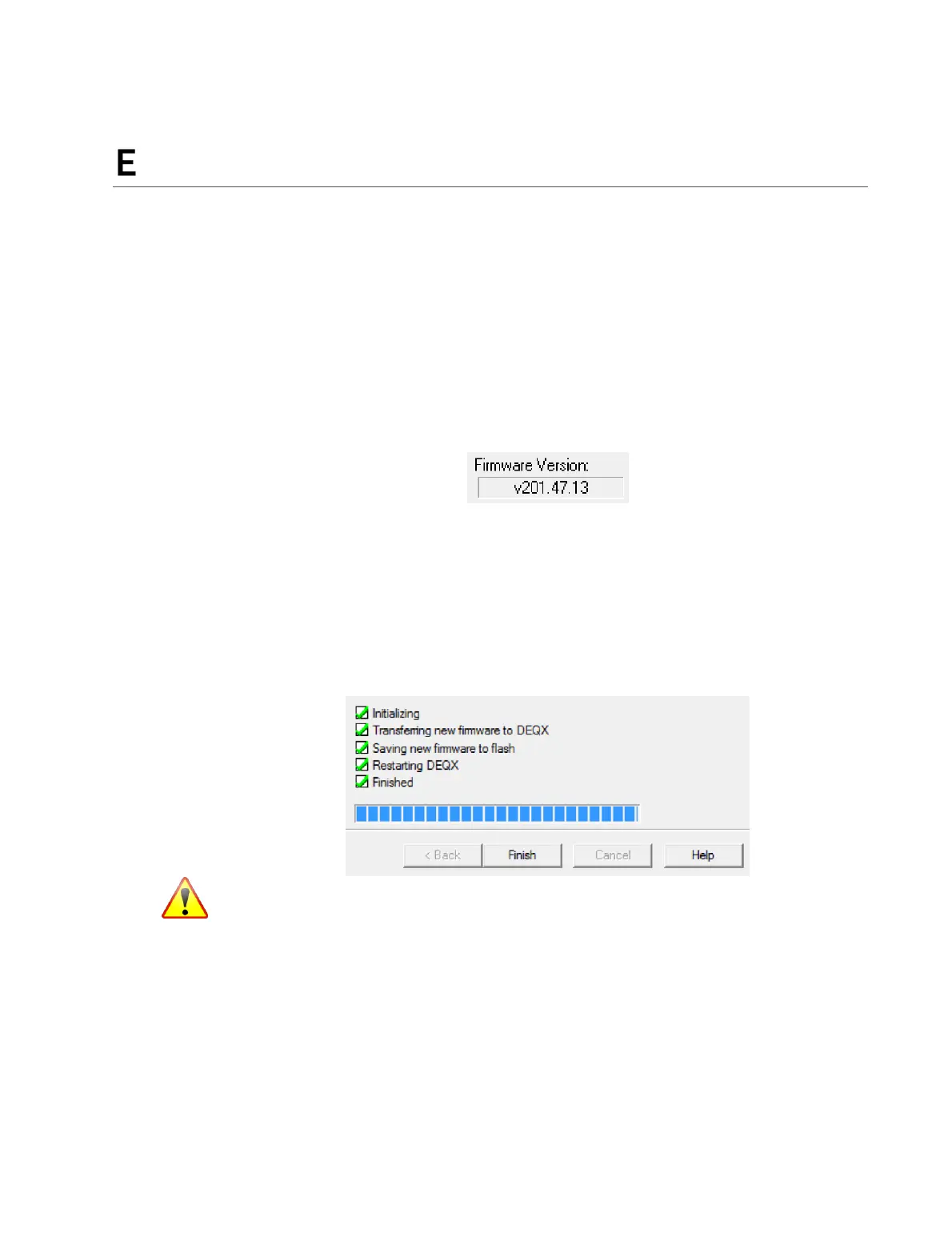
Connect the DEQX to your PC and run DEQX-Cal. The firmware version will display
toward the lower right of the IO Manager.
TO UPGRADE THE FIRMWARE (NORMAL MODE)
Install and run the latest version of DEQX-Cal. With the DEQX connected to the PC,
drop down the Tools menu and select “Upgrade DEQX firmware from file...” The next
screen will show the selected firmware file. Confirm that this is the same file as listed in
Table 7 (on the next page), then click OK to proceed. The firmware upgrade will then
proceed through a series of steps until successful completion. Click Finish on the final
screen to return the DEQX to normal use.
Do not power off or disconnect the DEQX while firmware upgrade is in progress.
TO BOOT IN SAFE MODE
Safe mode is intended for diagnostic and upgrade operations only. The DEQX will not
perform any filtering while in safe mode, nor operations such as measurement. Ensure
that all connected equipment is turned off before booting in safe mode.
1. Turn off the DEQX with the rear panel power switch.
2. Connect the DEQX to the PC with a USB cable and start DEQX-Cal.



 To Next Page