16 DATA VIEWER REFERENCE
All measurements taken with the DEQX can be viewed using the data
viewer. This window can also be used to view correction filters. The data
viewer has been shown by example in earlier chapters of this manual. This
chapter describes its capabilities in detail.
Note that the Equalizer tab of the Control Panel is a customized version of the data
viewer, and most of the operations described in this chapter also apply to it.
16.1 TO OPEN A MEASUREMENT FROM THE PROJECT EXPLORER
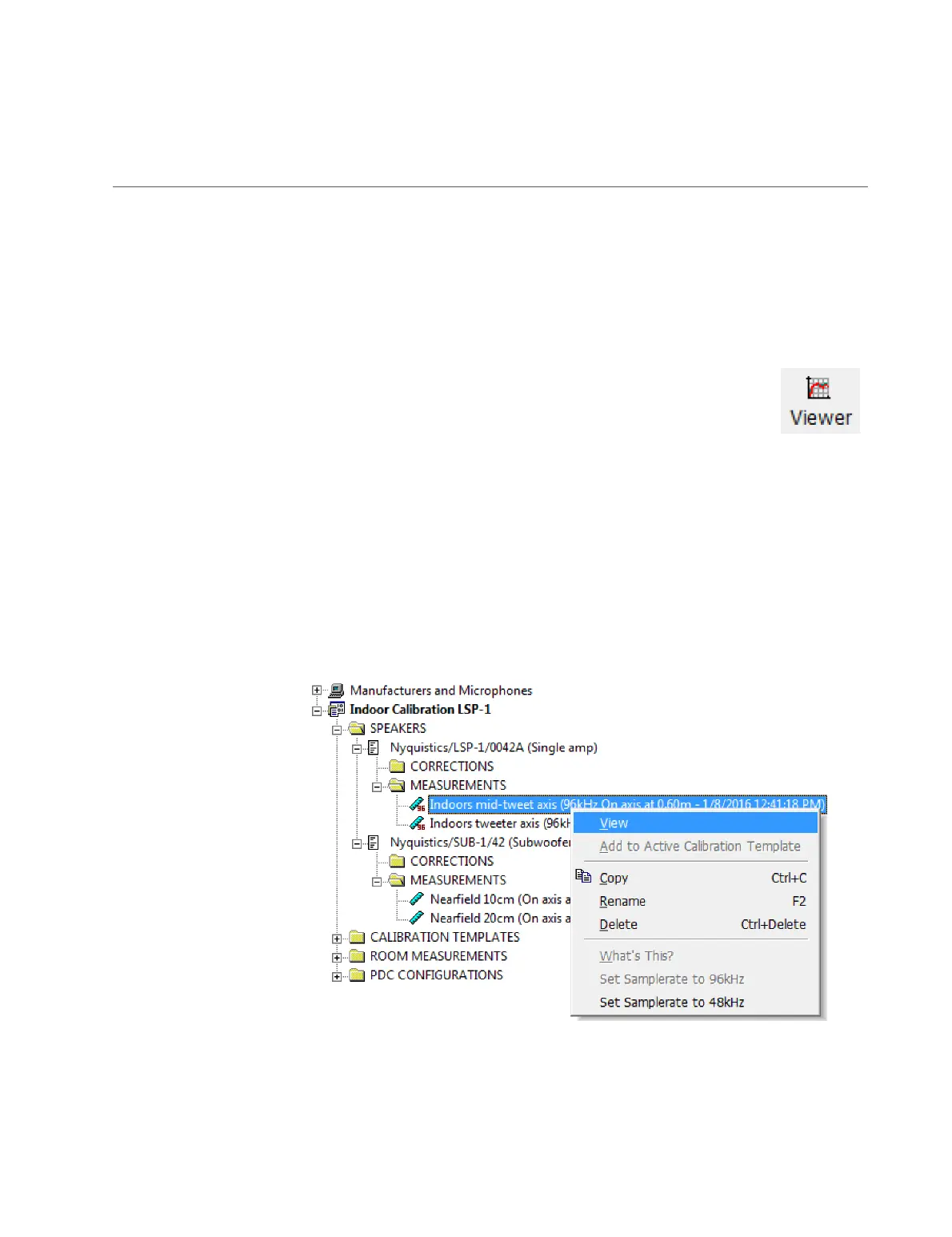
In the project explorer, navigate to the measurement or correction filter that you want
to view. Then do one of the following:
1. Right-click to open the popup menu and select “View.” This will open the
measurement or filter in a new data viewer.
2. Drag and drop the measurement or filter from the project explorer onto an already-
open data viewer window, or onto the Control Panel’s Equalizer tab.



 To Next Page