Chapter 15. DEQX Control Panel Reference
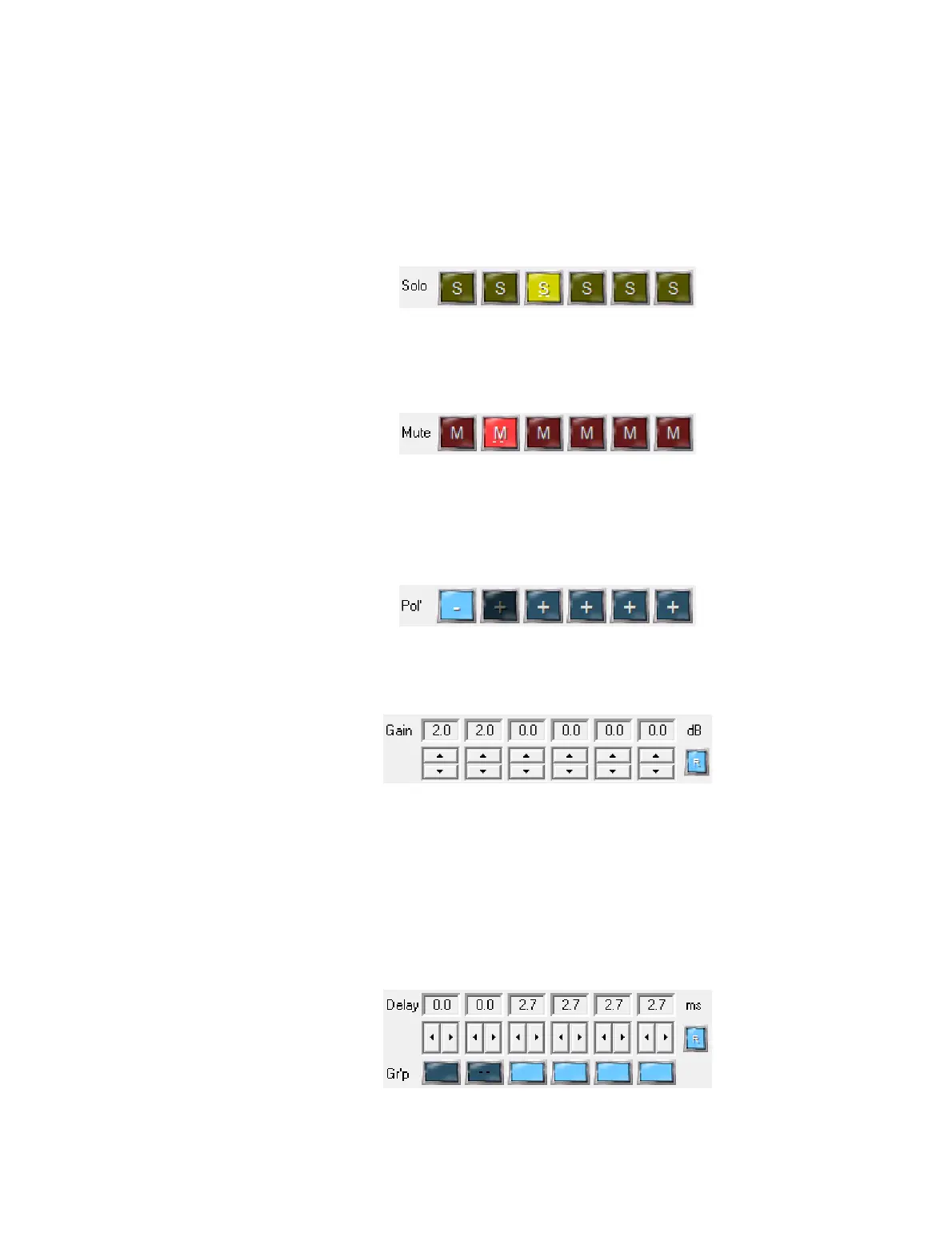
Solo
Only the output channels with “S” pressed will play. Use this to select a single
speaker, subwoofer or driver to check for correct connections. Or by selecting a
pair of speakers or drivers and playing a mono signal, correct polarity can be
checked (see “Polarity” below).
Mute
The output channels with “M” pressed will be muted. (Solo and Mute are mutually
exclusive – muting a channel will automatically turn off Solo, and vice versa.)
Press the “R” button to the right to reset all Solo and Mute buttons.
Pol’ (Polarity)
If pressed, the polarity of the corresponding output channel is inverted. Use this
to invert one of a pair of speakers or drivers to check for correct relative polarity –
when polarity is correct, a mono input signal will produce a solid center image. It
can also be used while checking subwoofer integration.
Gain
Click the up or down arrows to increase or decrease the gain of that output
channel in 0.5 dB increments.
Delay and group
Click the right or left arrows to increase or decrease the delay of that output
channel in approximately 1.3 ms increments. Delay can only be positive.
Channels can be grouped by pressing the dark blue button. Changing the delay on
any one of a grouped set of channels will change the delay of all grouped
channels. For example, by grouping the main speakers, incrementing the delay
can be used to check the audible integration with subwoofers. Press the “R”
button to the right to reset delays and grouping.



 To Next Page