Chapter 1o. Room Measurement
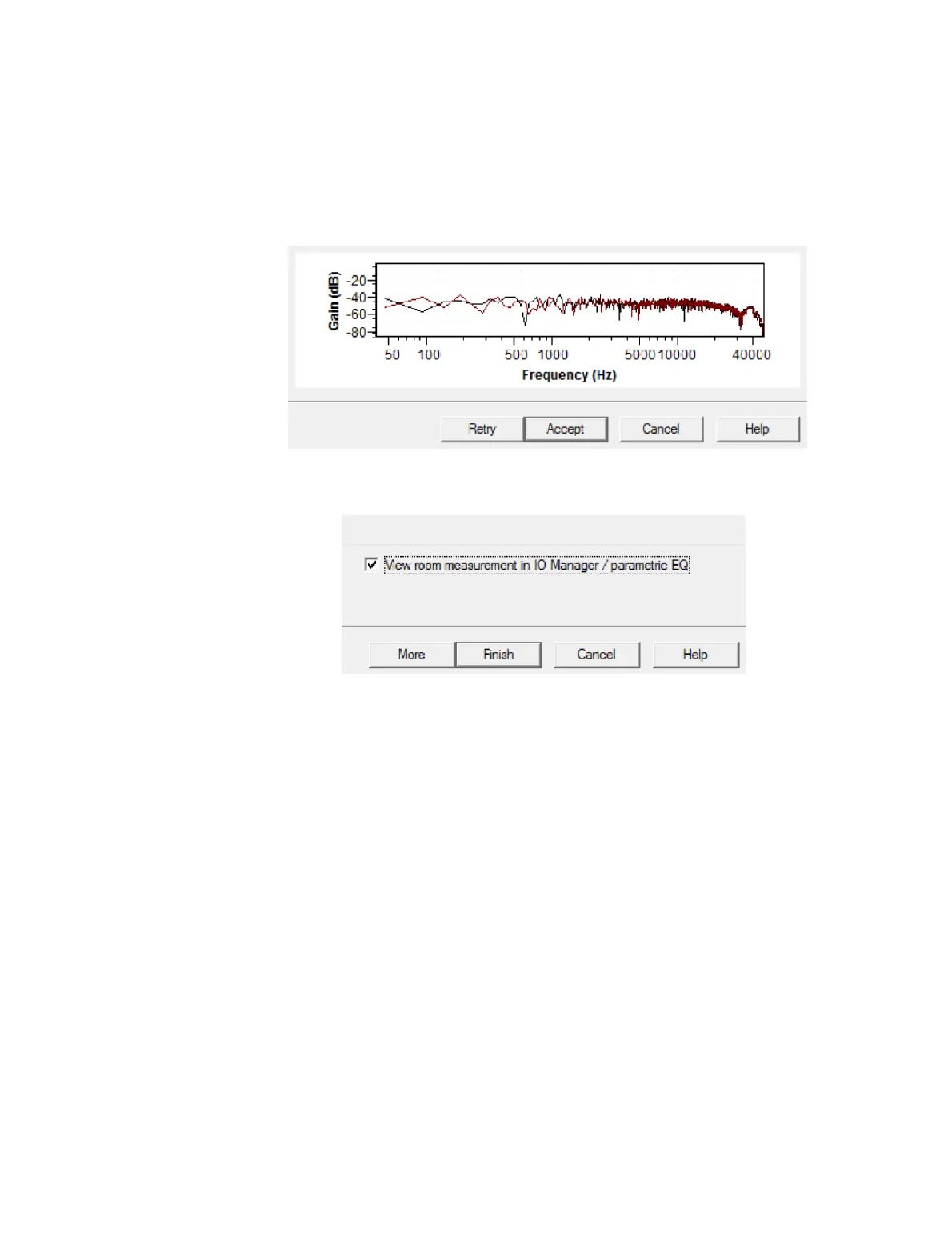
Screen 8. When the measurement process is completed, thumbnails of the room
measurements are displayed. Most of the time, you will simply click on Accept. If you
think there is an error in the measurement (for example, from unexpected external
noise), click Retry to run the measurement again.
Screen 9. This is the exit screen.
x To proceed with subwoofer integration or room EQ now, leave the box “View room
measurement in IO Manager / parametric EQ” checked and click Finish. (This is a
convenience feature to take you directly to the Equalizer tab of the DEQX Control
Panel.)
x To assess the initial room measurement as described on pages 89 and 90, uncheck
“View room measurement in IO Manager / parametric EQ” and click Finish. Then
open the measurement that you have just taken in a new data viewer (see next
page).
x If you wish to do additional room measurements at this point, click More to be taken
directly back to Screen 5. (The level setting screen will be bypassed when taking
additional measurements, in order to ensure matching measurement levels. See
pages 103 and 104 for more information on using multiple room measurements.)



 To Next Page