RAID controller
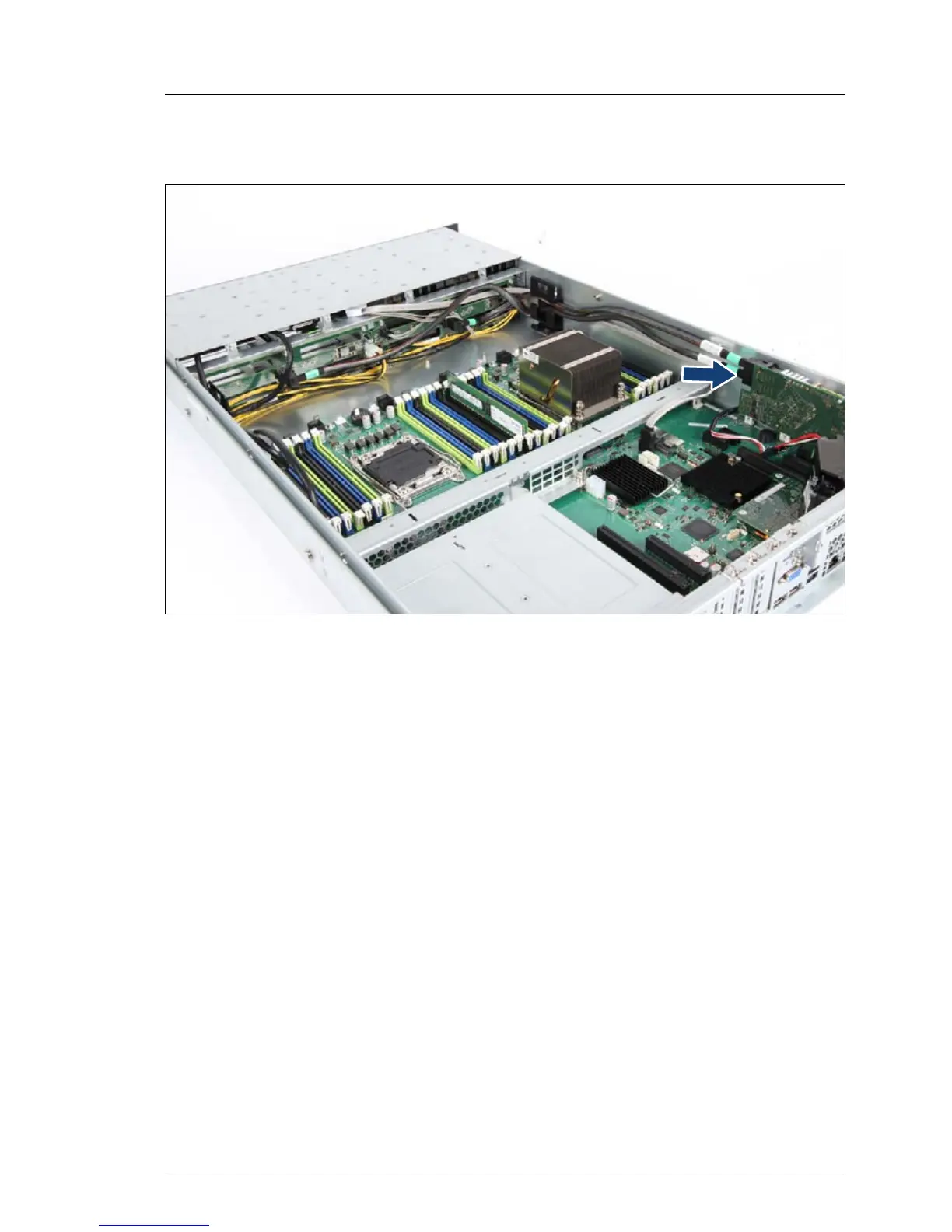
Figure 43: Connecting the 3.5-inch HDD backplane 2 to the RAID controller
Ê Connect the SAS cable of 3.5-inch HDD backplane to the RAID controller.
7.3.2.4 Concluding steps
Ê "Installing the fan box" on page 156
Ê "Reassembling" on page 61
Ê "Installing 3.5-inch HDD modules" on page 115
Ê "Connecting the server to the power source" on page 66
Ê "Switching on the server" on page 67
Ê "Enabling BitLocker functionality" on page 92


 To Next Page
 Loading...











