I The list may be changed due to new controllers.
For the latest information on supported expansion cards, refer your
server’s hardware configurator available online at the following address:
for the EMEA market:
http://ts.fujitsu.com/products/standard_servers/index.htm
for the Japanese market:
http://jp.fujitsu.com/platform/server/primergy/system/
9.1.2 Using riser modules
There are two types of riser modules available:
– A short riser card holder with a PCIe riser card with 2x x8 slots
– A long riser card holder with a PCIe riser card with 1x x16 slot
9.1.2.1 Population rules
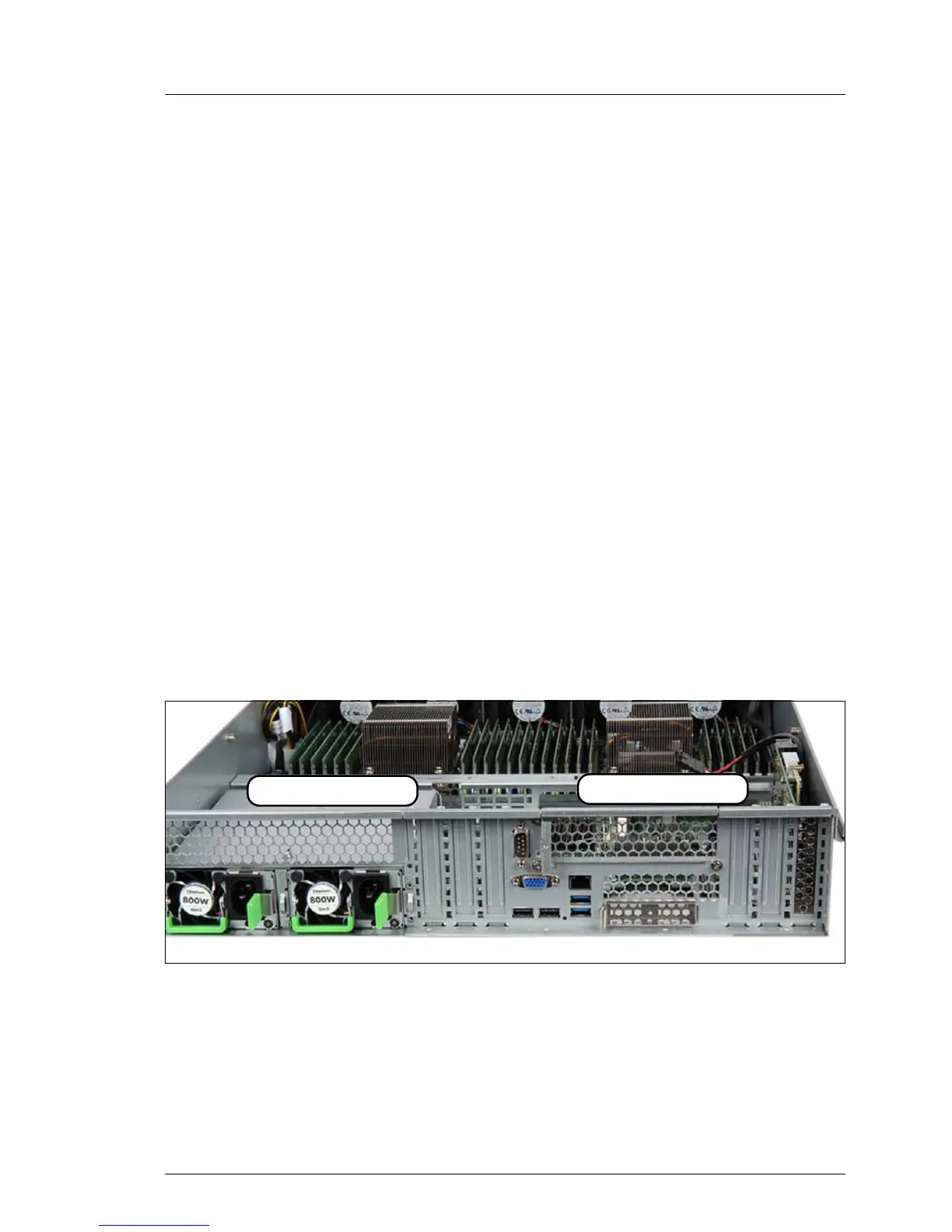
– Only riser modules of the same type can be used.
– Up to two riser modules can be installed.
– If only one riser card is installed it must be installed on the right side.
Figure 71: Installation locations of the riser modules


 To Next Page
 Loading...











