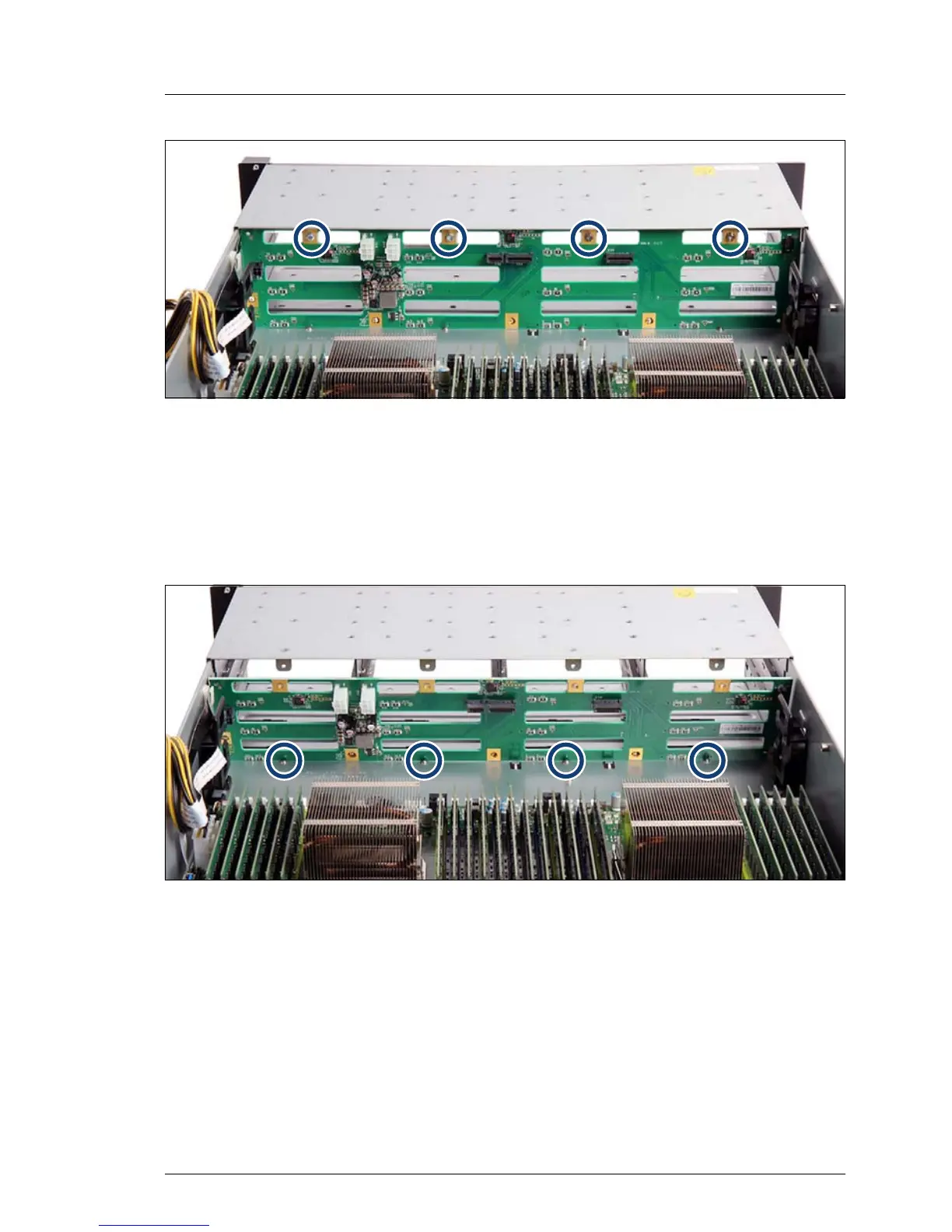
Figure 48: Removing the 12x 3.5-inch HDD backplane
Ê Remove the four screws (see circles).
Ê Take out the HDD backplane at a slight angle (45°).
7.3.3.4 Installing the new 12x 3.5-inch HDD backplane
Figure 49: Installing the 12x 3.5-inch HDD backplane (A)
Ê Position the HDD backplane behind the four stampings into the chassis (see
circles).



 To Next Page
 Loading...










