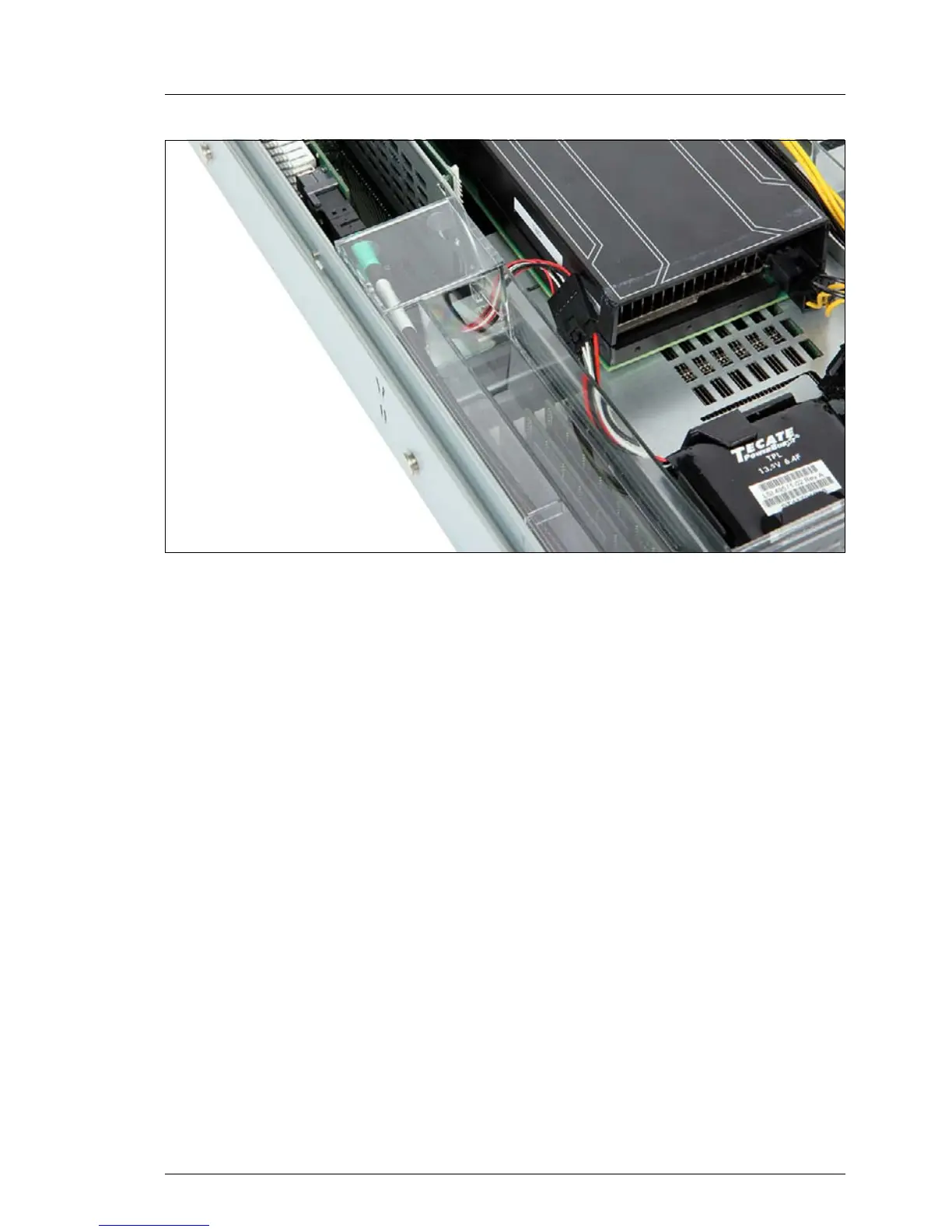
Figure 124: FBU cable routing
Ê Route the cable as shown.
9.6.1.11 Concluding steps
Ê "Reassembling" on page 61
Ê If applicable, connect all external cables to the expansion card.
Ê "Connecting the server to the power source" on page 66
Ê "Switching on the server" on page 67
Ê If applicable, "Updating RAID controller firmware" on page 81.
Ê If applicable, "Enabling Option ROM scan" on page 82.
Ê "Enabling SVOM boot watchdog functionality" on page 86
Ê "Enabling BitLocker functionality" on page 92


 To Next Page
 Loading...











