4.4 Waveform Observation
63
4
Chapter 4 X-Y Recorder Function
• Also after clearing the waveform display, waveform data are still retained by
the unit. This makes it possible to change settings for display format, display
color, synthesis channels, channel zoom and offset before redrawing the
waveform by selecting [Redraw].
When [Redraw] is executed, the screen and printout data will be renewed.
(As long as [Redraw] is not run, the screen and print data are not refreshed,
even if the setting is changed.)
• Using the Jog & Shuttle knobs for redrawing is also possible.
Waveform data for up to 4,000,000 samples are stored in memory, and an A/B cursor pair can be
used to trace measurement values. (
p.102)
The amount of memory used is indicated by the bar at the top of the screen.
Saving The SAVE key or the controls on the File screen can be used to save waveform
data stored in memory as a file.
See: "5.2.3 Saving Data Selectively (SAVE Key)" ( p.74)
Printing The PRINT key can be used to print out waveforms.
See: "6.3 Manual Printing With PRINT key (Selective Printing)" ( p.93)
Redrawing with different waveform display settings
Jog Move back and forth in the redrawing process in increments of 1
sample.
Shuttle Move back and forth in the redrawing process at a speed corre-
sponding to the rotation angle.
• When moving backwards, the waveform will be drawn in the direction towards
earlier data. Erasing the waveform is not possible.
• If the measurement exceeds 4,000,000 samples, redrawing is possible only up
to 4,000,000 samples in the past, counting backwards from the point where
measurement was stopped. Earlier waveform data are lost.
• Redrawing with the jog-shuttle is only reflected on the screen and will not affect
the printout data. To print the same waveforms as shown on the screen, use
hard copy ( p.98).
4.4 Waveform Observation
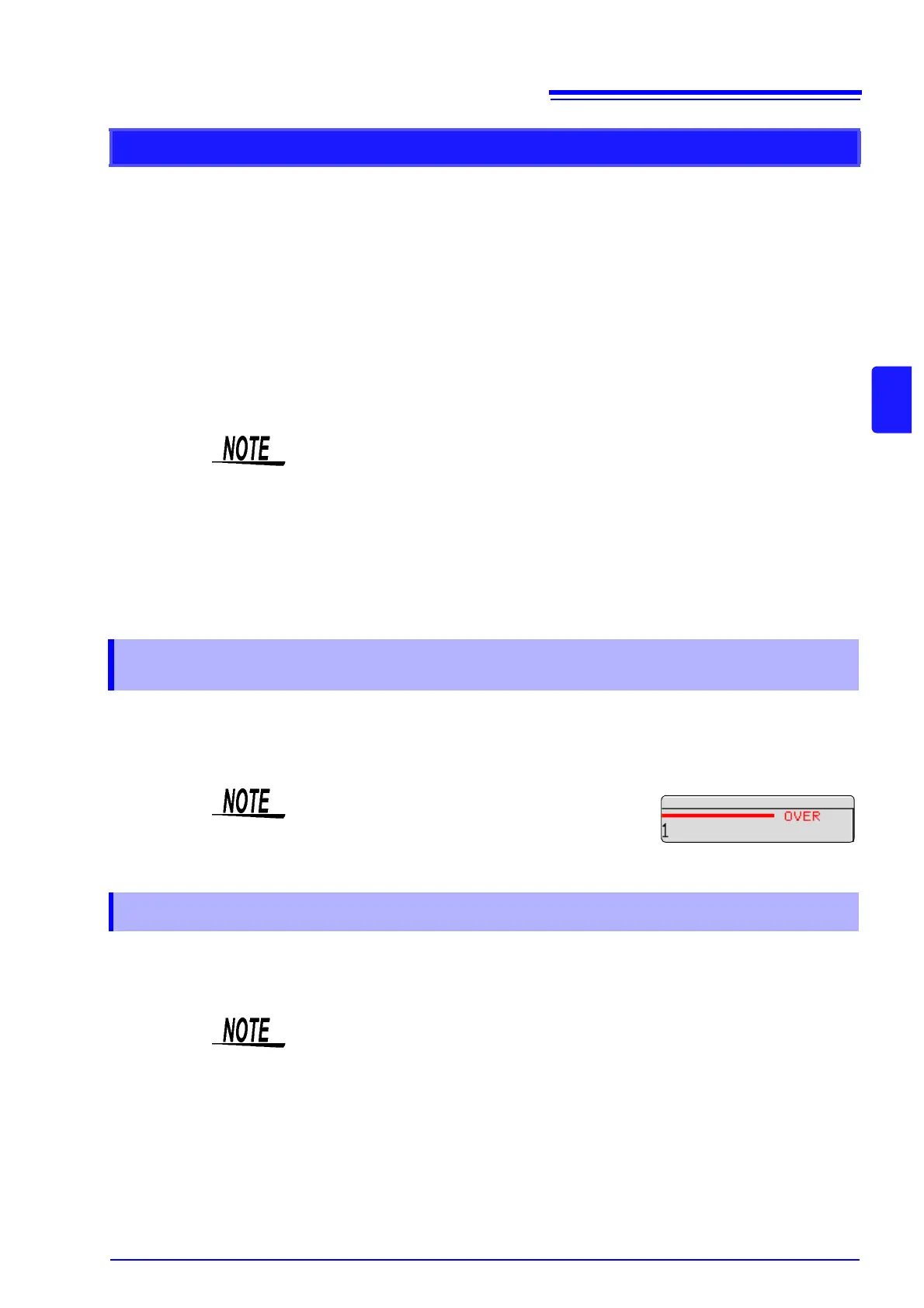
When the number of samples exceeds
4,000,000, the indication [OVER] appears at the
top of the screen.
4.4.1 Saving and Printing Waveform
Data stored in this way as a file can be loaded again into the instrument, but they
cannot be read by a PC.


 To Next Page