Keysight N9915-90020 User’s Guide 171
SA (Spectrum Analyzer) Mode (Option 233–Mixed Analyzers)FUTURE
SA Mode Settings
How to select Tune & Listen
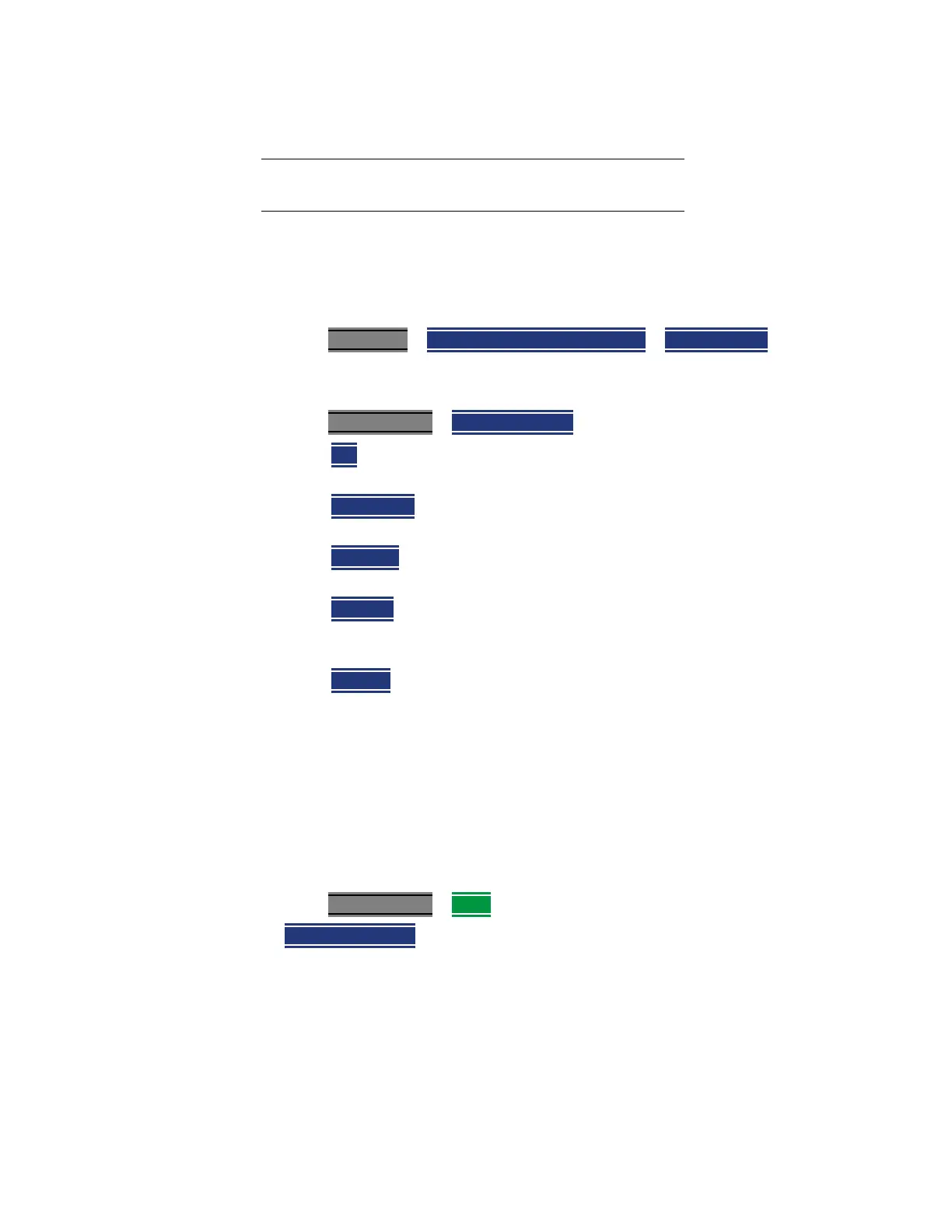
—Press Measure 1
> Analog Demod Tune & Listen > Tune & Listen
— Then choose a demodulation type. Select a setting based on the type of
interfering signal you suspect is being broadcast.
Press Meas Setup 4 > Tnl Demod Type then
— AM – Sets AM (Double-sideband with carrier) as the modulation
type.
—
FM Narrow – Sets Frequency Modulation; Narrow bandwidth.
Choose when interfering transmission consist of voice or data.
— FM Wide – Sets Frequency Modulation; Narrow bandwidth. Choose
when interfering transmission consist of voice or data.
— AM USB – Sets the modulation type to AM upper sideband.
Annotation: AM USB @ Center Frequency displayed at the top of
display. See also,
“TnL AM SSB Gain”.
—
AM LSB – Sets the modulation type to AM lower sideband.
Annotation: AM LSB @ Center Frequency displayed at the top of
display. See also, “TnL AM SSB Gain”.
See also,
“How to select Analog Demod (Metrics)” on page 175.
TnL AM SSB Gain
When you select AM USB or AM LSB softkeys, the TnL AM SSB Gain softkey
becomes active.
—Press Meas Setup 4 > More then
—
TnL AM SSB Gain – sets the gain in the IF path for TnL SSB measurements
(the optimal IF path gain is automatically determined/set for regular AM
and all the other demod types, but it cannot be automatically determined
for AM SSB so it has to set it manually).
“Audio Demod ON and OFF” on page 173
“Setting the Marker Counter Precision Softkey” on
page 173
“Setting the Mkr->TuneFreq Softkey” on page 173













 To Next Page