Keysight N9915-90020 User’s Guide 447
5G Rapid Prototype Phased Array Antenna – Option 360
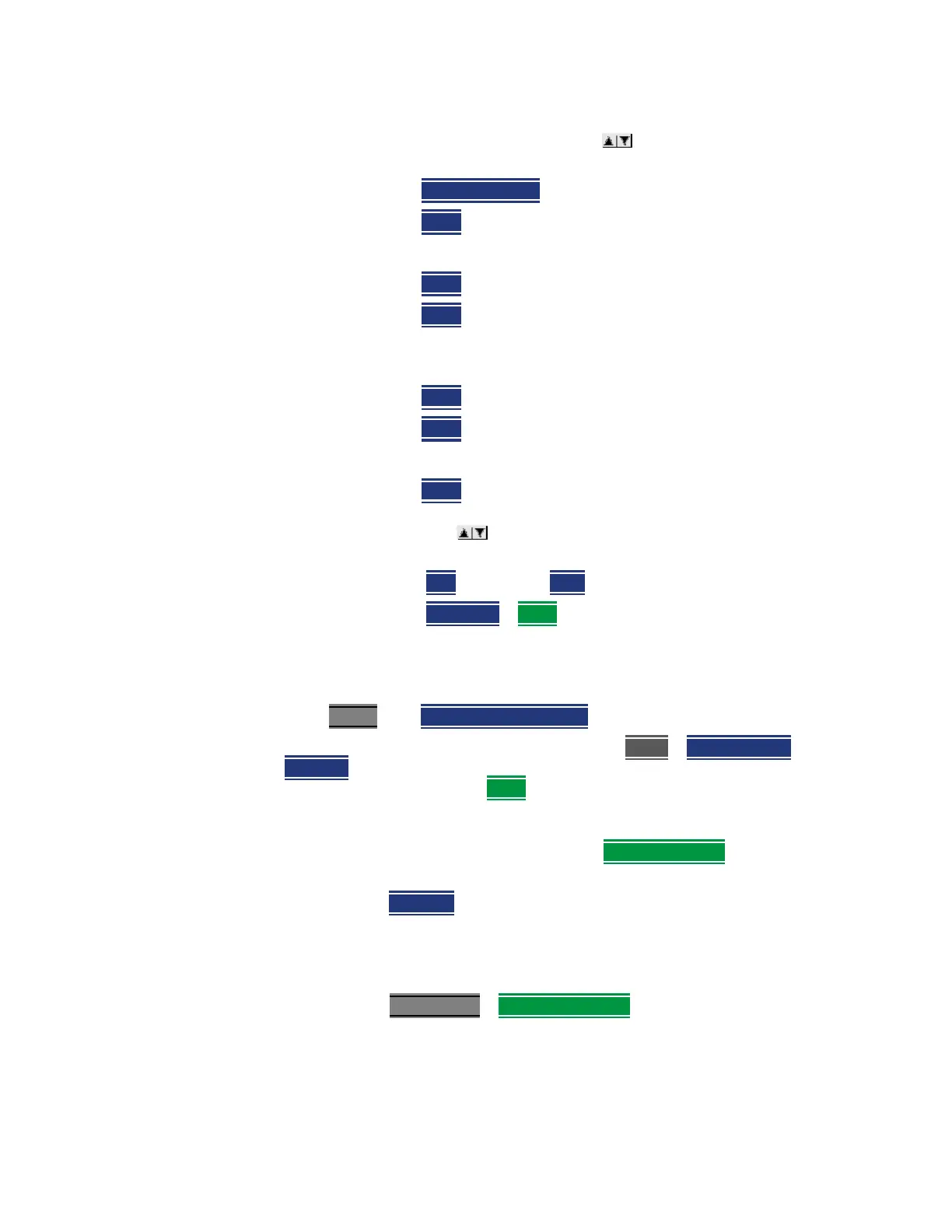
How to Set Up Phased Array Antenna Settings
1. In the Setting screen, use the arrows, the rotary knob, or
numeric keypad to highlight Obtain IP.
2. Press
Obtain IP Static
3. Press Clear, then set the Static IP Address to: 192.168.1.2
and
4. Press
Done
5. Press Clear, then set the Static Subnet Mask to:
255.255.255.0
and
6. Press
Done
7. Press Clear, then set the Static Gateway to: 192.168.1.254
and
8. Press Done
9. Using the arrows, the rotary knob, or numeric keypad to
select Apply Settings.
10. Press
Edit, then select Now.
11. Press
Done Edit > Done
Step 3. Define the measurement
1. Press Preset
then Mode Preset (Factory)
2. Selecting Phased Array Antenna mode: Press Mode > Phased Array
Antenna. Depending on the number of options loaded on your FieldFox, it
may be necessary to press
More.
3. Optimizing the FieldFox to scan for signals:
a. Run the Antenna Wizard: Measure >
Antenna Wizard and follow the
prompts.
b. Set the Measure type (i.e., Bore-Sight, Heat Map, Polar ANT, or Park
ANT).
See also “How to Set Up Phased Array Antenna Settings” on
page 433
.
c. Set the Meas Setup
> Antenna Settings table:
— Ball Antenna: LAN address
— Settings: Res BW, Video BW, and Beam Width













 To Next Page