484 Keysight N9915-90020 User’s Guide
Indoor and Outdoor Mapping – Option 352 (Requires Spectrum Analyzer Mode (Option
233), and GPS Receiver (Option 307))
Downloading and Using the FieldFox Map Support Tool
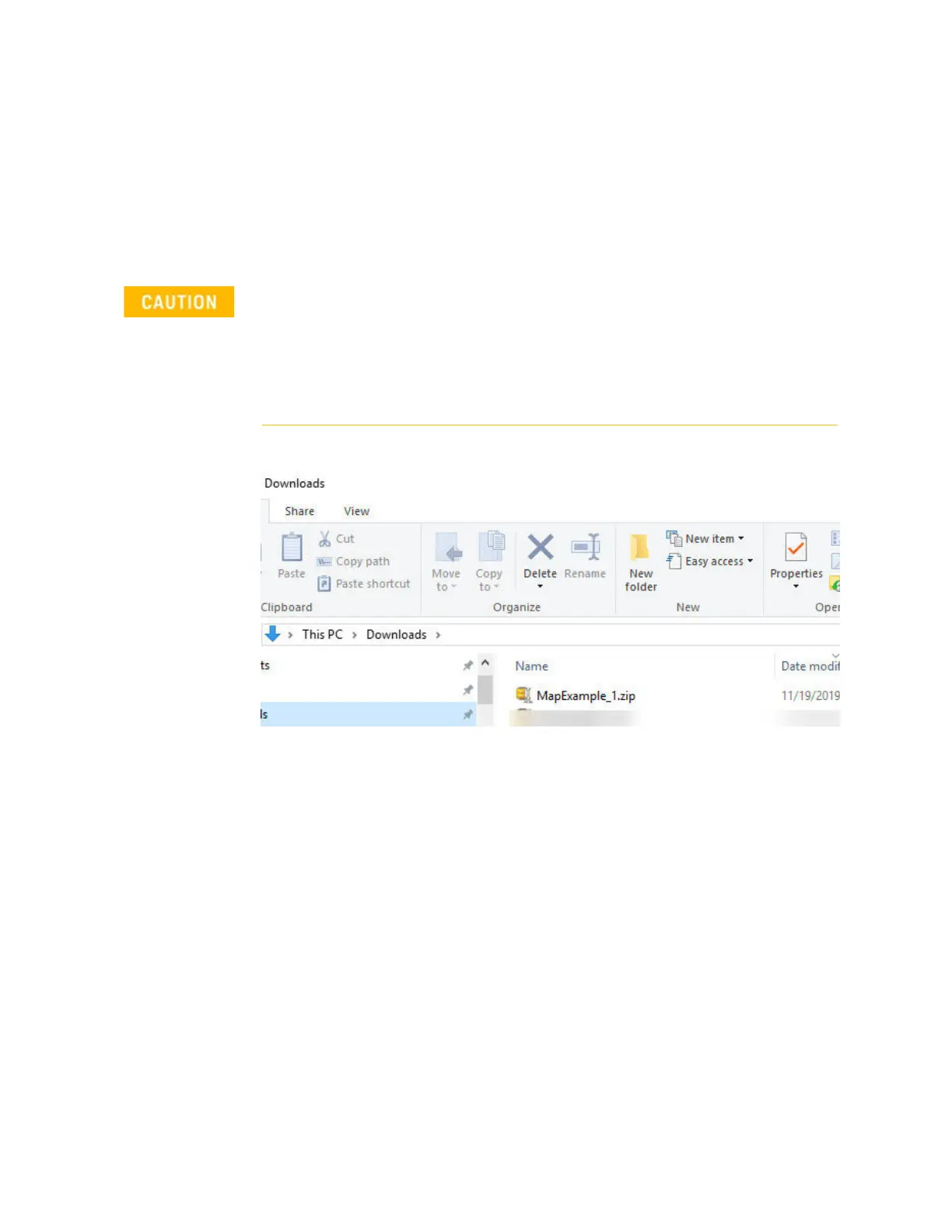
b. Open the PC’s Downloads folder and find your *.zip file. (e.g.,
MapsZIP_Example_1). Refer to
Figure 16-9 on page 484.
c. Copy the *.zip file to your SD card or USB storage device.
d. Remove the SD card/USB storage device from your PC.
e. Insert the SD card/USB storage device into the FieldFox.
Figure 16-9 New Maps Zip File – MapExample_1
IMPORTANT!
In the folder that contains your unzipped files, do not change any of the
Map file folders or filenames. Doing so will prevent the FieldFox from being
able to recognize the map files.
New downloaded Map folders, for the same map locations and zoom
levels, will overwrite any existing folders on the FieldFox.













 To Next Page