Keysight N9915-90020 User’s Guide 521
Indoor and Outdoor Mapping – Option 352 (Requires Spectrum Analyzer Mode (Option
233), and GPS Receiver (Option 307))
Troubleshooting
Type Y and then press Enter
The command window should display message confirming the
termination of the batch job and close.
Refer to
Figure 16-25.
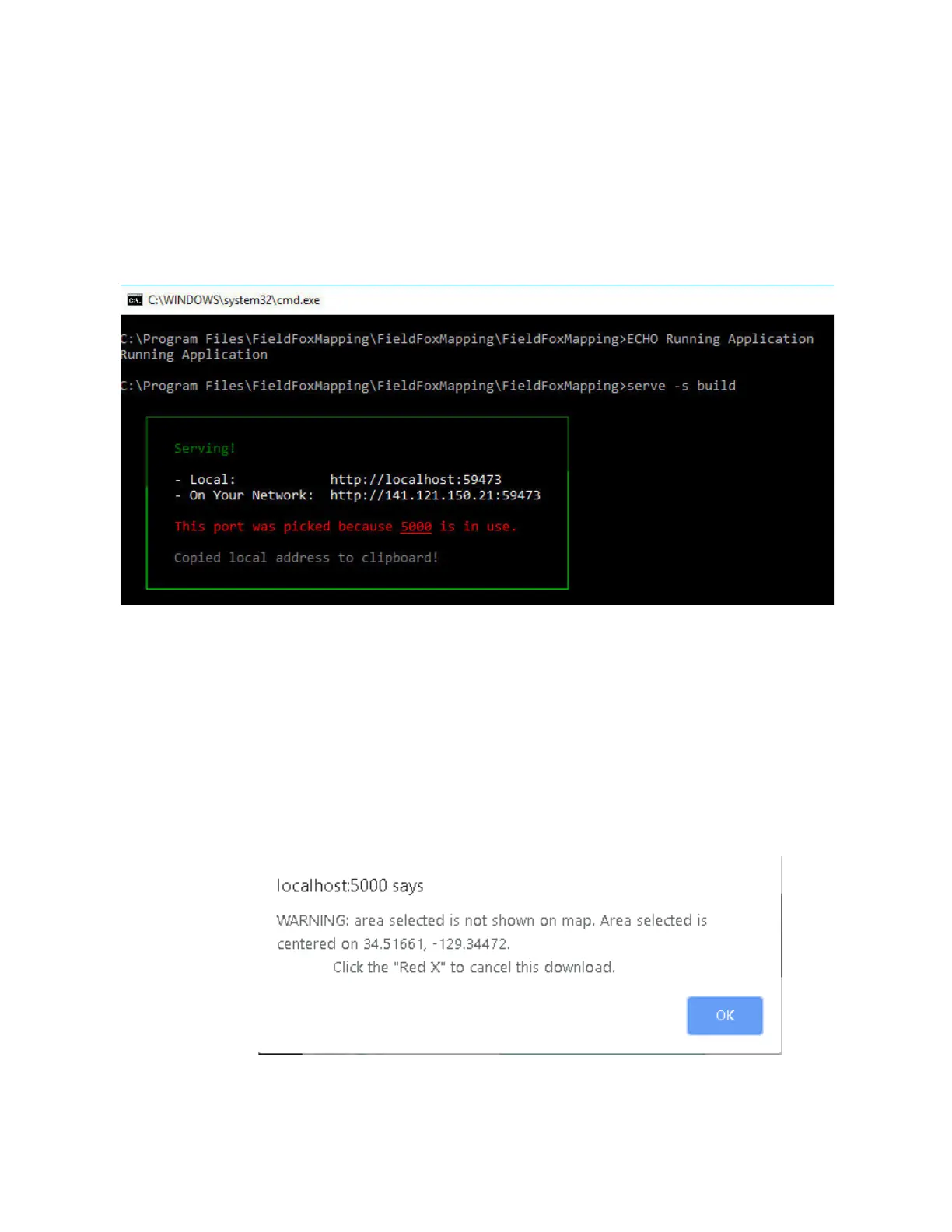
Figure 16-25 Example of “This port...because 5000 is in use.” Error
If the Map Support Tool displays the error shown in
Figure 16-26, it means
the selected map area is outside the current viewable area.
— You can either:
——Move the map area by clicking the left mouse to the area you
have selected or
——Click the “Red X” to cancel the download
Figure 16-26 Example of “This port...because 5000 is in use.” Error













 To Next Page