652 Keysight N9915-90020 User’s Guide
Channel Scanner (Option 312)
How to Set Up Channel Scanner
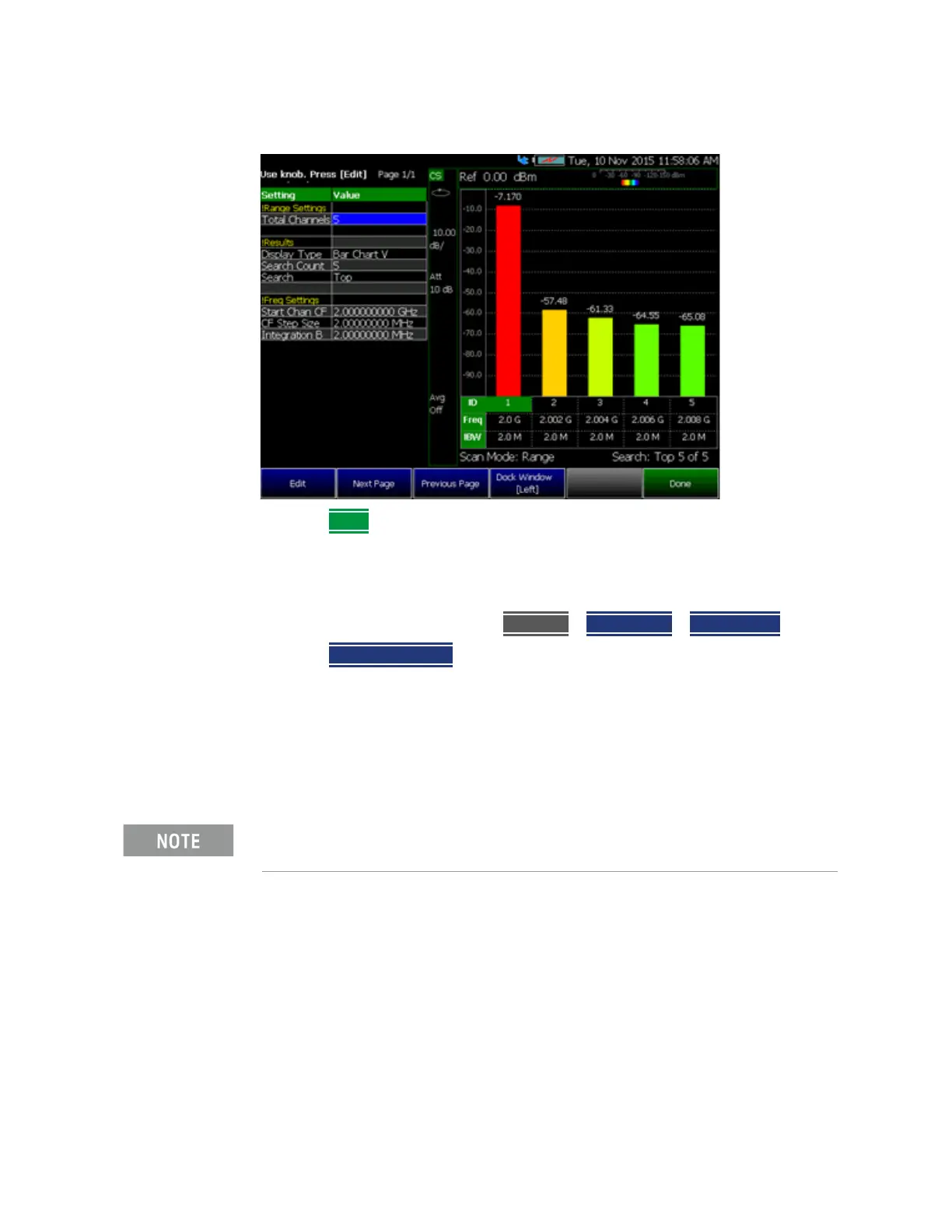
Figure 28-3 Range Table Settings
3. Press Done
Step 1B: Scan Mode: Custom List Channel Defined
1. Define some channels: Press
Measure > Scan Mode > Custom List
2. Press Edit Custom List and modify table items:
— Add table rows
— Then for each row:
— Edit Center Frequency (CF)
— Edit Integration BW (IBW)
Integration BW (IBW) is coupled to the Frequency Span setting. Frequency Span is 50% wider
than the IBW (e.g., if the IBW value is 1 MHz, then the Frequency Span value is 1.5 MHz).













 To Next Page