702 Keysight N9915-90020 User’s Guide
Noise Figure Mode (Option 356)
How to Define a Noise Figure Measurement
Frequency Context – IF (DUT Out) – Inactive for Type [Amplifier]
The IF (DUT Out) softkey can be used to define the DUT Type’s IF Start, Stop,
Center, and Span frequencies. Refer to
“Frequency Range and Frequency
Context” on page 704
.
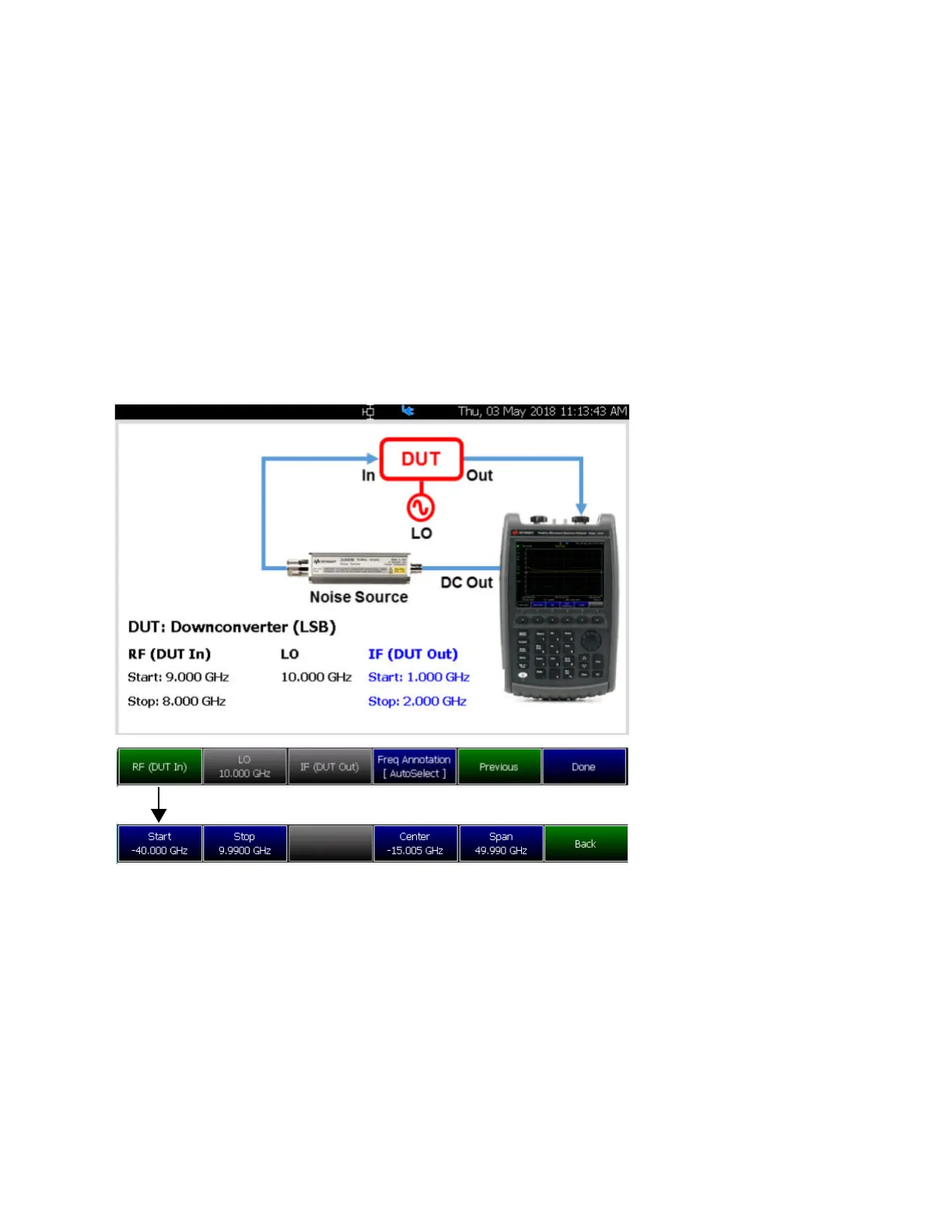
Figure 29-20 DUT >Type [Downconverter], [Upconverter], and [Multi-Stage Converter] > IF
(DUT Out)—Frequency Context (Inactive for Type [Amplifier]
Used for setting up Start,
Stop, Center, and Span
frequency context for a
DUT
– Type [Downconverter],
[Upconverter], and
[Multi-Stage Converter]
--Set the frequency context
based on the DUT Type
––Enter the RF (DUT In)
values for Start, Stop,
Center, and Span
frequencies
DUT – Measurement Setup – Type [Downconverter], [Upconverter], and [Multi-Stage Converter]













 To Next Page