Comfort Control Unit
118
Pos: 21.13.5 /B A/Info-Center/La dewagen/Ha uptmenüs/Hau ptmenü 2 Zähler/Z ählermodus einstellen @ 2 5\mod_1244101 814072_78. doc @ 254920
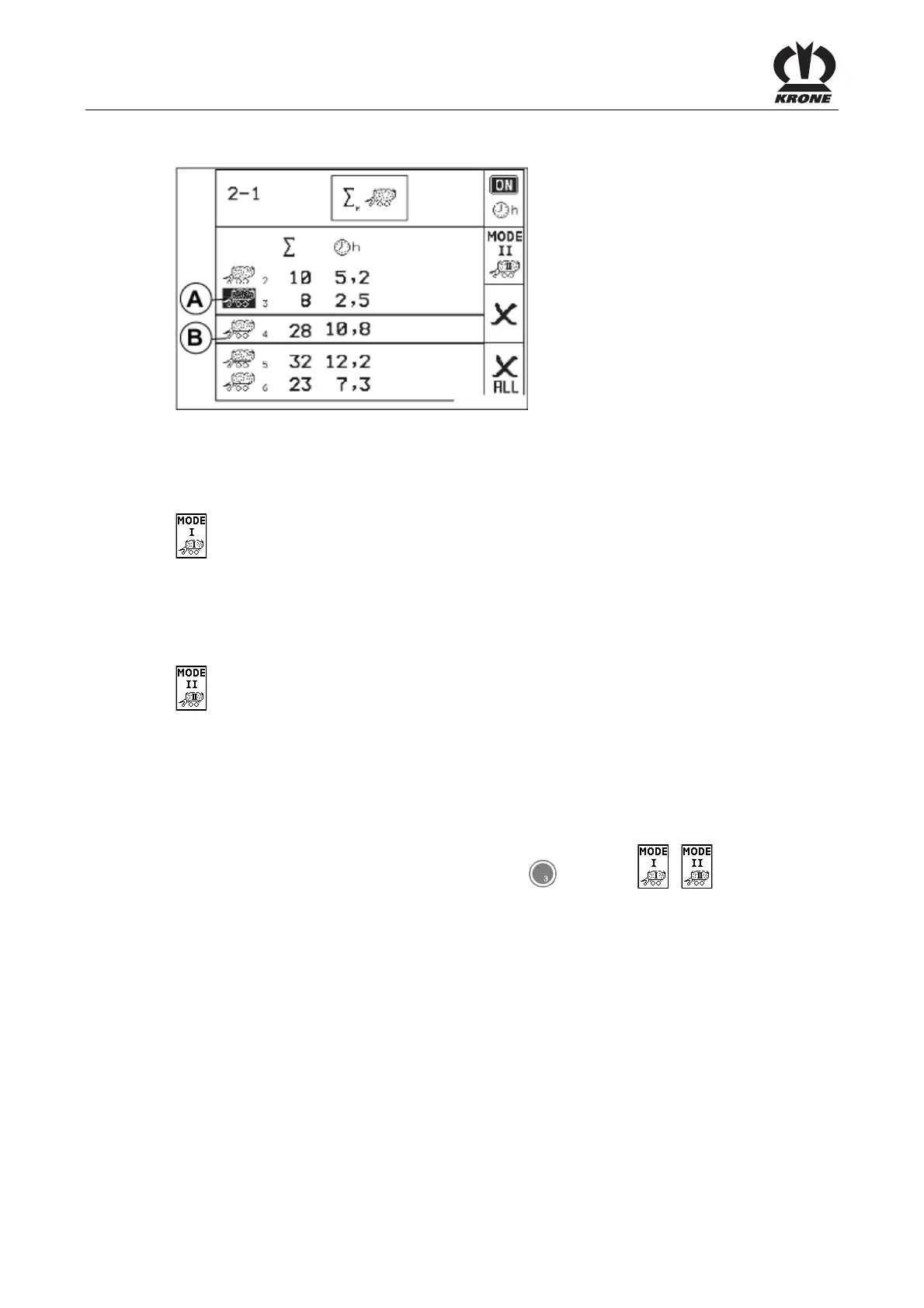
Adjusting the counter mode
A
B
L400141_1
t
2356
3312
6532
0
0
Fig. 81
The wagonload counter can be adjusted over the counter mode depending on the use of the
loading wagon.
Meaning of the icons:
Loading mode (when using the loading wagon for collecting, conveying and depositing
agricultural crops (hay, straw and grass silage)).
A wagonload is counted if the tailgate is closed, the floor conveyor supply is activated for at
least 5 sec. and then the floor conveyor supply runs for at least 5 sec.
Cutting mode (when using the loading wagon as silage transport wagon (grass and maize
silage)).
A wagonload is counted if after the opening of the tailgate the floor conveyor supply will be
activated for at least 5 seconds.
In case the tailgate will be closed during cutting mode with non-discharged machine and the
unloading process will be continued later on, two wagonloads are counted.
Activate the desired counter mode by pressing key for softkey / .
The activated softkey is shown in the display.
Pos: 21.13.6 /B A/-----Seitenu mbruch------ @ 0\mod_119617 5311226_0.doc @ 4165











 To Next Page