Comfort Control Unit
83
Pos: 21.7.4 /BA/ Info-Center/Lad ewagen/Statusz eile Hauptfen ster @ 31\m od_12523098 79494_78.doc @ 3 03301
Displays in the main window:
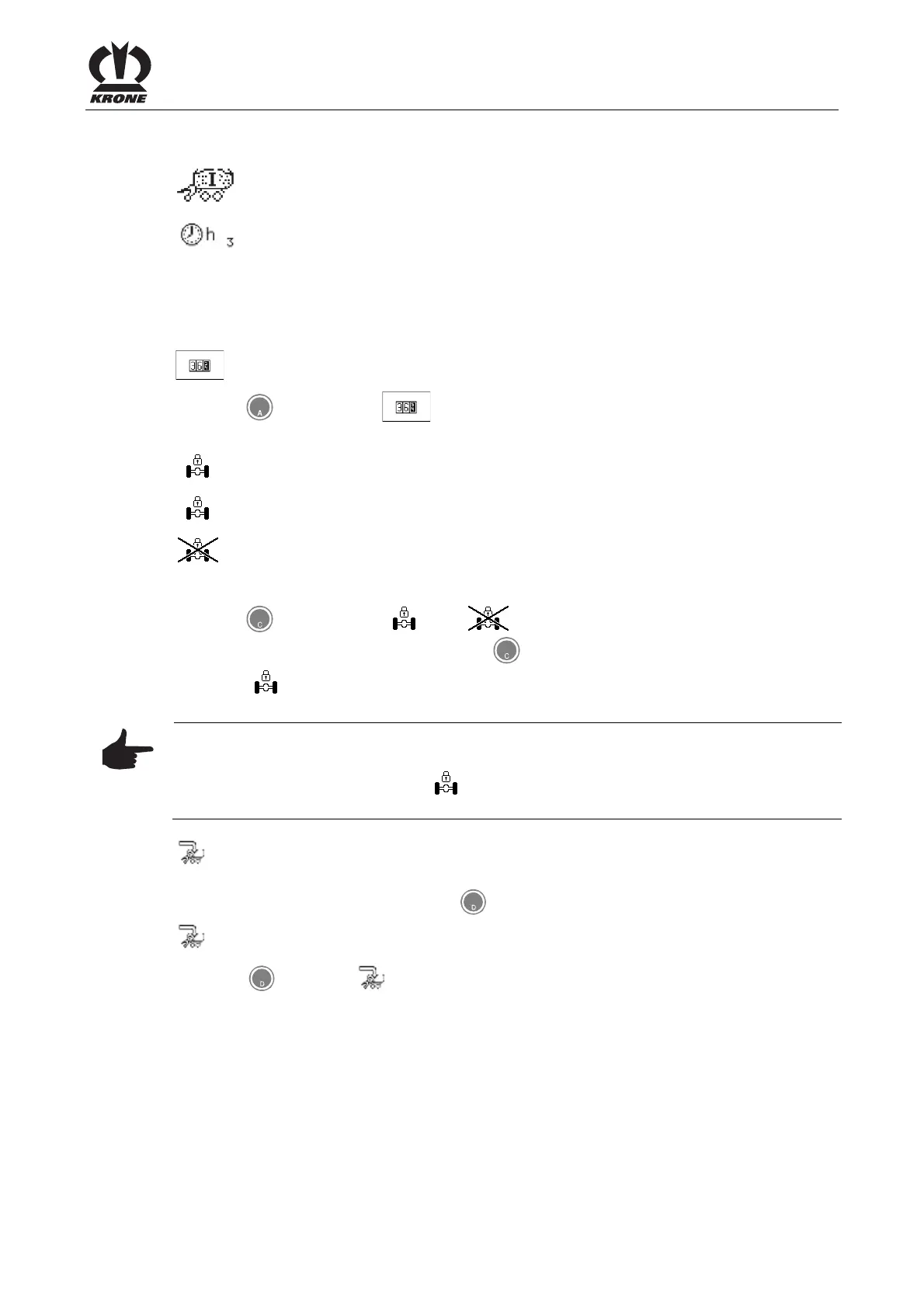
Wagonload counter, current customer counter
I = Loading mode / II = Cutting mode
Operating hours counter, current customer counter
Pos: 21.7.5 /BA/ Info-Center/Lad ewagen/Softke ys unterste Zeile @ 28\mod _125006792257 2_78.doc @ 27 3475
Softkeys
The following softkeys are found in the bottom line:
Setting the customer counter
Press the key for softkey . The menu 2-1 "Customer counter" is displayed (for
settings see menu 2-1 "Customer counter").
Locking/releasing the coaster/steering axle. The active status is displayed.
= Steering axle locked
= Steering axle released
To release the coaster/steering axle:
Press the key for softkey . The symbol appears in the display
(coaster/steering axle released). Pressing the
key again will relock the coaster/steering
axle. The softkey appears in the bottom line of the display.
Note
As long as the pressure is increasing at the locking cylinder, the softkey flashes. Once the
pressure has been built up, softkey stops blinking and the coaster/steering axle is
locked.
Pos: 21.7.6 /BA/ Info-Center/Lad ewagen/Ge wichtserfassug/ Softkeys unterst e Zeile @ 25\mo d_124221823 9100_78.doc @ 250501
Switching to loading/unloading operation. The activated mode is displayed (with
deactivated weight control).
Switching to unloading mode. Press key for softkey.
Switching to the menu “Weight control (save full weight)” (with activated weight control).
Press key
for softkey . The menu “Weight control (save full weight)” is displayed.
Pos: 21.7.7 /BA/--- --Seitenumbruc h------ @ 0\ mod_1196175 311226_0.doc @ 4165











 To Next Page