215676 120 Revision A
1009243
CXXX
MXXX
VIEW CONTROL LOCKS
NO/YES
B
A
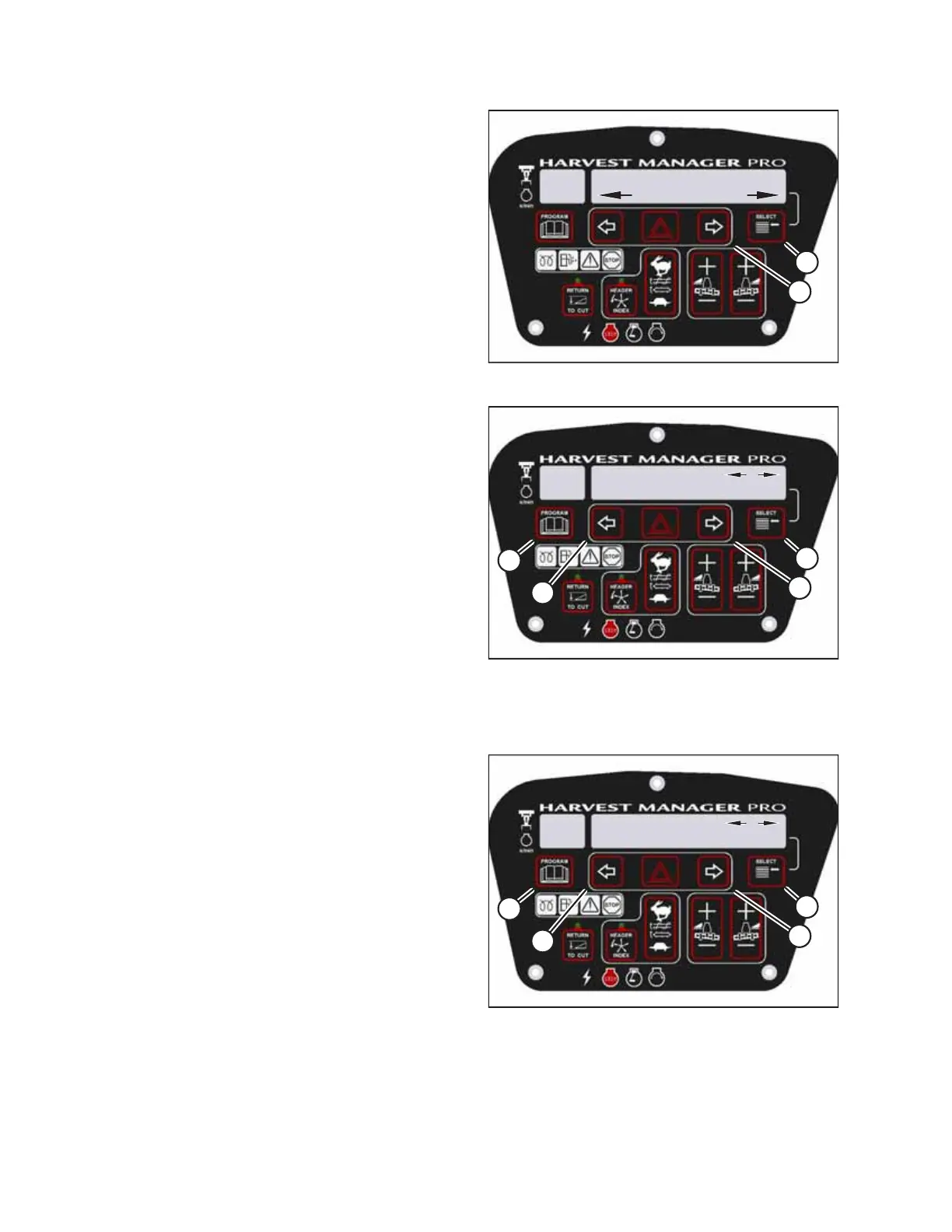
Figure 3.141: Control Locks
4. Press SELECT (B) until VIEW CONTROL LOCKS? appears on
the upper line.
• NO/YES will appear on the lower line.
5. Press right arrow (A) to select YES. Press SELECT (B).
HEADER TILT will appear on the upper line.
• The control switch status will appear on the lower line.
The hours displayed indicate when a switch was
enabled or locked.
1009247
CXXX
MXXX
DRAPER SPEED
575.1 HRS ENABLED
D
C
B
A
Figure 3.142: Control Locks
6. Press left arrow (B) or right arrow (C) to cycle between
control switch lockouts. The displayed control switches are
as follows:
• HEADER TILT
• HEADER FLOAT
• REEL FORE/AFT
• DRAPER SPEED
• AUGER SPEED
• KNIFE SPEED
• DISK SPEED
• REEL SPEED
NOTE:
Not all control lock options apply to every type of header.
1009247
CXXX
MXXX
DRAPER SPEED
575.1 HRS ENABLED
D
C
B
A
Figure 3.143: Control Locks
7. Press SELECT (D).
• EXIT VIEW LOCKOUTS? will appear on the upper line.
• NO/YES will appear on the lower line.
8. Press right (C) to select YES.
9. Press PROGRAM (A) to exit programming mode or press
SELECT (D) to proceed to the next WINDROWER SETUP
option.
OPERATOR’S STATION



 To Next Page