215676 280 Revision A
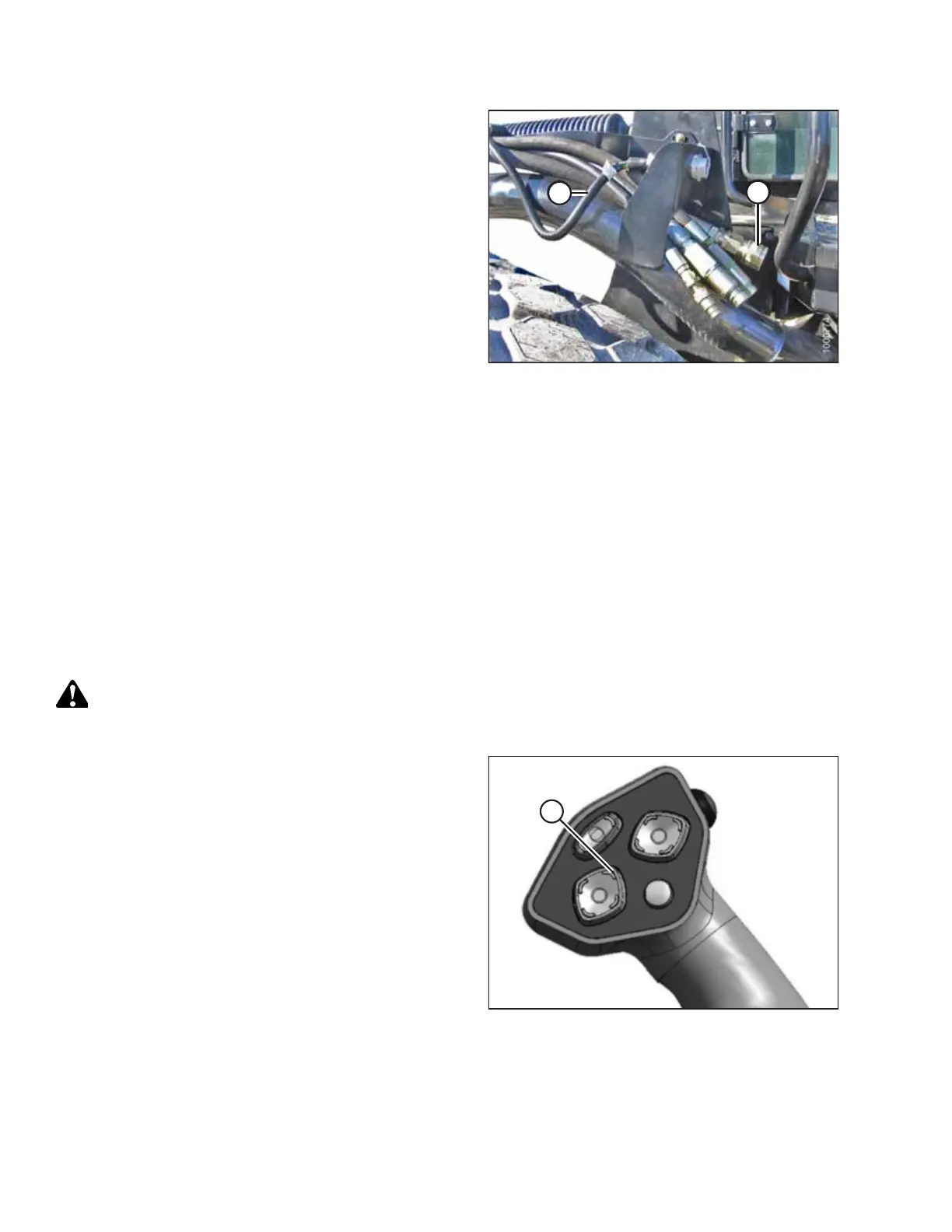
Figure 4.270: Header Drive Hoses and Harness
20. Connect header drive hoses (A) and electrical harness (B) to
the header. For instructions, refer to the header operator’s
manual.
4.5.7 Detaching R or R1 Series Rotary Disc Header
Detaching a header from the windrower involves removing the header’s mechanical connection to the windrower and
disconnecting the hydraulic and electrical connections.
Refer to the relevant procedure:
• Detaching R or R1 Series Rotary Disc Header — Hydraulic Center-Link, page 280
• Detaching R or R1 Series Rotary Disc Header – Mechanical Center-Link, page 284
Detaching R or R1 Series Rotary Disc Header — Hydraulic Center-Link
Detaching an R or R1 Series Rotary Disc Header from the windrower requires lowering the header stand, removing the leg
pins, disengaging the float springs, and disconnecting the electrical and hydraulic connectors.
DANGER
To prevent bodily injury or death from the unexpected startup of the machine, always stop the engine and remove the
key from the ignition before leaving the operator’s seat for any reason.
Figure 4.271: Ground Speed Lever (GSL)
1. Start the engine and press HEADER UP switch (A) to raise
the header to its maximum height.
2. Rephase the cylinders if one end of the header does not
rise fully:
a. Press and hold HEADER UP switch (A) until both
cylinders stop moving.
b. Continue to hold the switch for 3–4 seconds. The
cylinders are now phased.
OPERATION



 To Next Page