215676 67 Revision A
Display Selector Switch
The display selector switch allows the Operator to choose what information is displayed on the cab display module’s (CDM)
top line read-out.
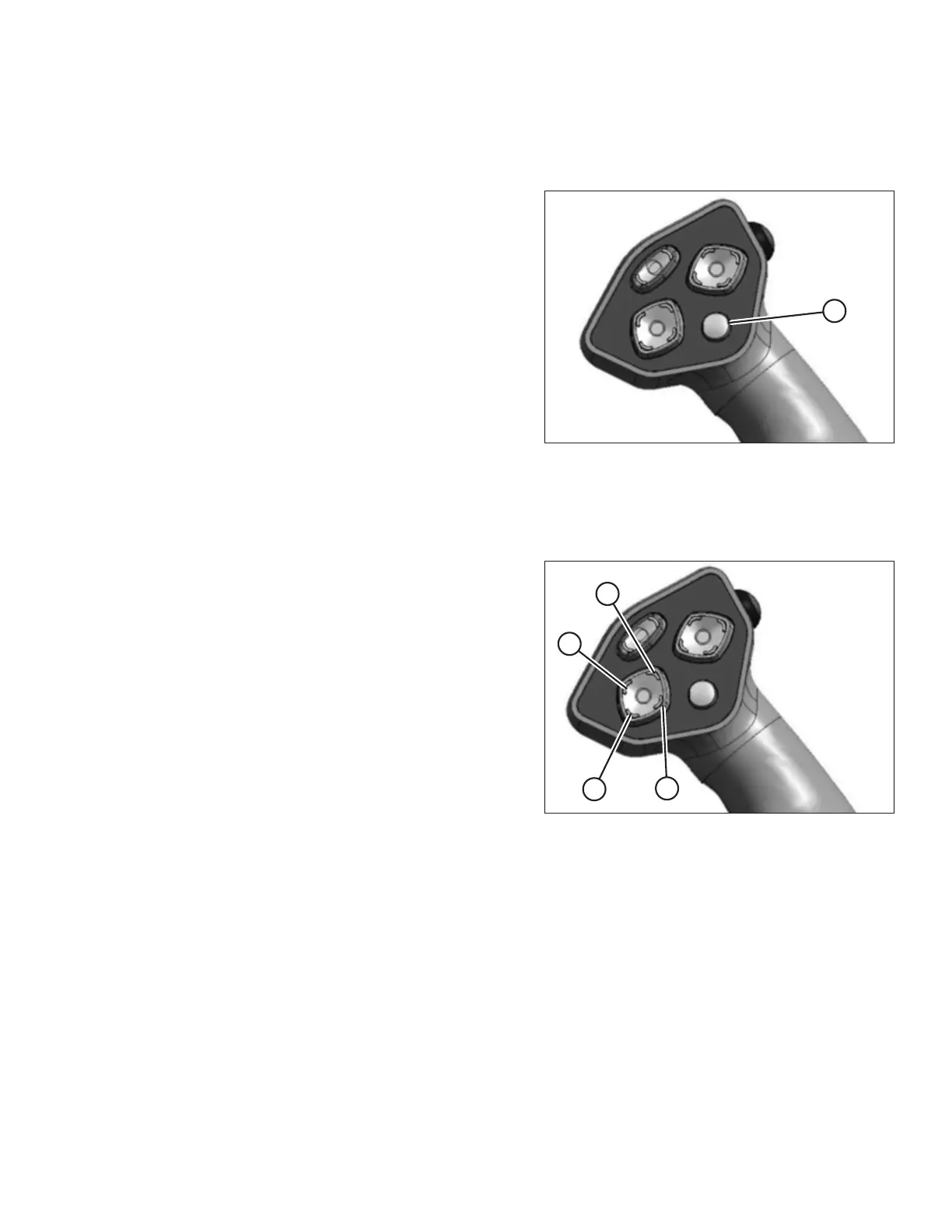
Figure 3.52: Ground Speed Lever
Press switch (A) to scroll through the settings.
Header Position Switches
Use the header position switches on the ground speed lever (GSL) to adjust the height of the header.
Figure 3.53: Ground Speed Lever
• To lower the header, press switch (A)
• To raise the header, press switch (C)
• To tilt the header down, press switch (B)
• To tilt the header up, press switch (D)
Release the switch when the header is sitting at the desired
height.
OPERATOR’S STATION



 To Next Page