215676 275 Revision A
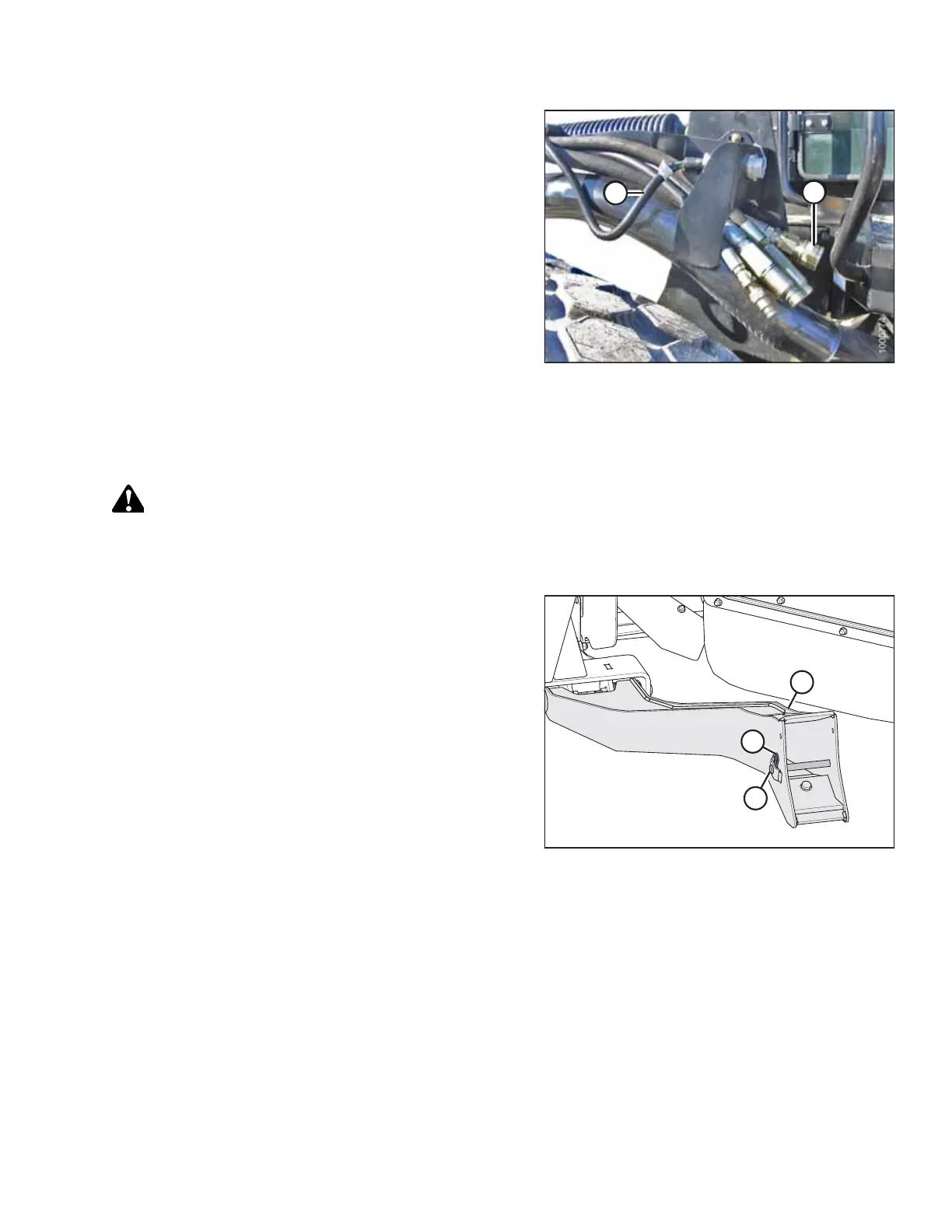
Figure 4.258: Header Drive Hoses and Harness
22. Connect header drive hoses (A) and electrical harness (B) to
the header. For instructions, refer to the header operator’s
manual.
Attaching R or R1 Series Rotary Disc Header – Mechanical Center-Link
Windrowers equipped with a mechanical center link will have to be manually connected to the header’s center pin.
DANGER
To prevent bodily injury or death from the unexpected startup of the machine, always stop the engine and remove the
key from the ignition before leaving the operator’s seat for any reason.
1. Shut down the engine, and remove the key from the ignition.
Figure 4.259: Header Support
2. Remove hairpin (B) from clevis pin (A) and remove the
clevis pin from header supports (C) on both sides of the
header.
OPERATION



 To Next Page