215676 122 Revision A
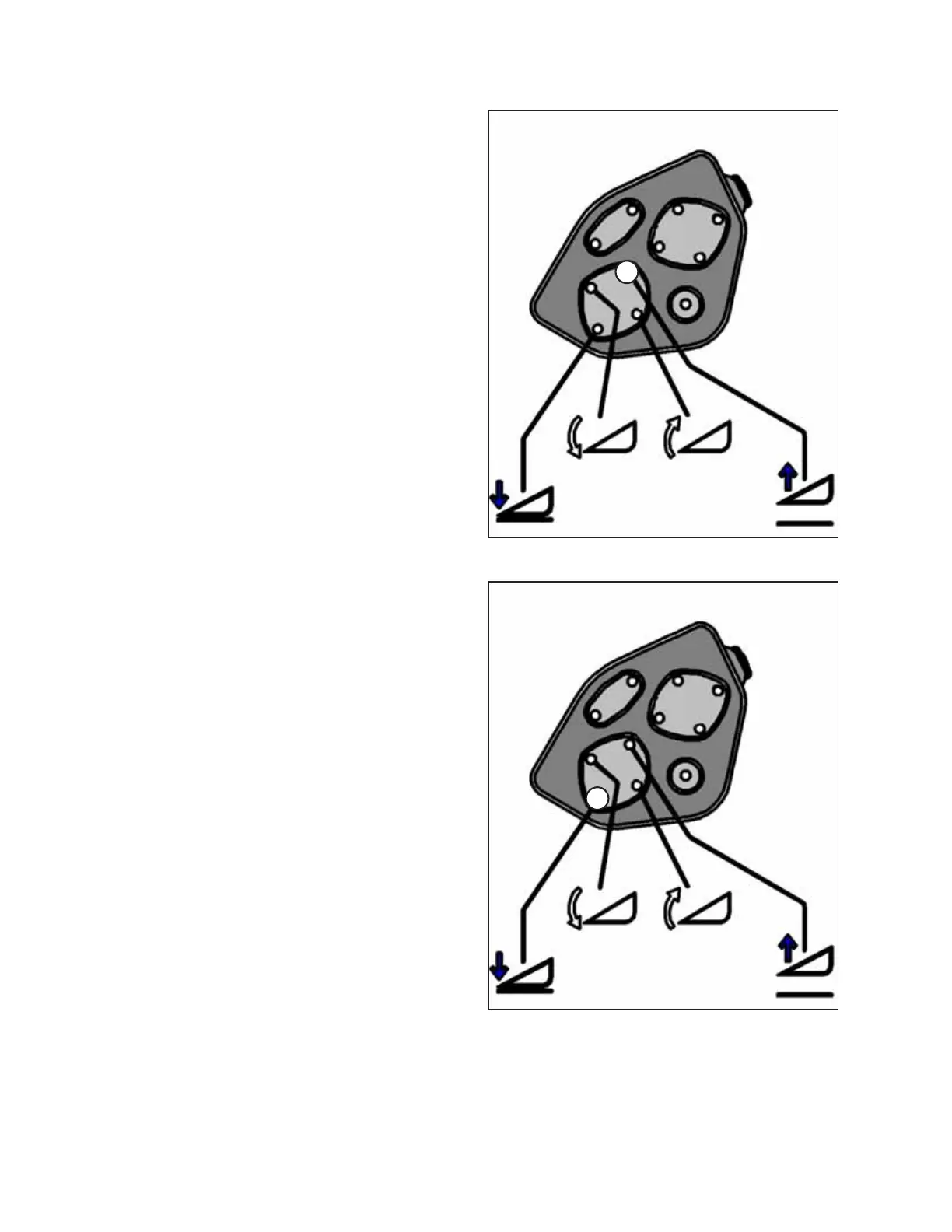
Figure 3.146: Header Height Controls on GSL
6. Press and hold HEADER UP button (A) on the ground speed
lever (GSL).
• CALIBRATING HEIGHT will appear on the upper line.
• RAISE HEADER HOLD will appear on the lower line.
NOTE:
The word HOLD will flash during calibration. RAISE HEADER
DONE will display on the lower line once calibration is
complete.
7. Release HEADER UP button (A).
• HEIGHT SENSOR CAL will appear on the upper line.
• PRESS LOWER HEADER will appear on the lower line.
Figure 3.147: Header Height Controls on GSL
8. Press and hold HEADER DOWN button (A) on the GSL.
NOTE:
The word HOLD will flash during calibration. HT SENSOR
COMPLETE will display on the lower line once calibration is
complete.
9. Release HEADER DOWN button (A).
• TO CALIBRATE SELECT will appear on the upper line.
• HEADER HEIGHT will appear on the lower line.
10. Press the right arrow to select the next header sensor calibration or select STOP & EXIT. Press SELECT.
Refer to Calibrating Header Tilt Sensor, page 123 or Calibrating Header Float Sensors, page 125.
11. Press PROGRAM to exit programming mode.
OPERATOR’S STATION



 To Next Page