215676 128 Revision A
1030063
SWATH SENSOR CAL
PRESS SWATH DOWN
C###
M###
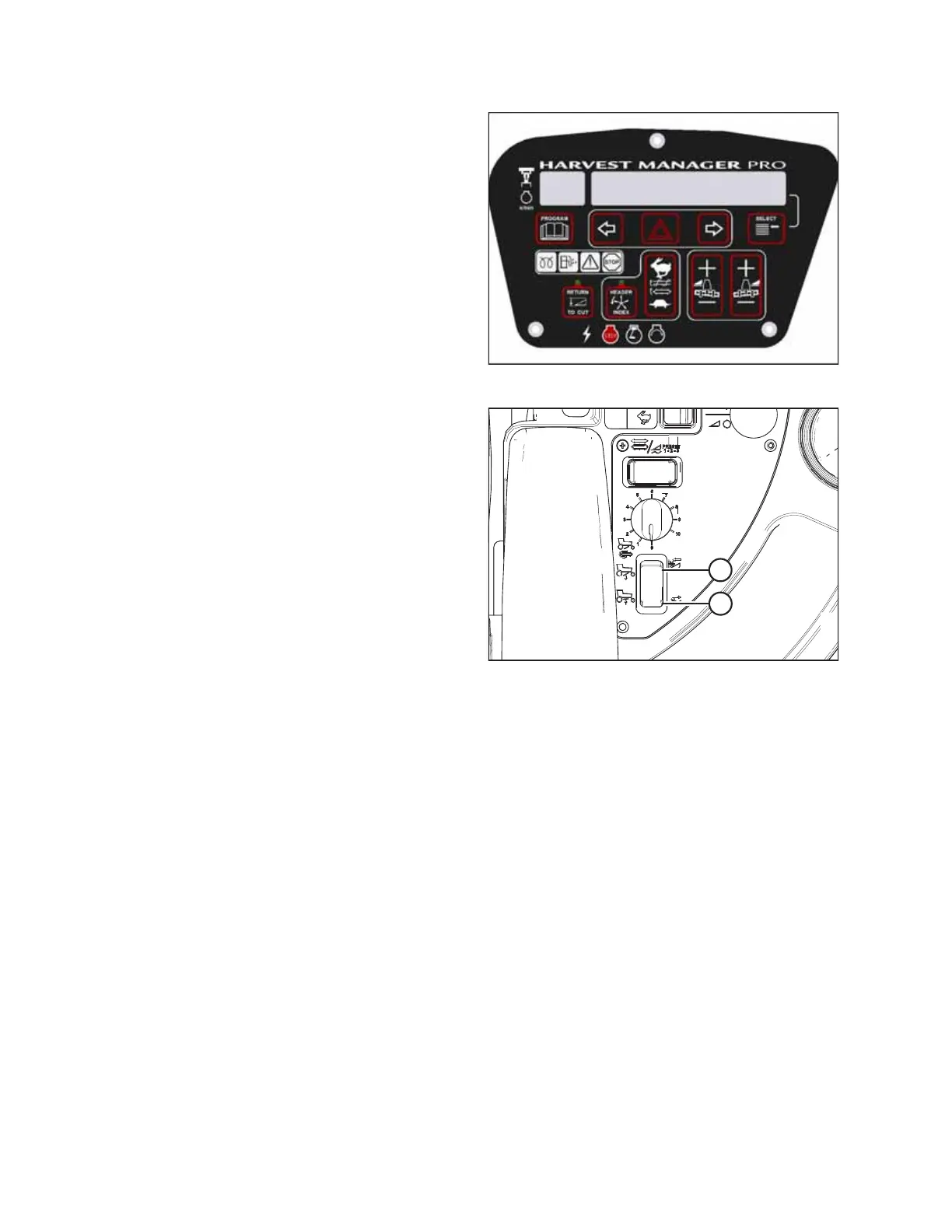
Figure 3.160: Swath Compressor Sensor Calibration
• SWATH SENSOR CAL will appear on the upper line.
• PRESS SWATH DOWN will appear on the lower line.
Figure 3.161: Swath Compressor Controls
A - Lower Swath Compressor
B - Raise Swath Compressor
7. Press and hold button (A) to lower the swath compressor.
• CALIBRATING SWATH will appear on the upper line.
• The messages FORM DOWN and HOLD (this message
will flash) will appear on the lower line.
• SWATH FORM COMPLETE will appear for two seconds
on the lower line (accompanied by a buzzer tone) when
the calibration procedure is complete.
8. Press PROGRAM to exit programming mode.
OPERATOR’S STATION



 To Next Page