T–178
ON-BOARD DIAGNOSTIC [AUDIO]
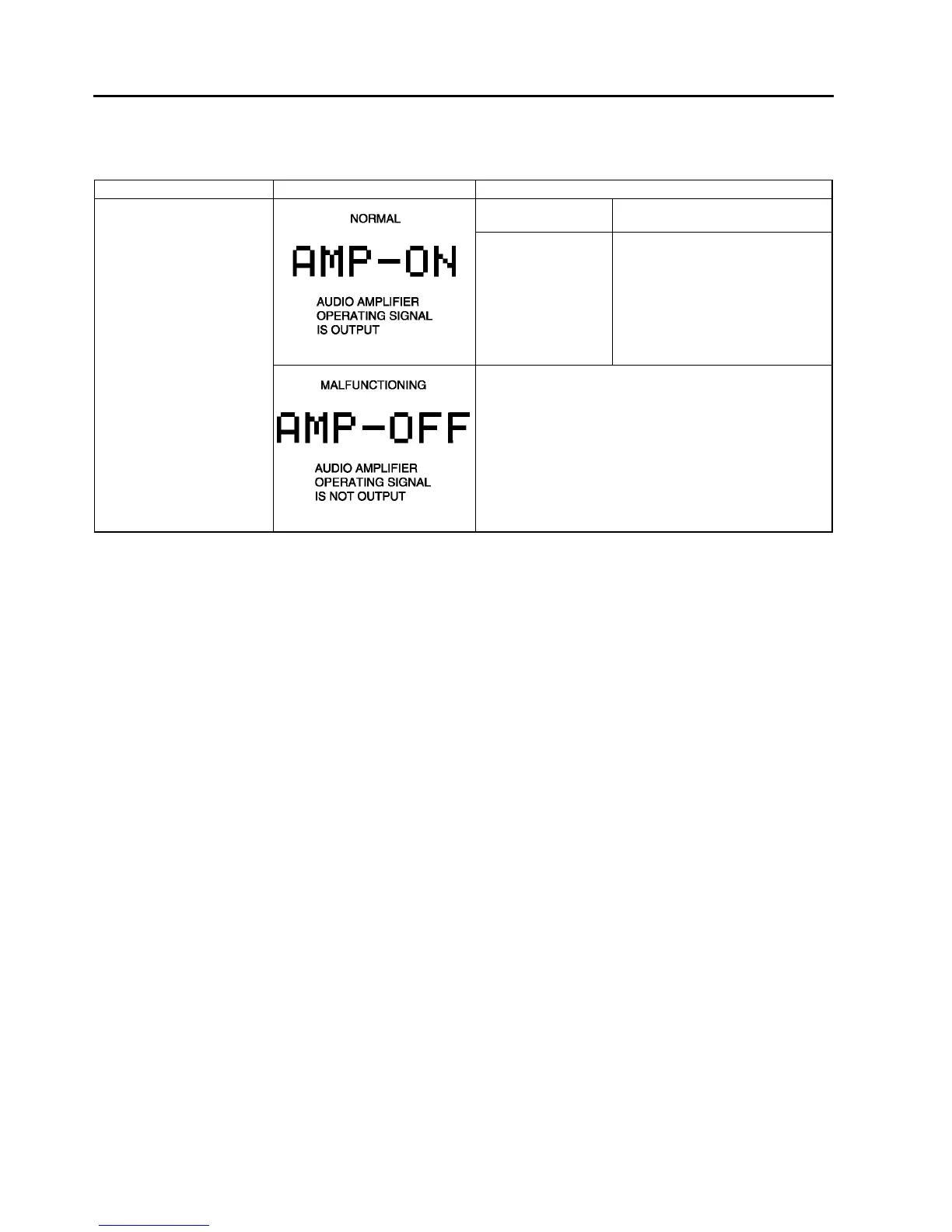
Audio Amplifier (External) Inspection
1. With audio on, first press the POWER button, then simultaneously press the SCAN button for approximately 1
second.
2. Inspect the audio amplifier (external) according to the following table:
3. Turn the audio off or the ignition switch to the LOCK position to stop the diagnostic assist function.
End Of Sie
Inspection Display Action
Start audio amplifier
(external) inspection mode.
Speakers output
sound.
System is okay.
Speakers do not
output sound.
Inspect following parts.
• Audio amplifier (external)
• Speakers
• Woofer relay
• Wiring harness
(base unit—audio amplifier
(external)—Woofer relay)
Replace base unit.



 To Next Page